Resume Examples
Find the right resume example for your job. Get key skills, clear guides, and expert tips to boost your chances.
Create my resumeTop 12 Most Viewed Resume Examples
Picked for how well they work with recruiters.
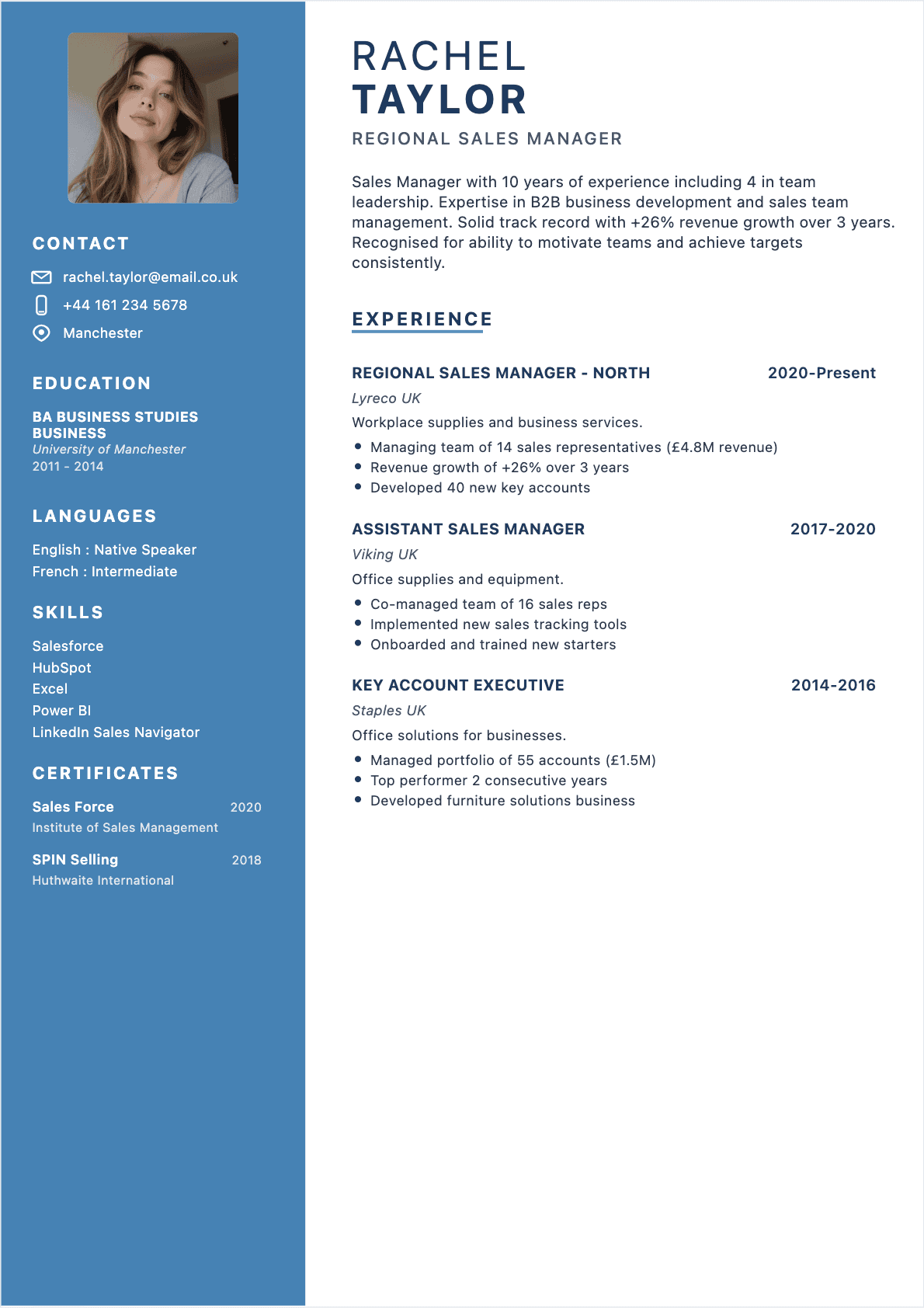
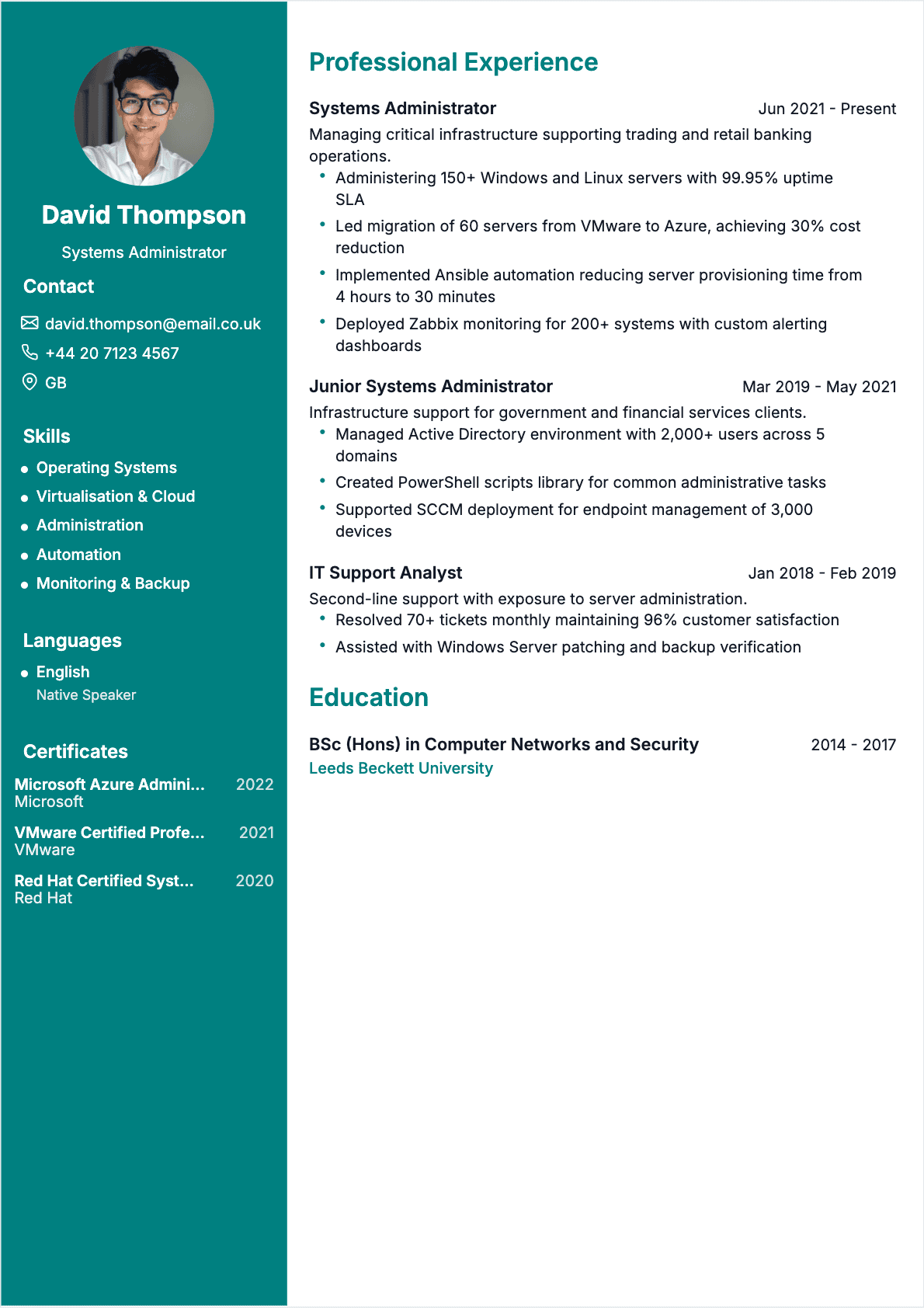
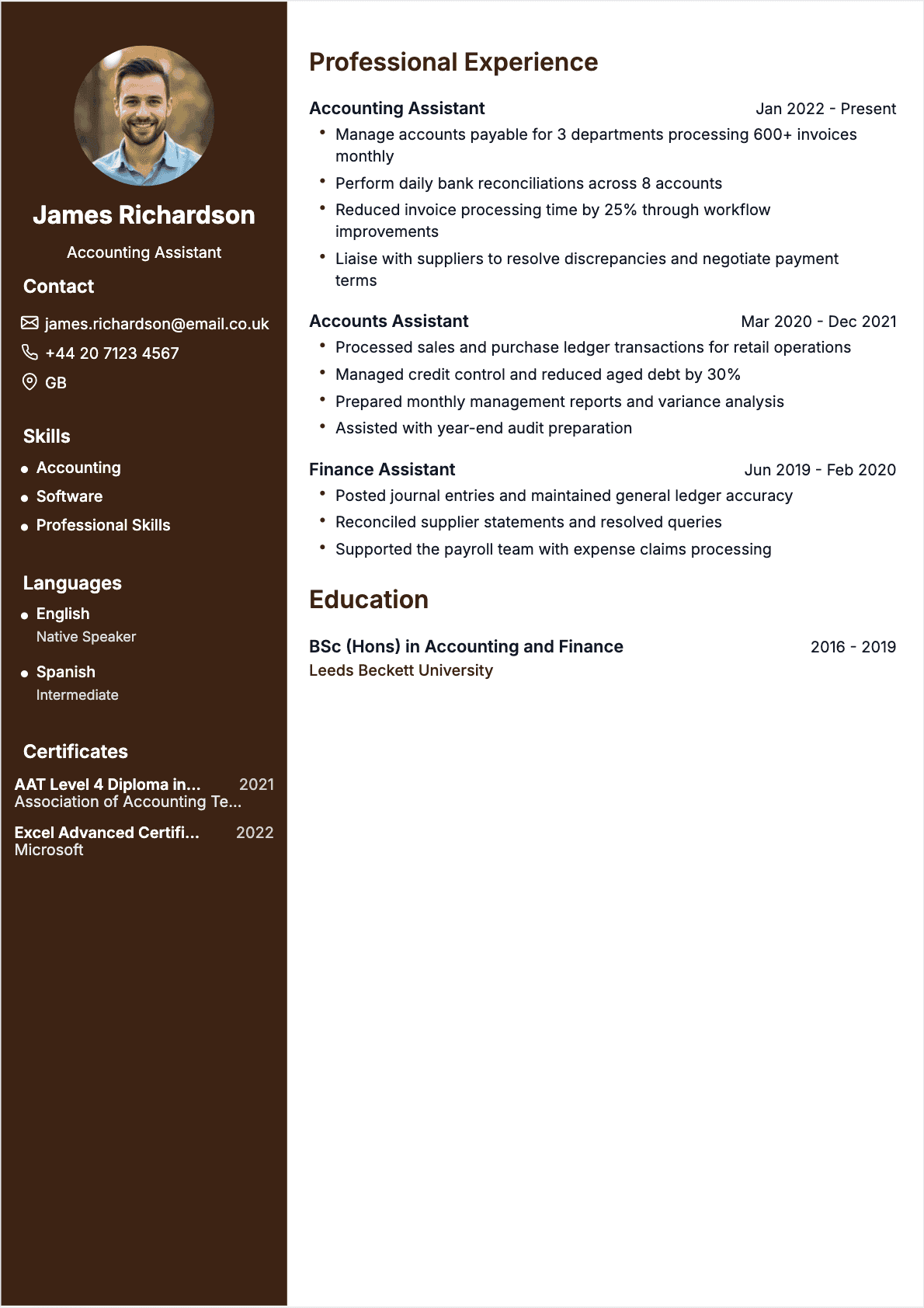
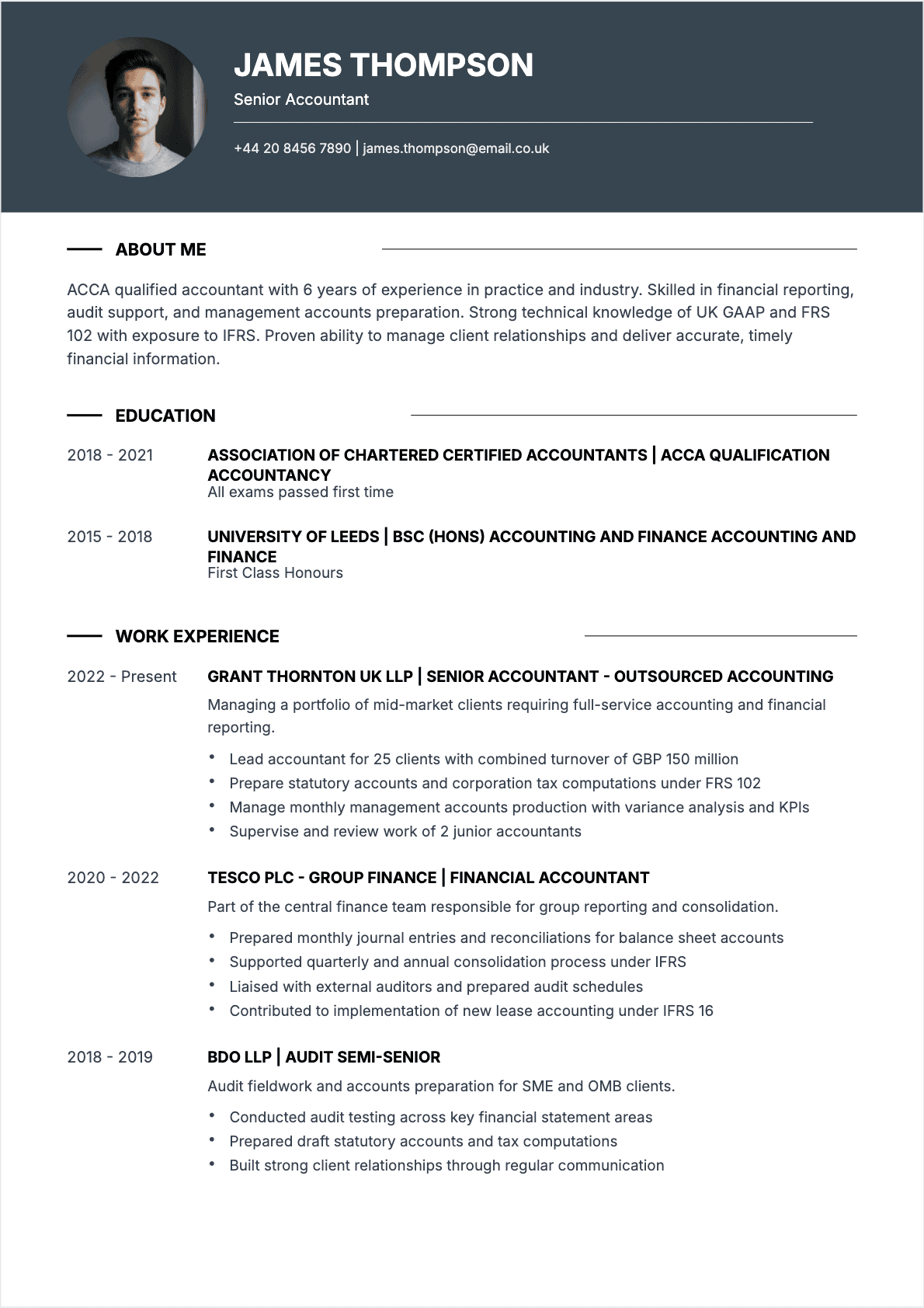
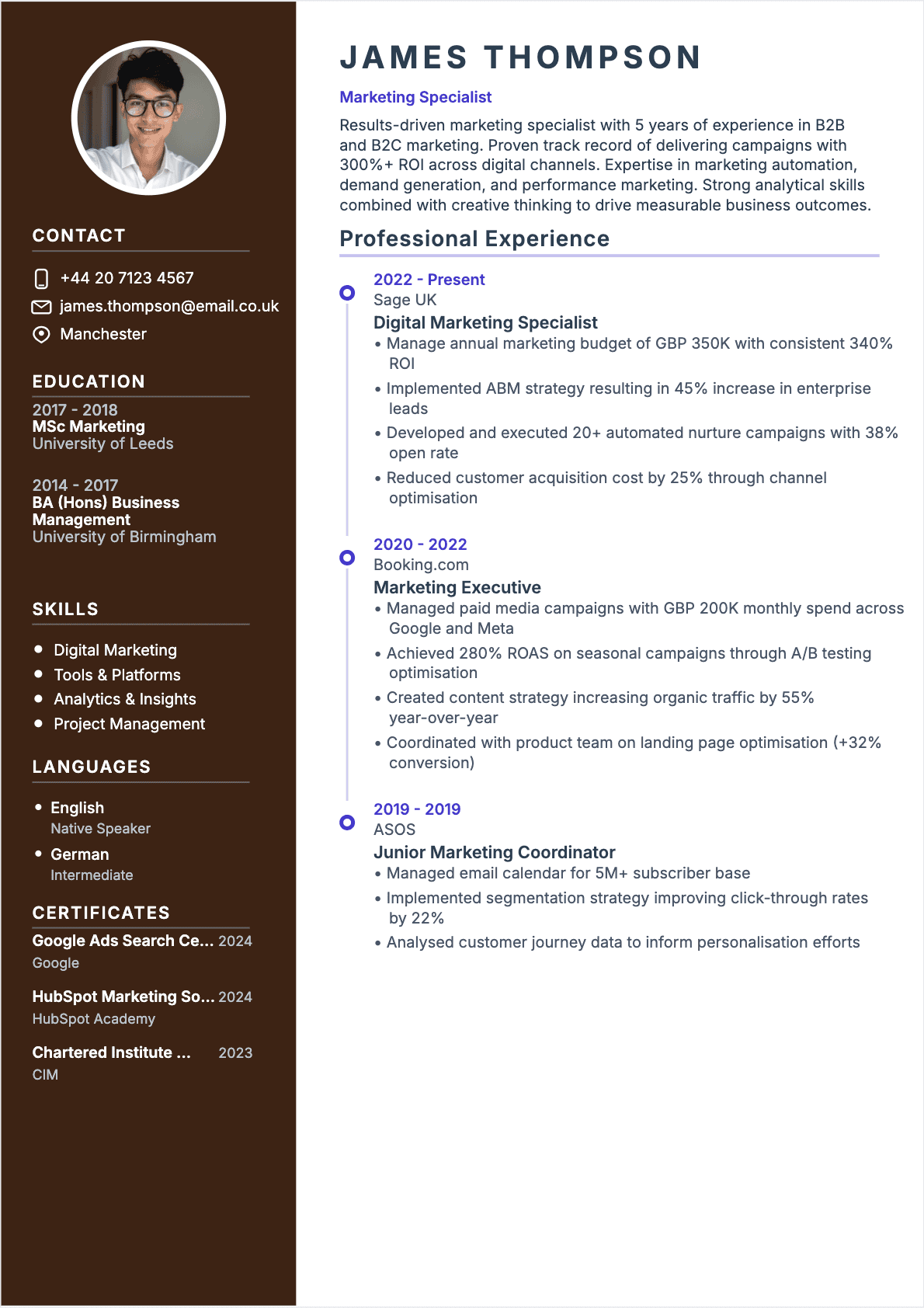
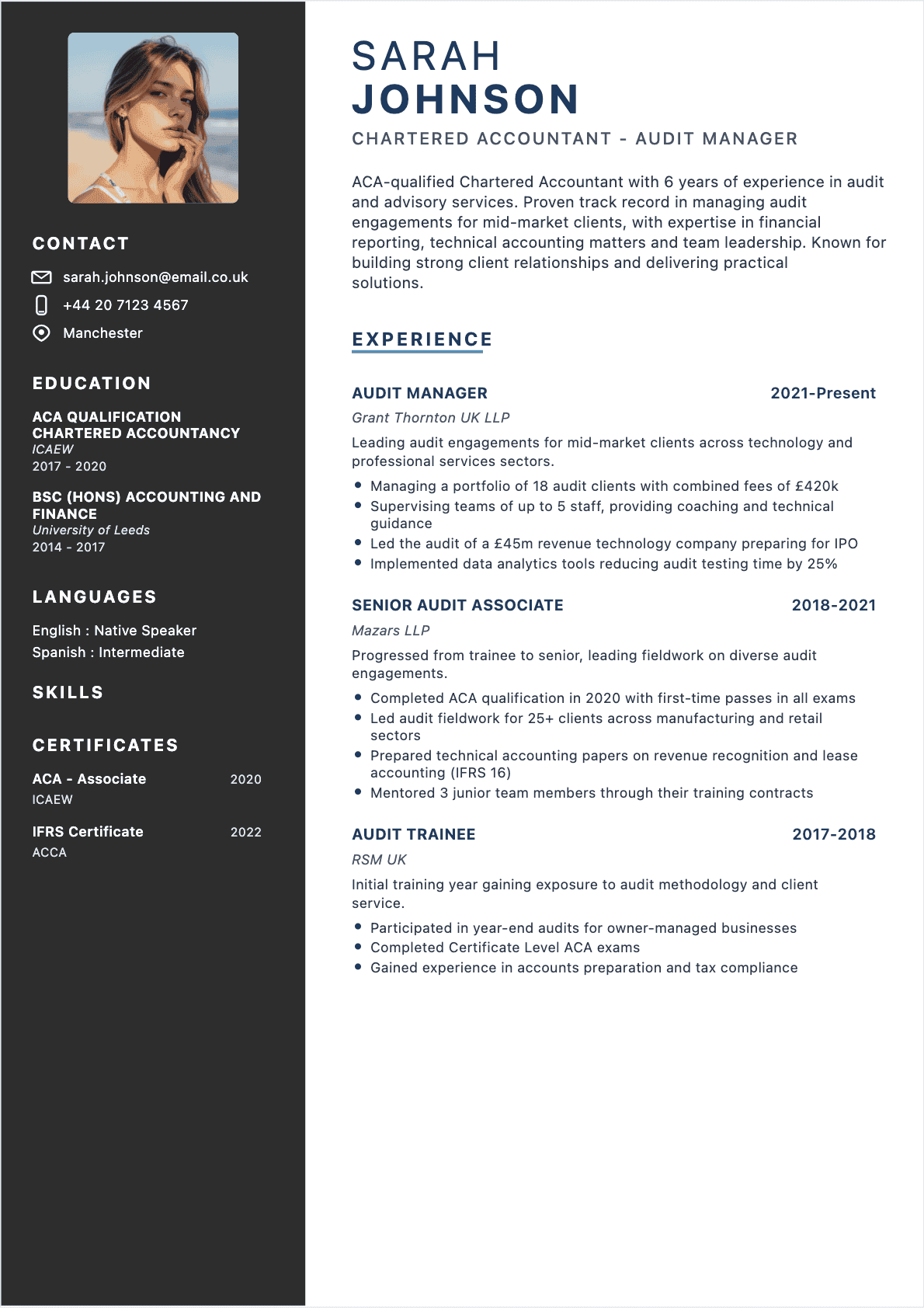
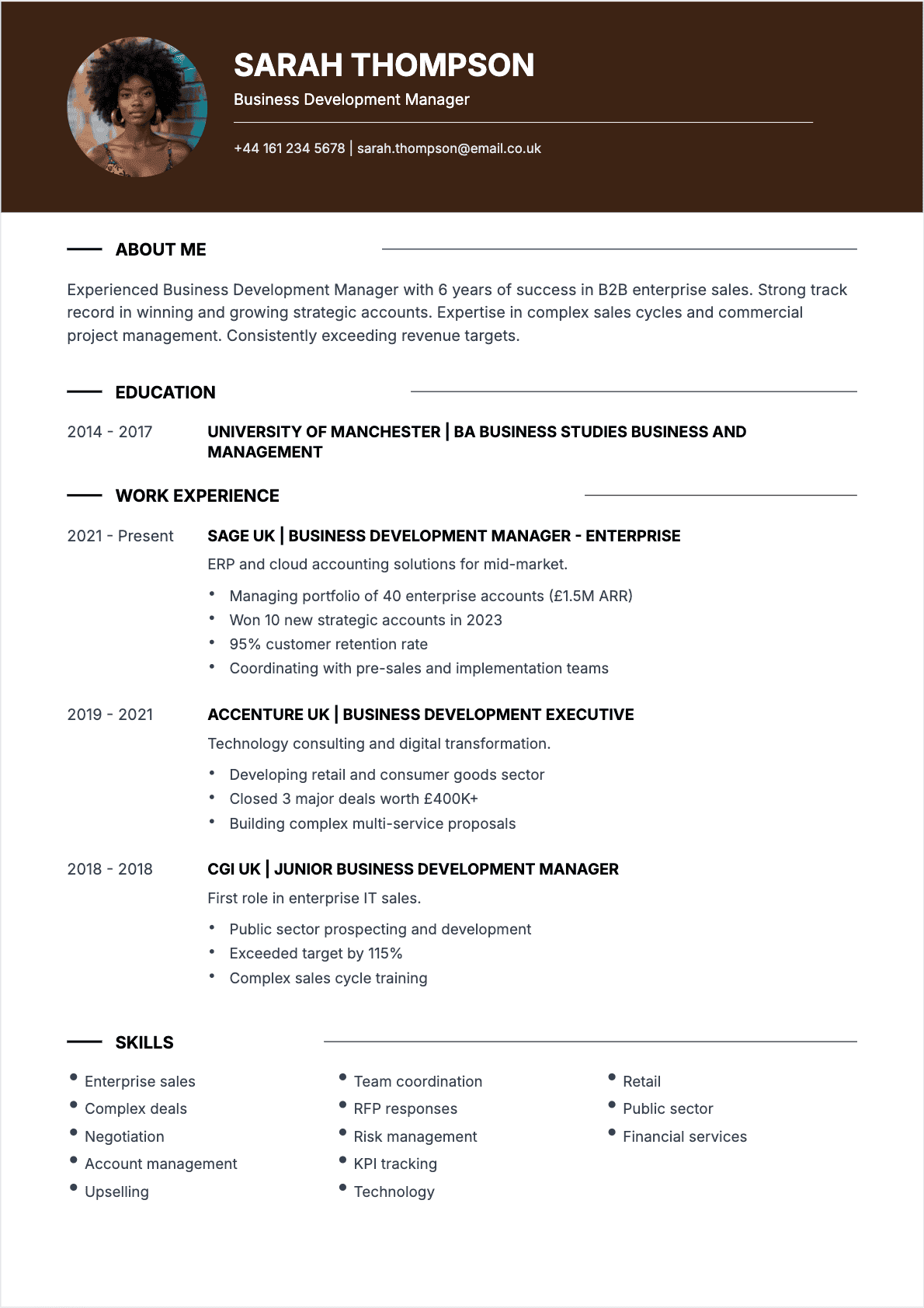
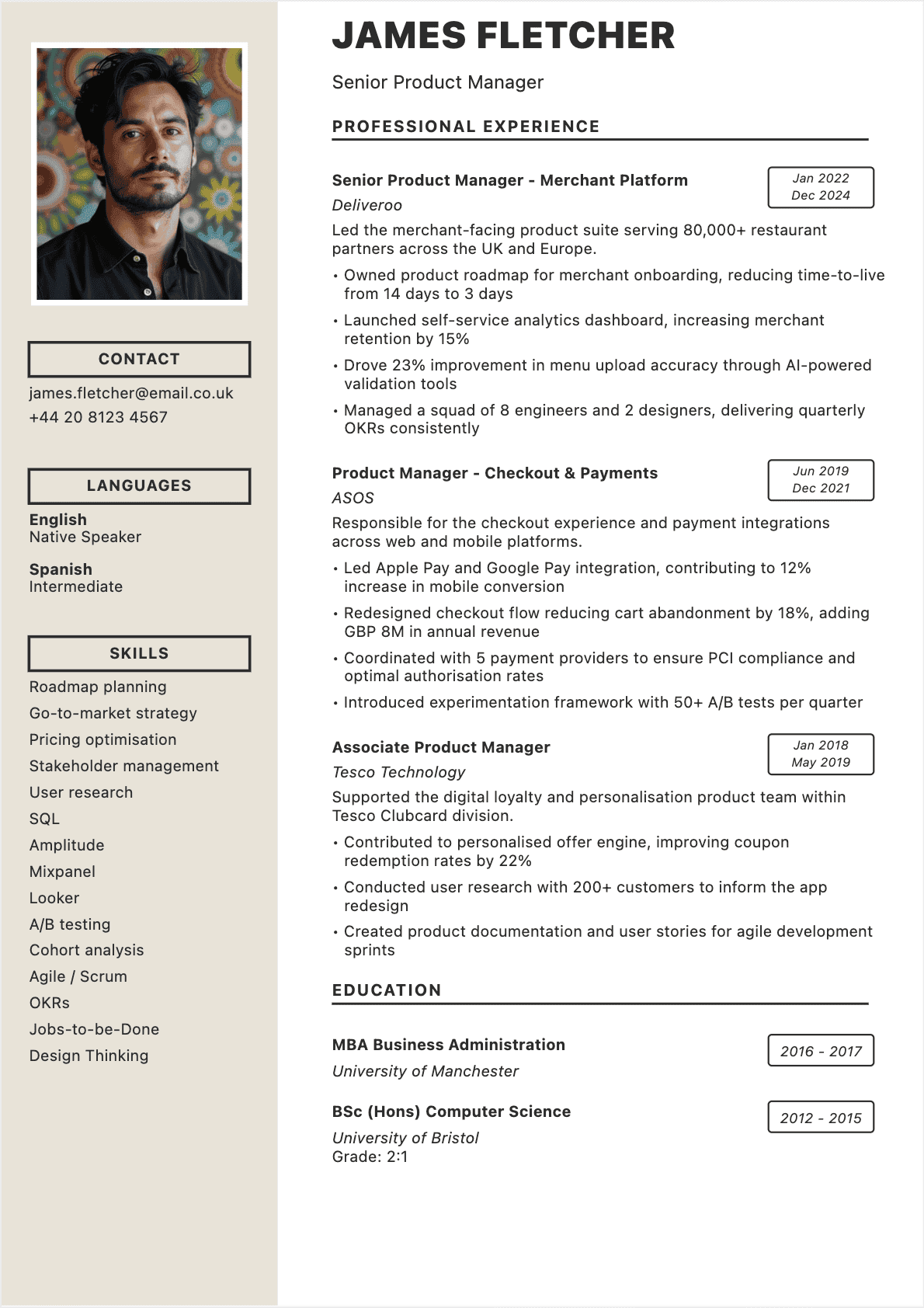
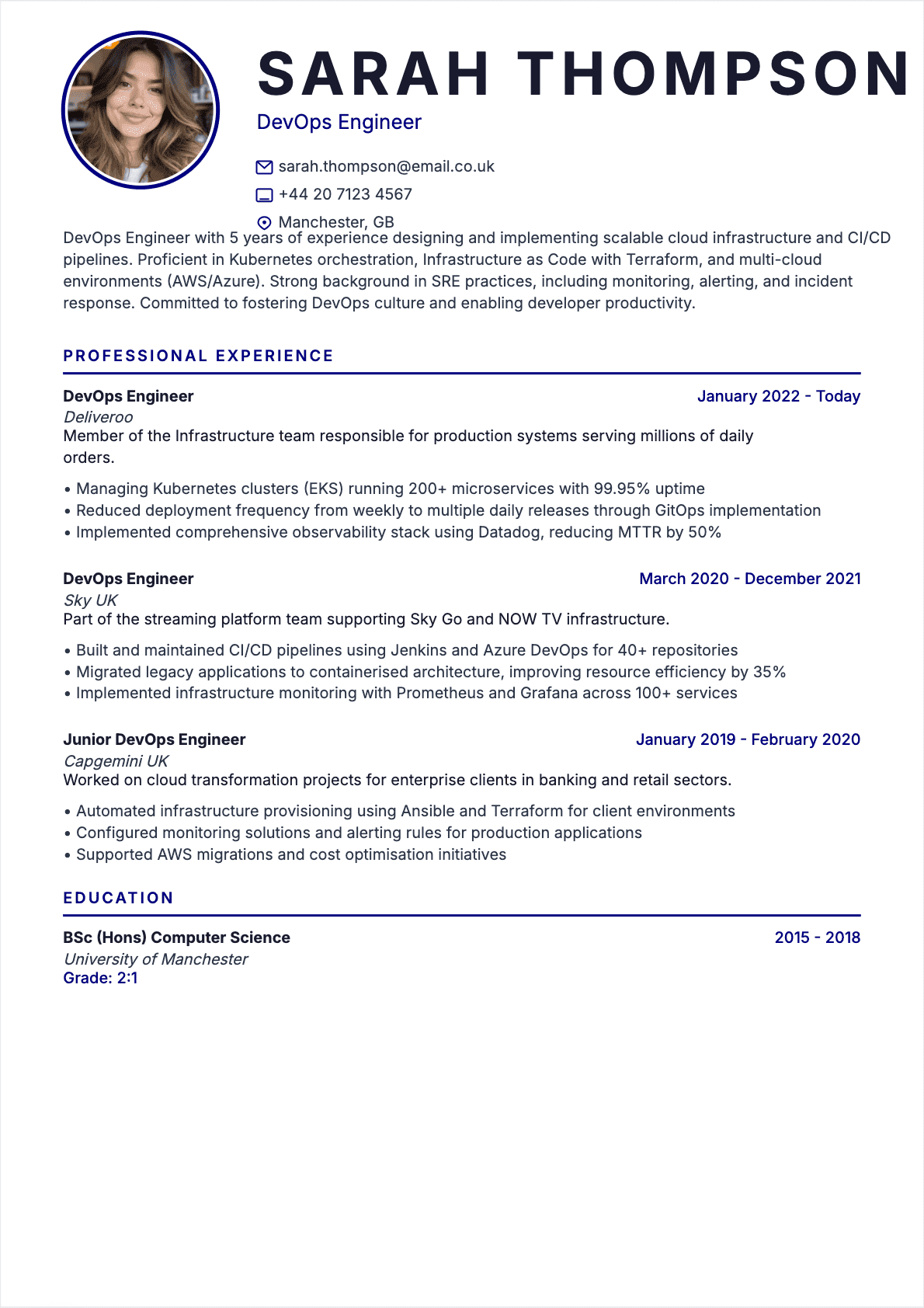
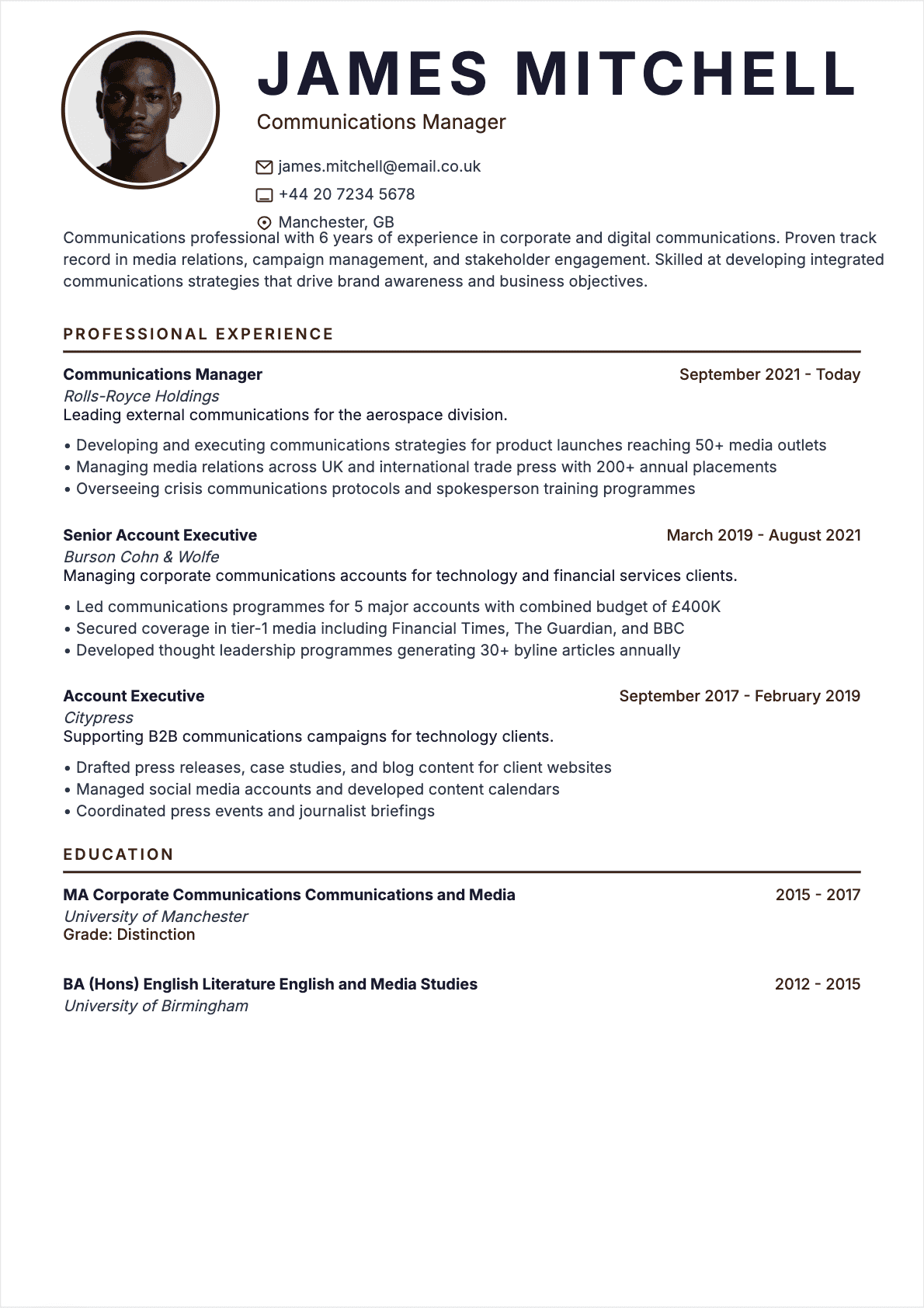
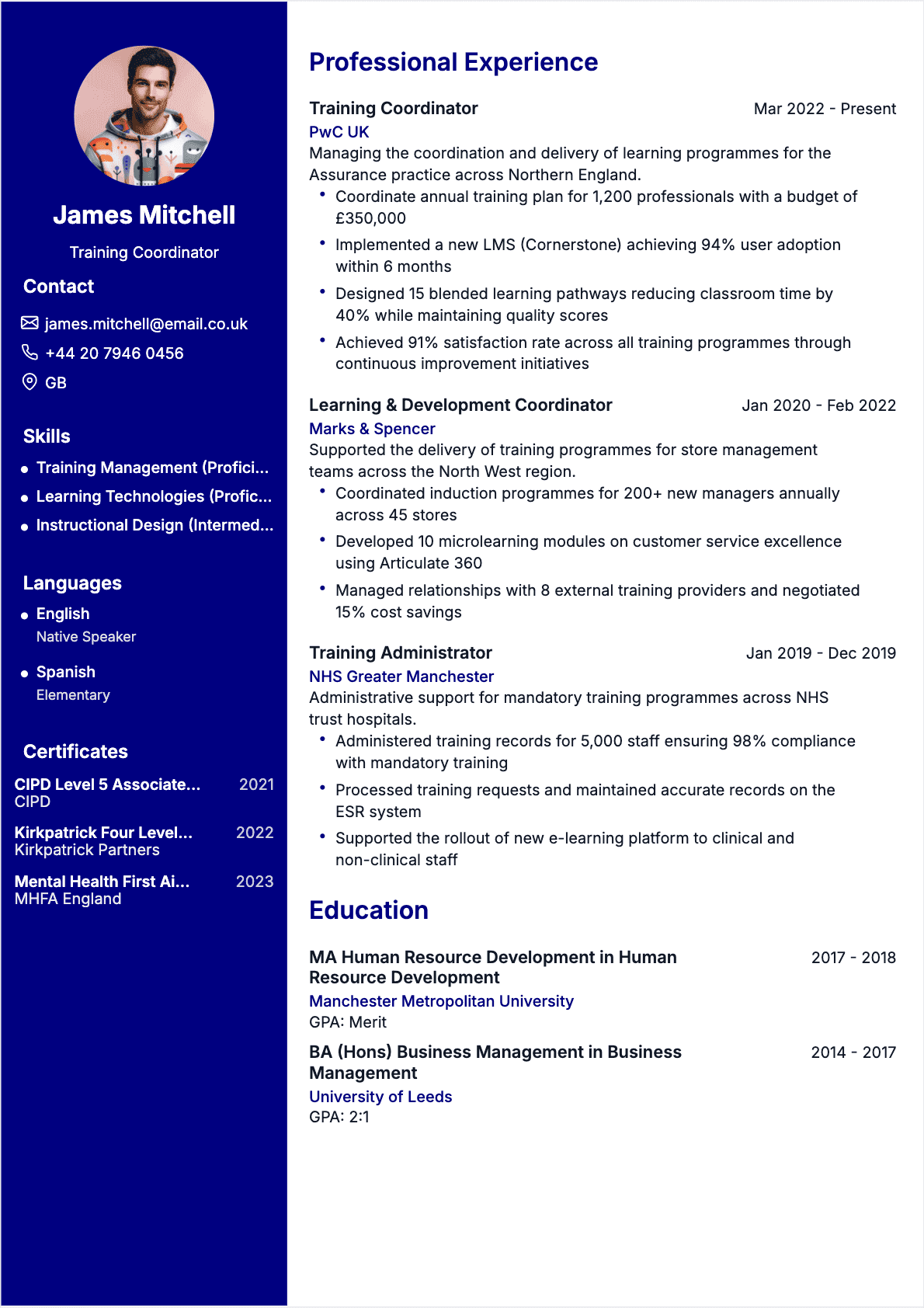
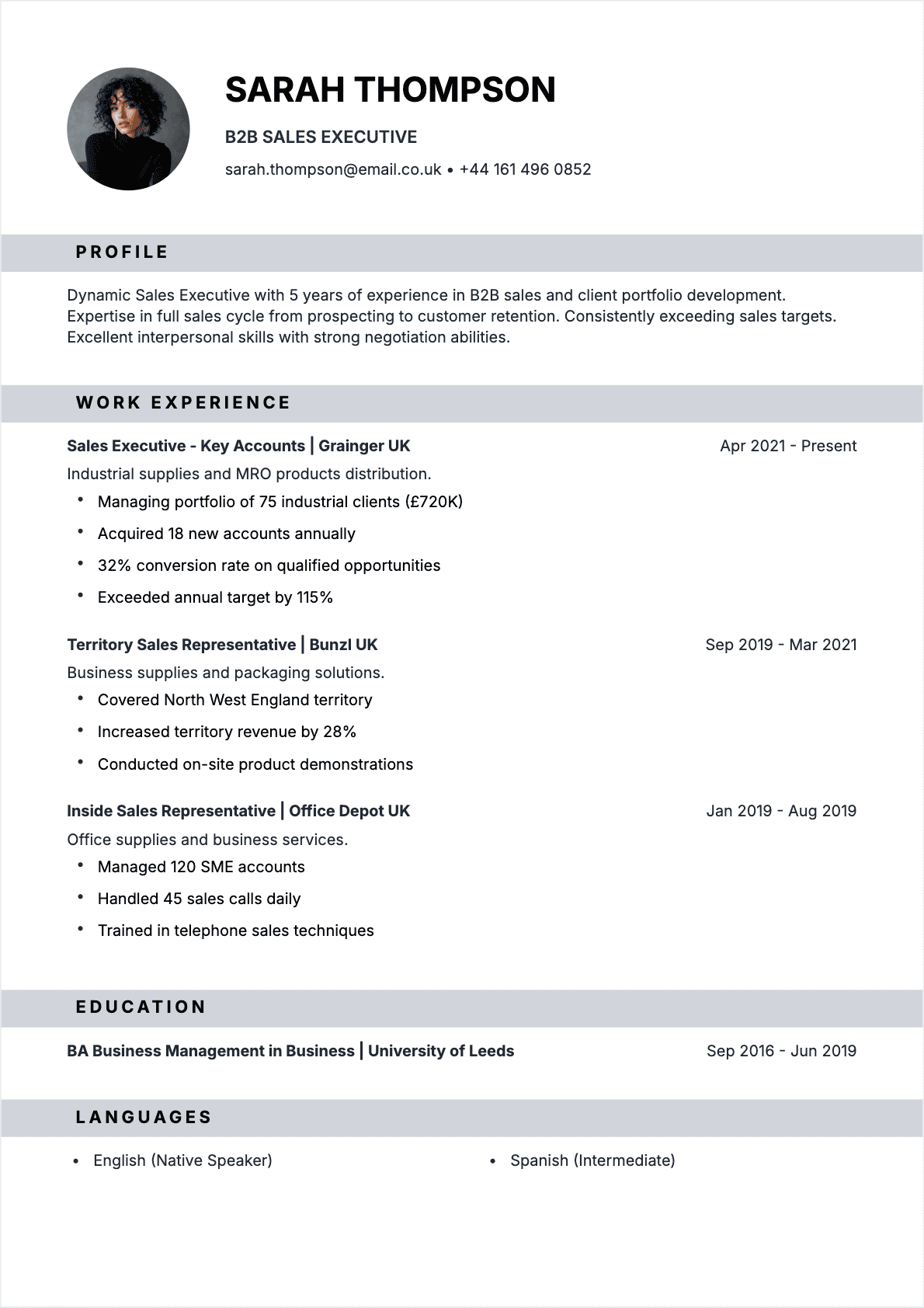
Sales & Business
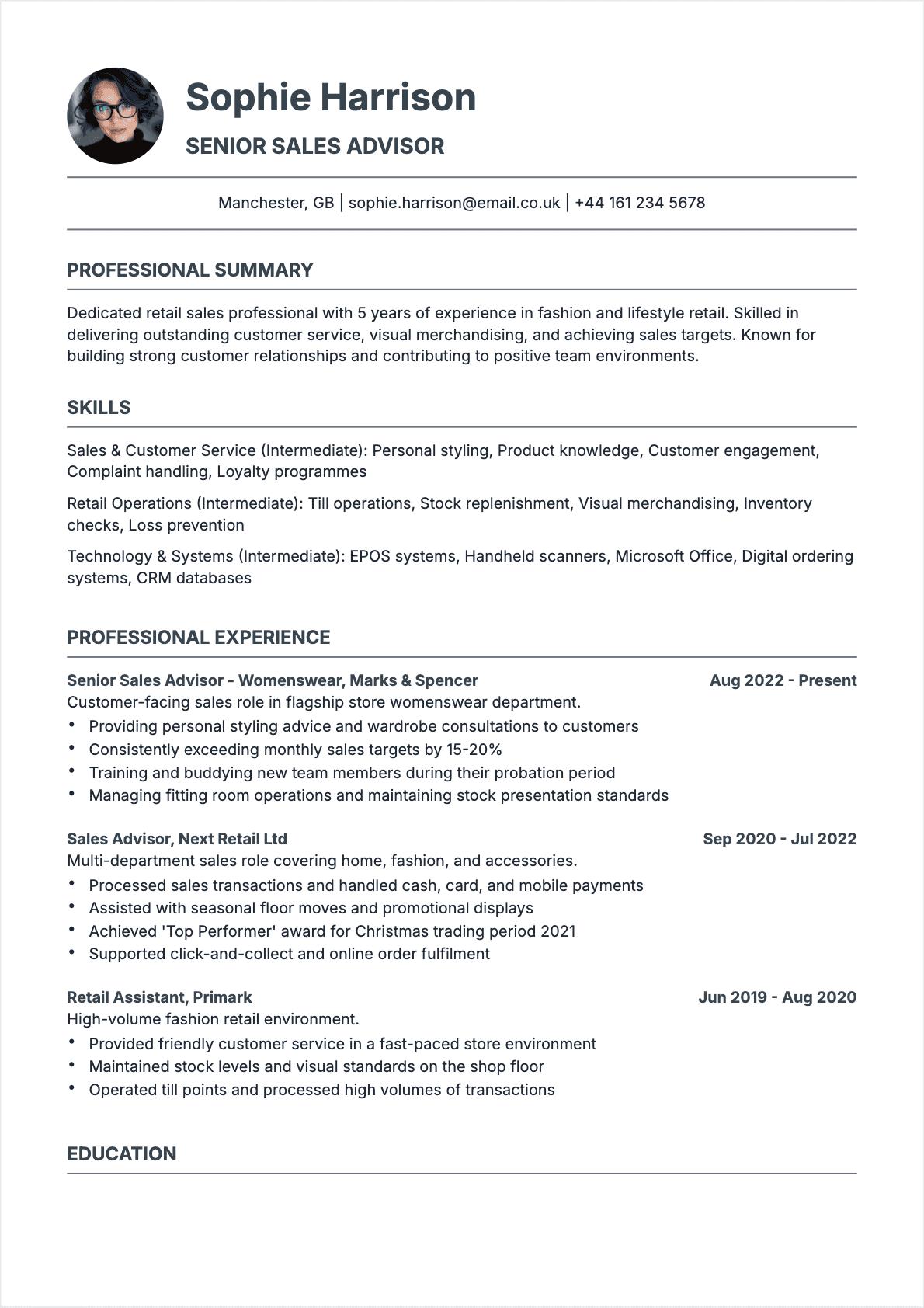
Sales resume examples that show how to highlight wins, close rates, and revenue growth.
Accounting & Finance
Accounting resume examples that showcase CPA certifications, key skills, and finance expertise.
Healthcare & Medical
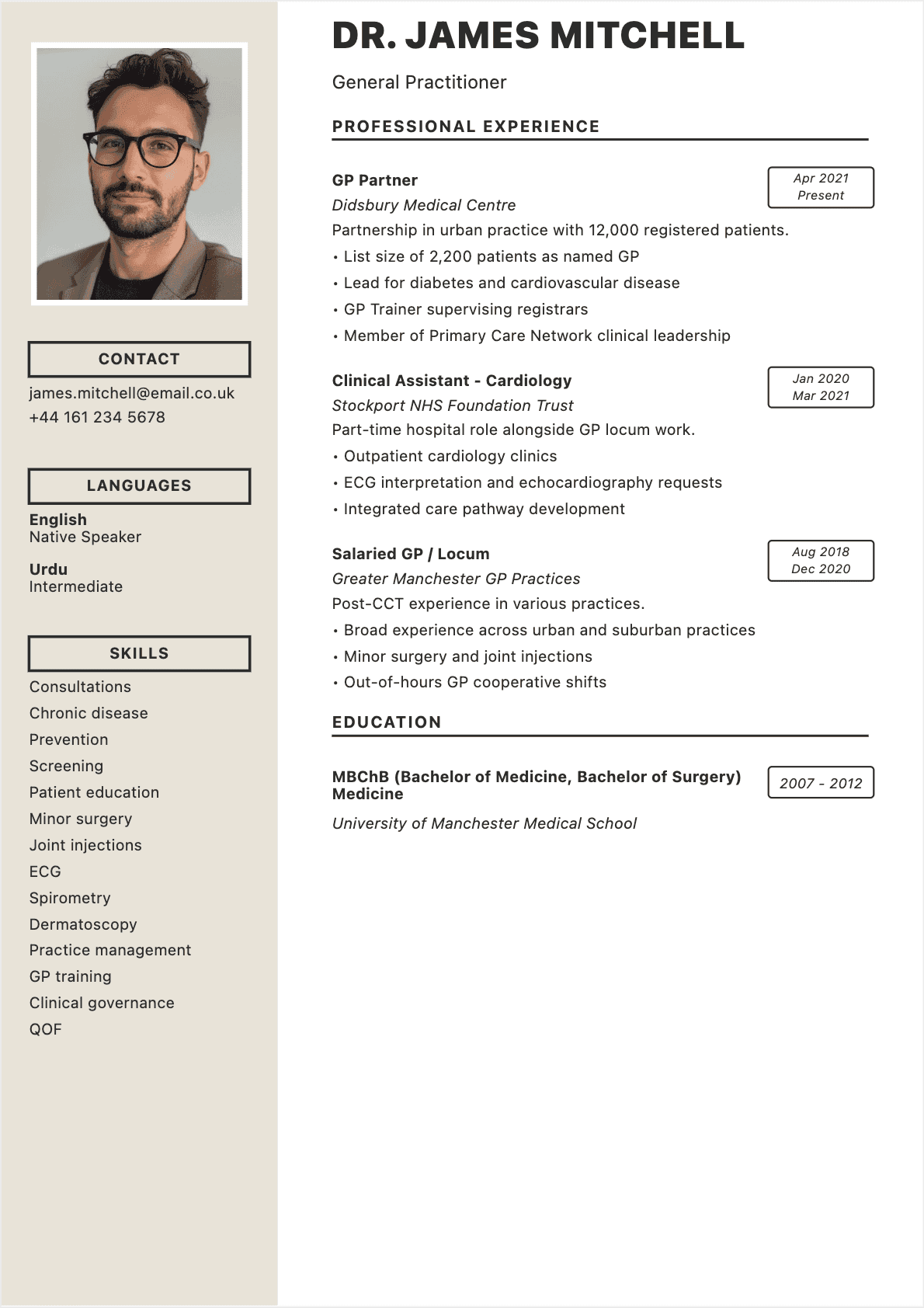
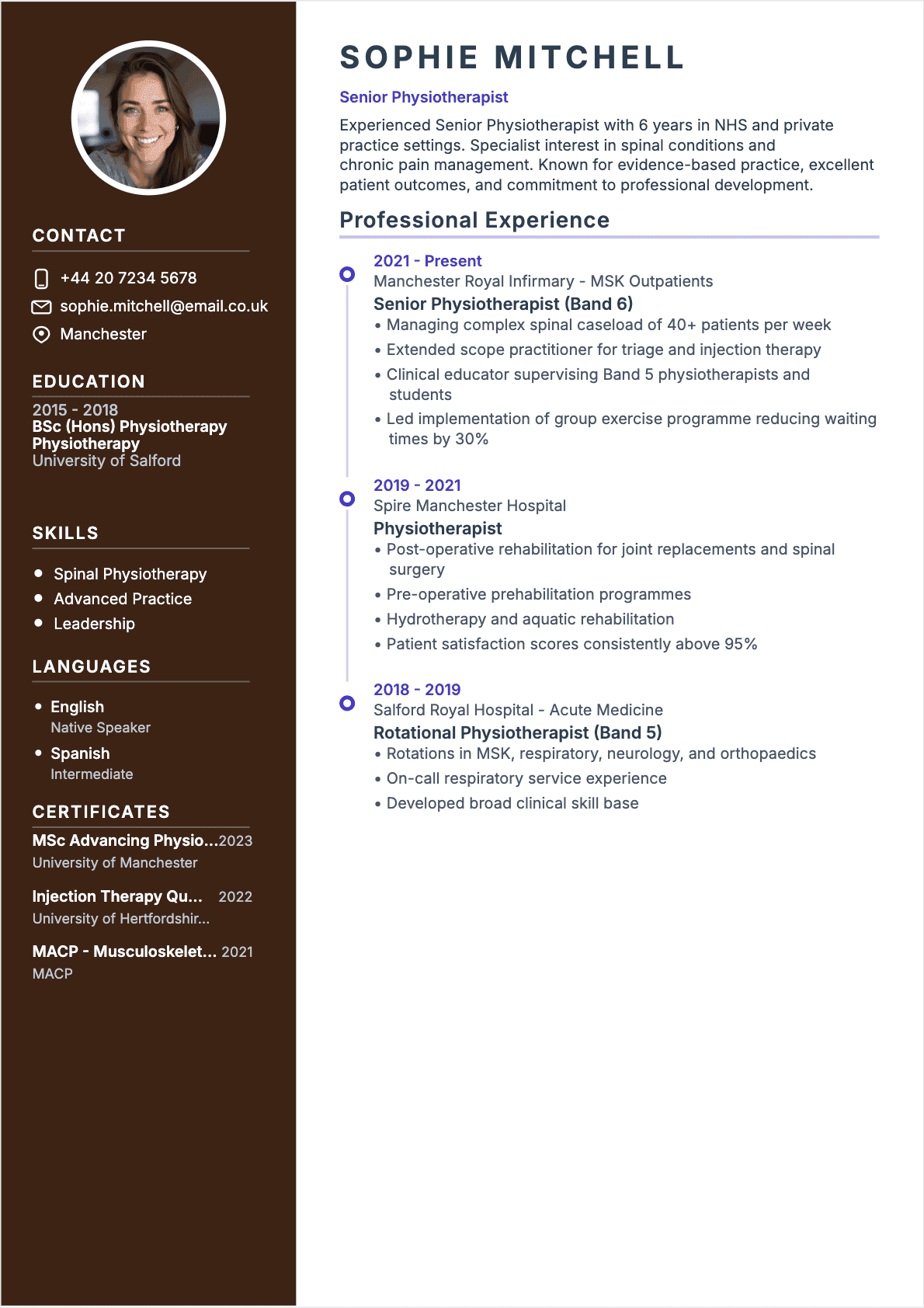
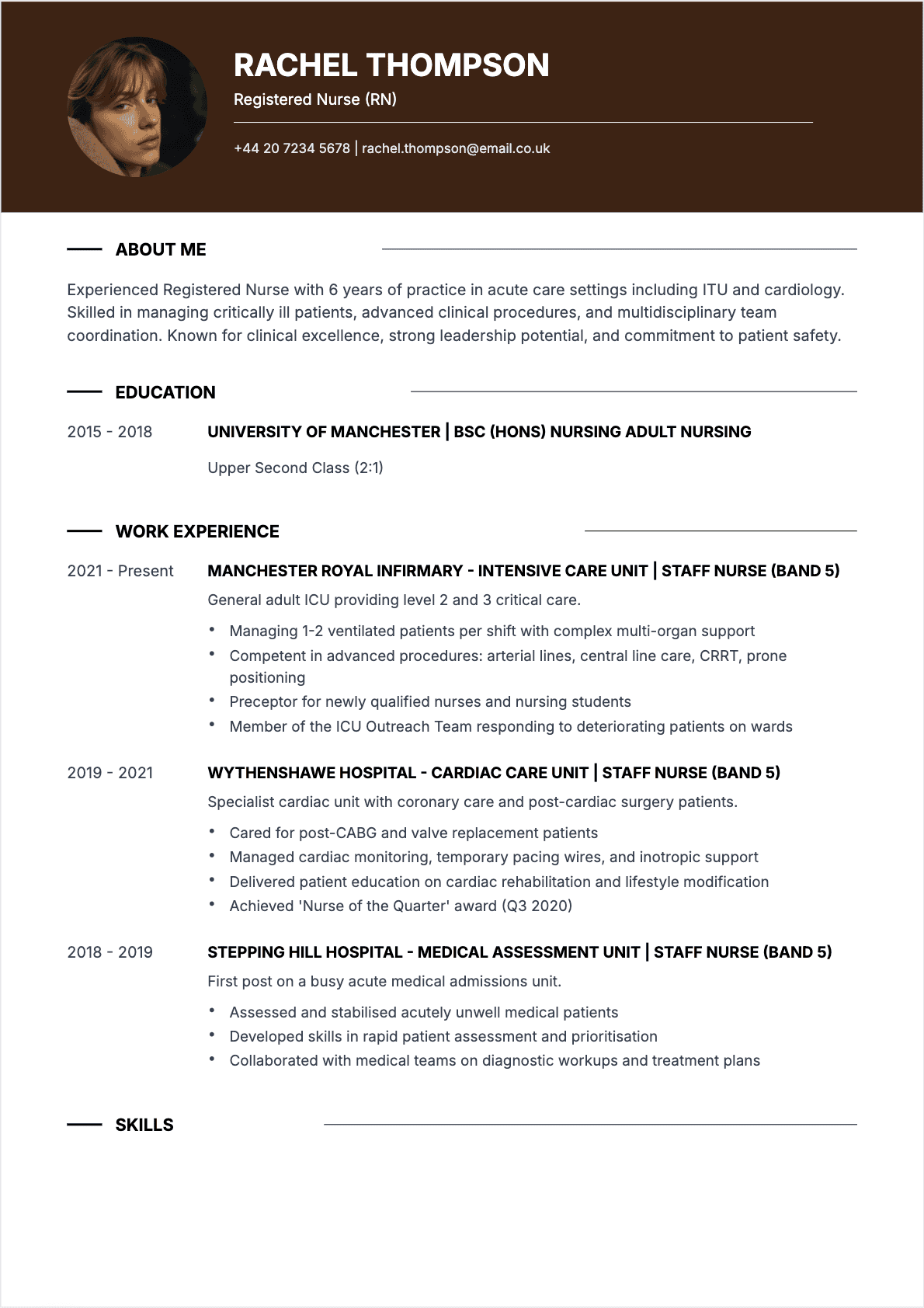
Healthcare resume examples for nurses, doctors, and medical pros with patient care skills.
IT & Technology
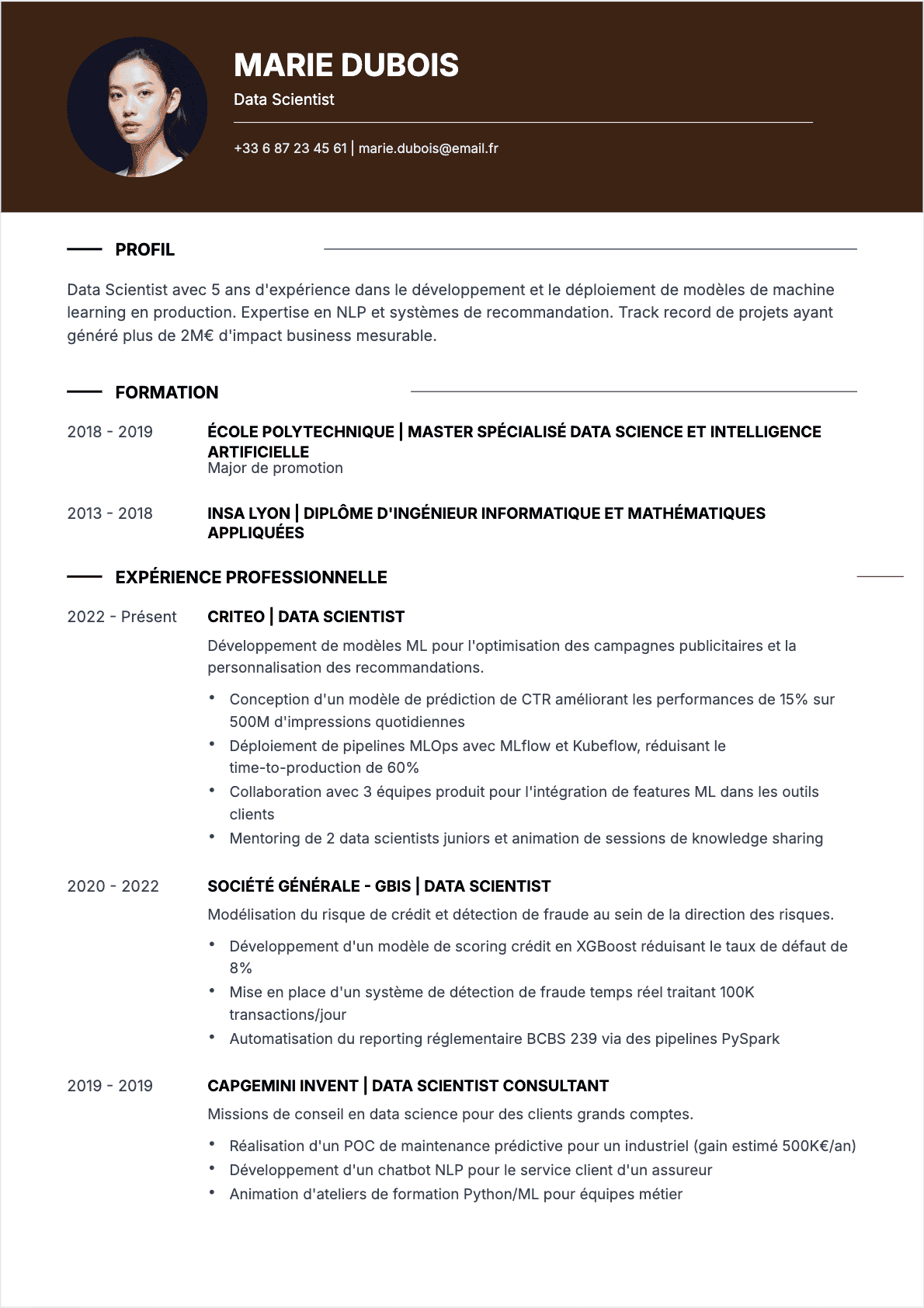
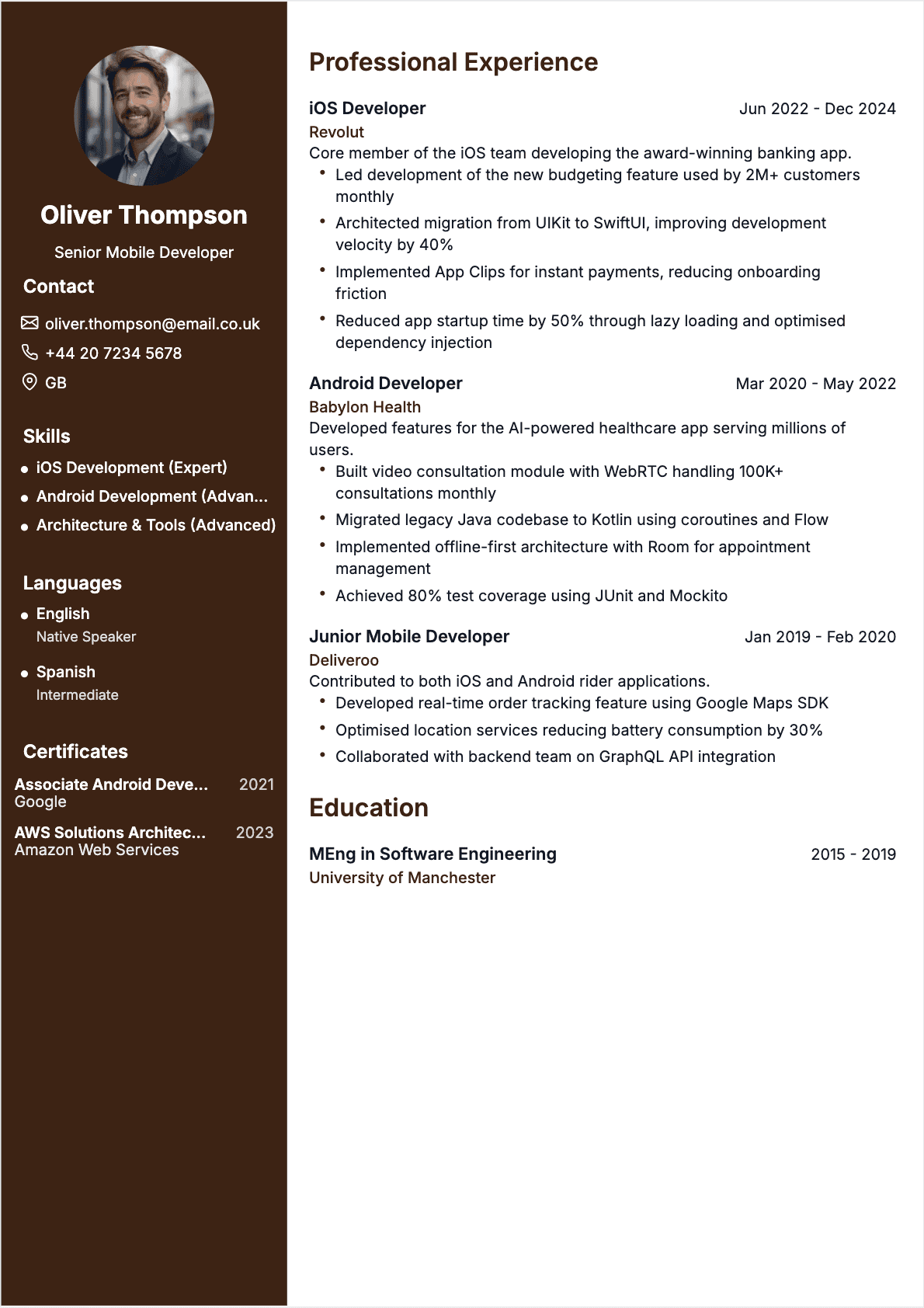
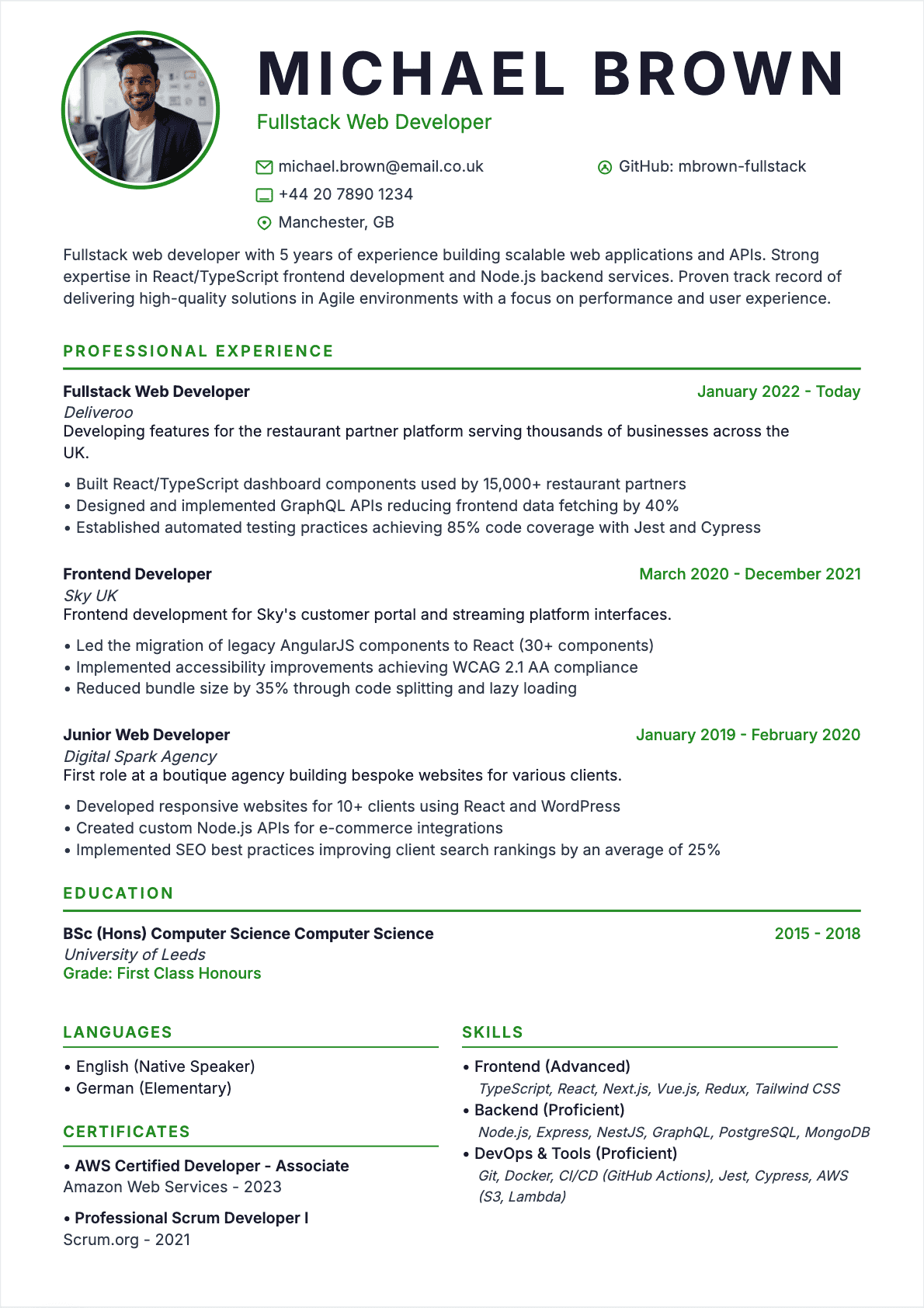
Tech resume examples for developers, data scientists, and IT pros. Show your tech stack and projects.
Human Resources
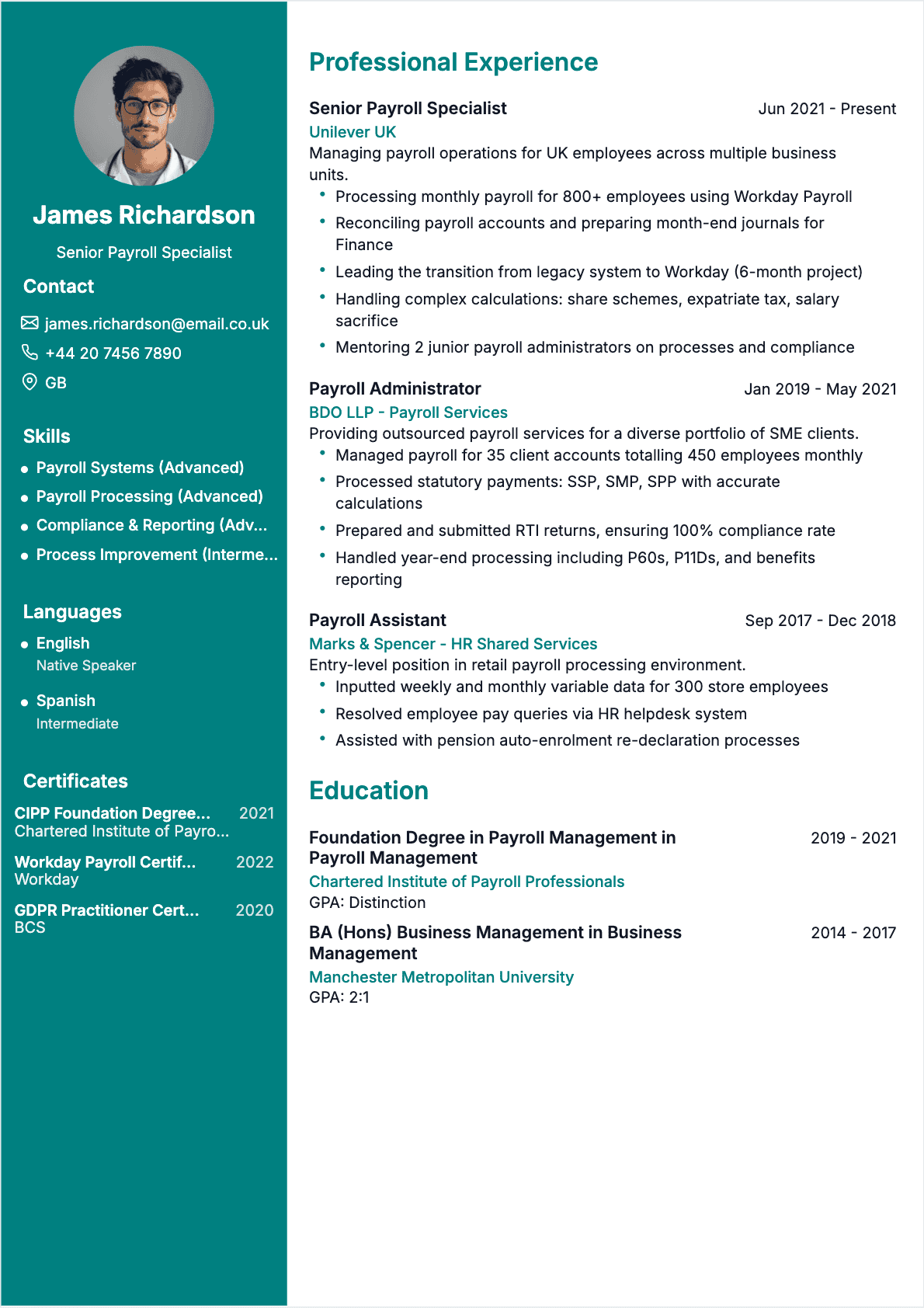
HR resume examples that highlight hiring strategies, talent plans, and team engagement results.
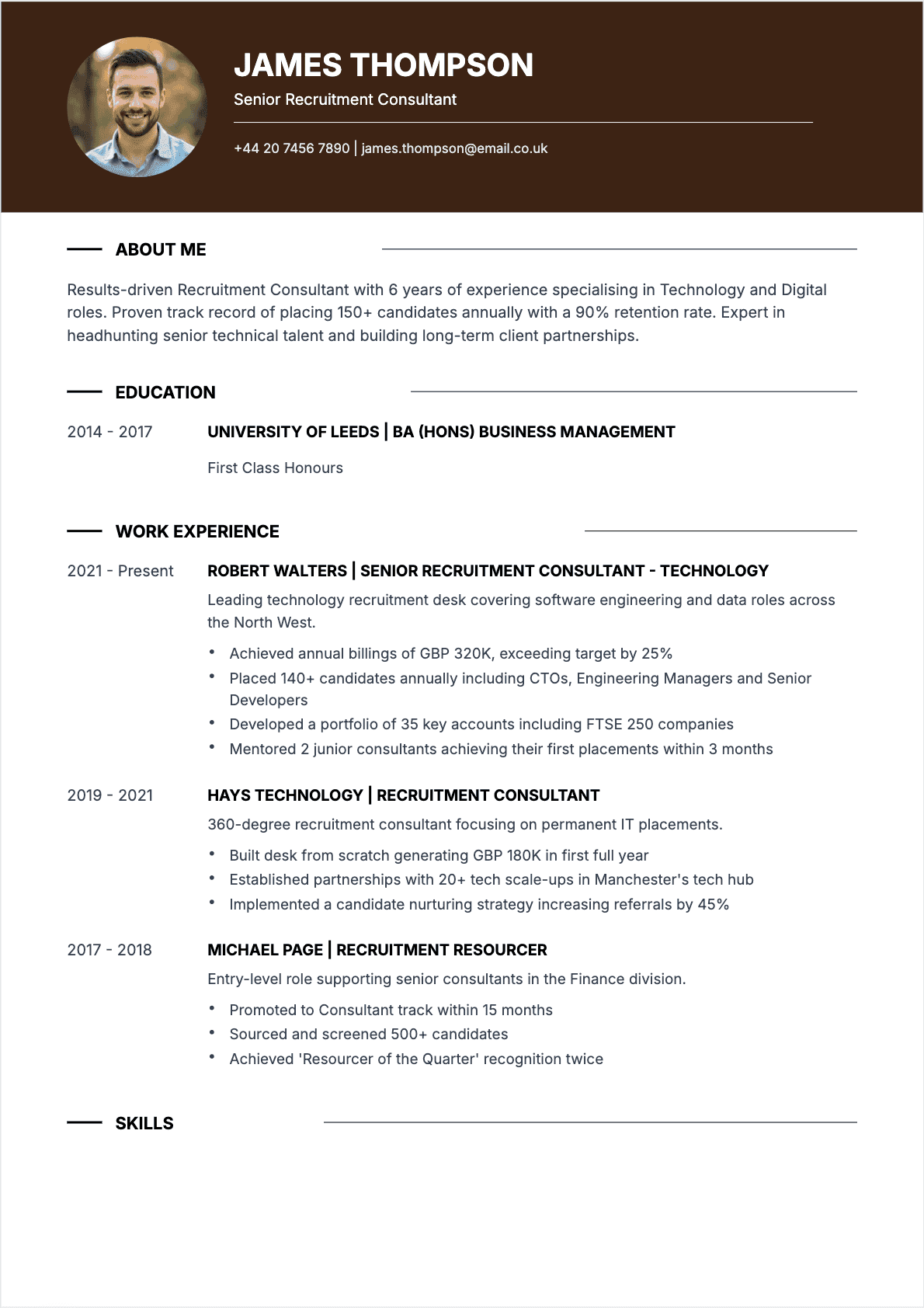
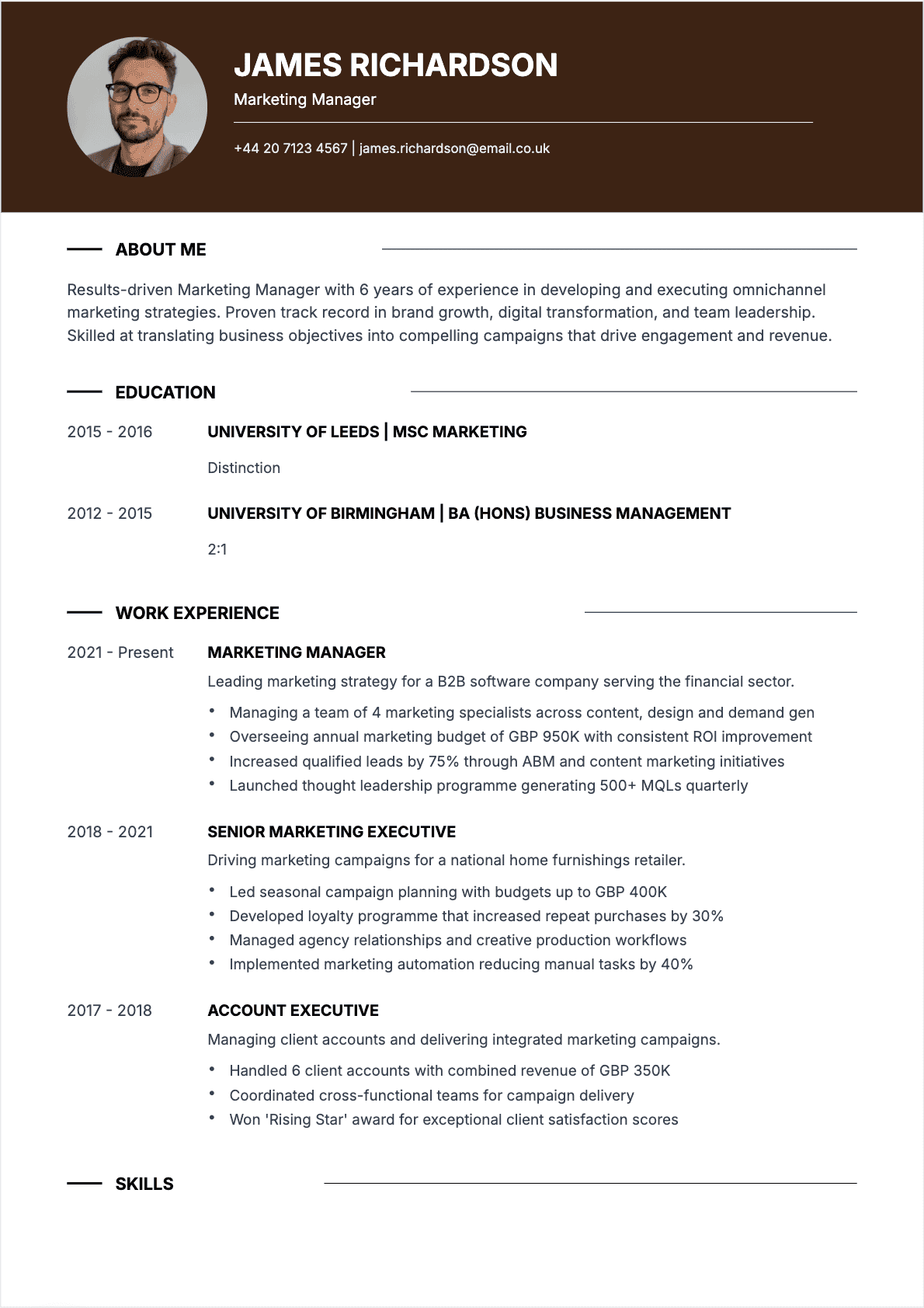
Marketing & Communications
Marketing resume examples that show off winning campaigns, digital plans, and clear ROI.
Resume Examples by Job: 150+ Pro CV Examples
Browse over 150 resume examples sorted by job and industry. Each one was written with hiring experts. It shows what recruiters really look for. Sales rep, accountant, nurse, web developer, or marketer: find the resume example for your role and use it to build your own.
Why Check Resume Examples Before You Write?
A real resume example shows what recruiters expect in your field. You see the must-have sections, the right order, the best keywords, and the right tone. Our job-specific resume examples show you how to pass ATS filters (Applicant Tracking Systems). These systems reject 75% of resumes in the first round.
Resume Examples for All Industries
We group our resume examples into 6 sectors: sales, accounting and finance, healthcare, IT and tech, human resources, and marketing. Each resume example lists the key skills for your job. It shows which experiences to highlight and the best layout to impress recruiters in your field.
What Our Resume Examples Include
- Real resume examples checked by active recruiters in each industry.
- Summaries and experience write-ups you can adapt to your background.
- The key sections in the best order for your specific job.
- Key skills and ATS keywords to use for your industry.
- Resume examples for all levels: entry-level, mid-career, and senior.
Resume Examples Made for ATS Software
Every resume example in our set includes the top keywords recruiters search for. Our resume examples use a clear layout that all ATS software can read. Pick the resume example for your job and adapt it to your background. This will boost your chances of getting called back.
Frequently Asked Questions About Resumes
Answers to the top questions from job seekers.