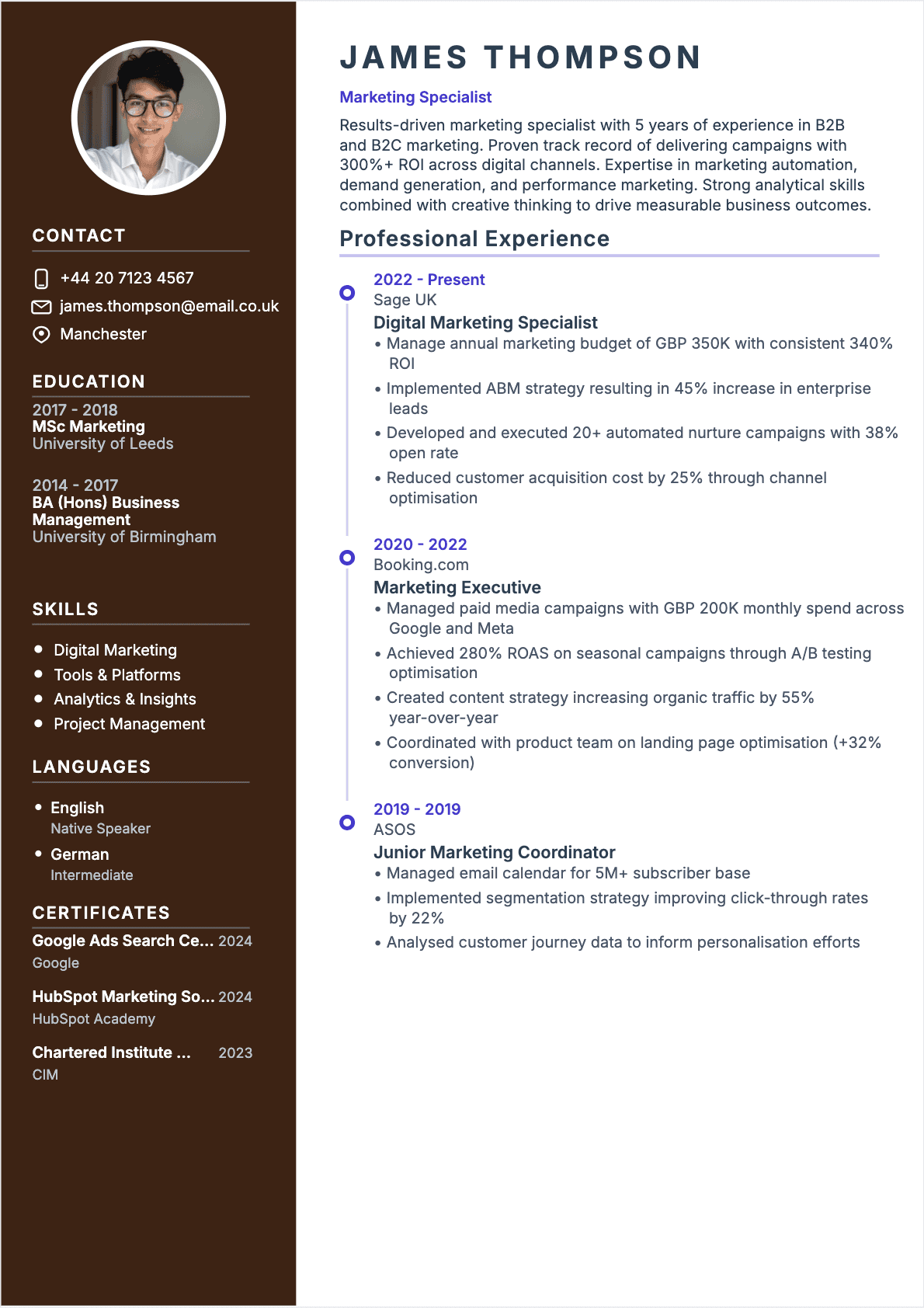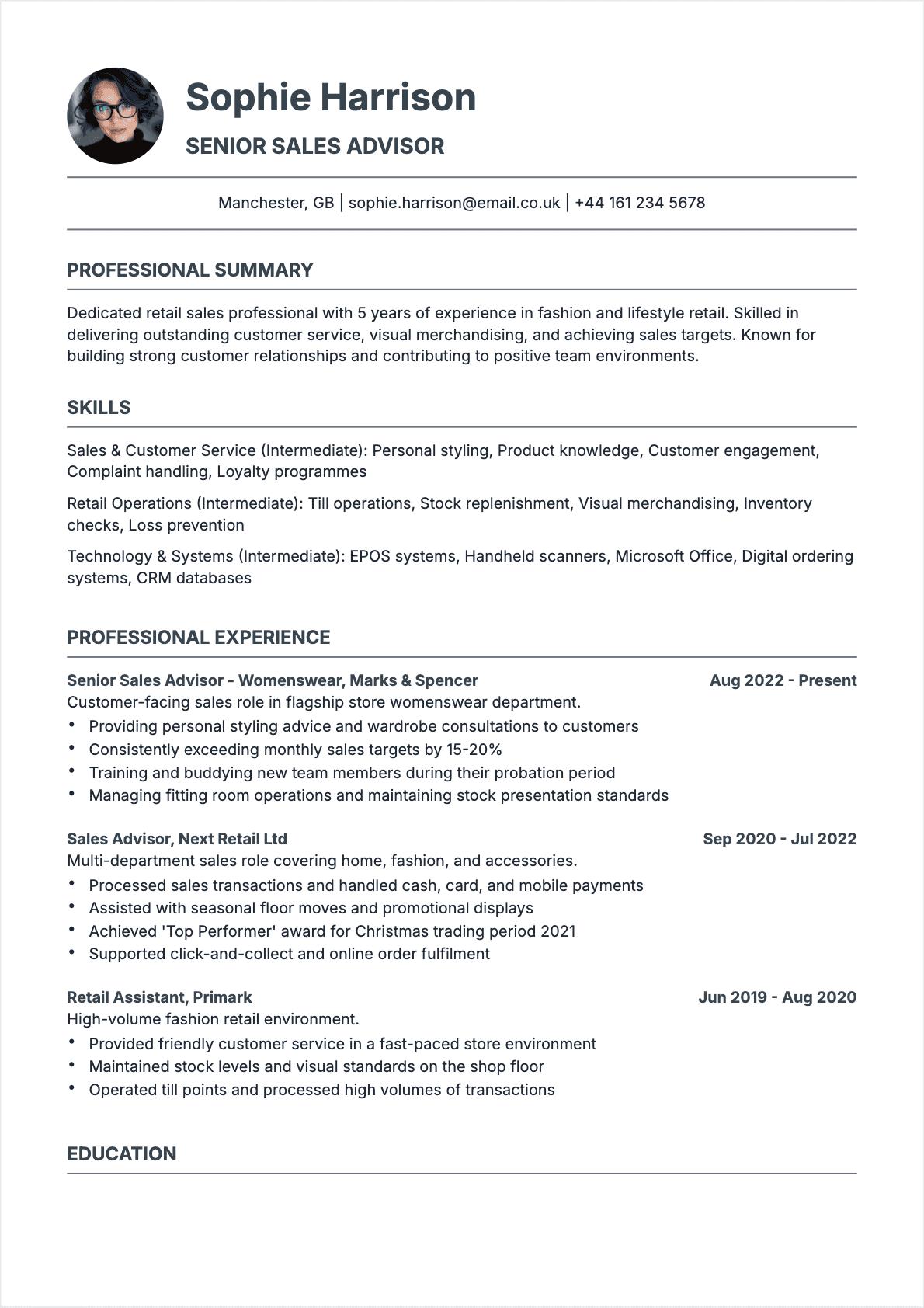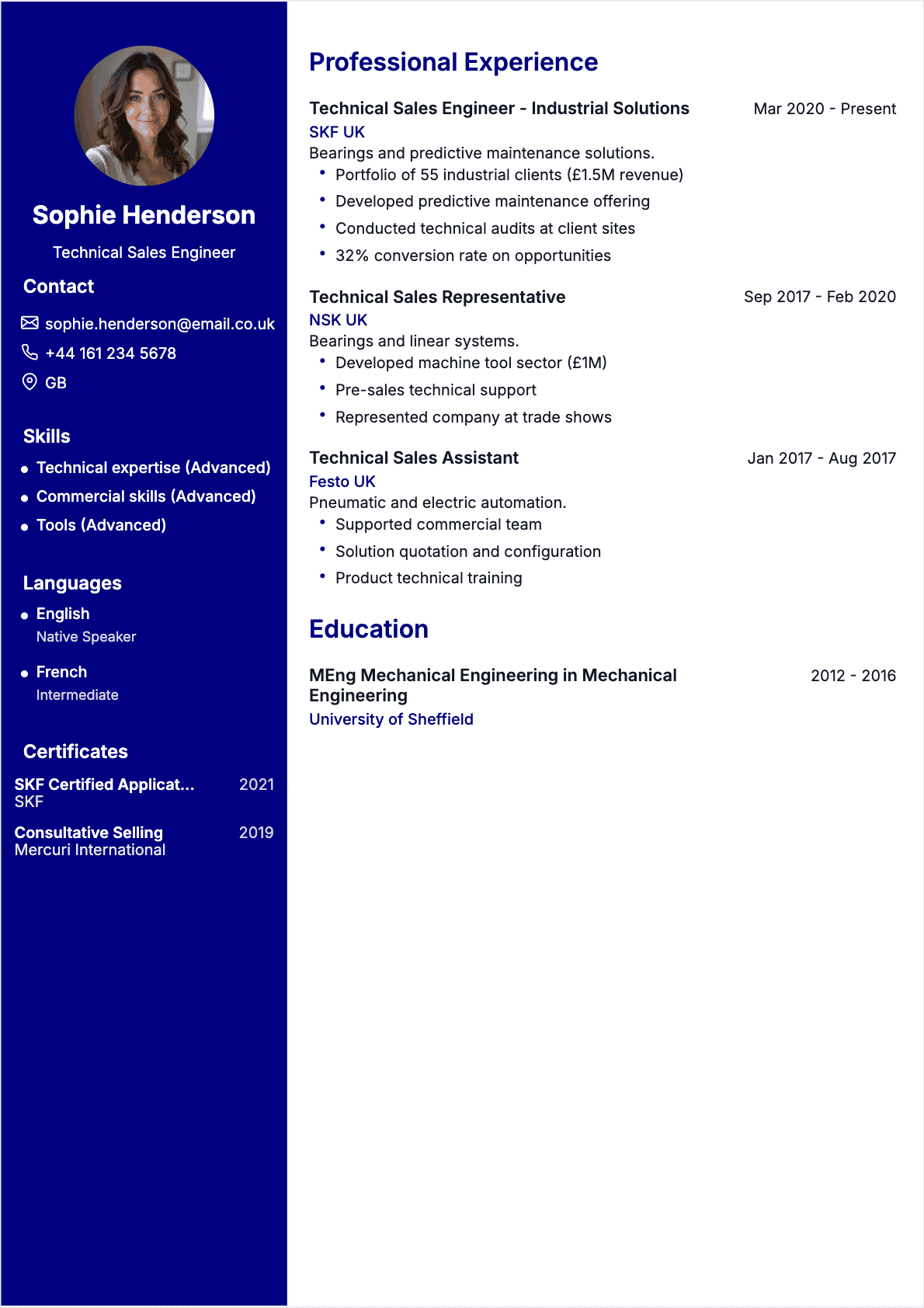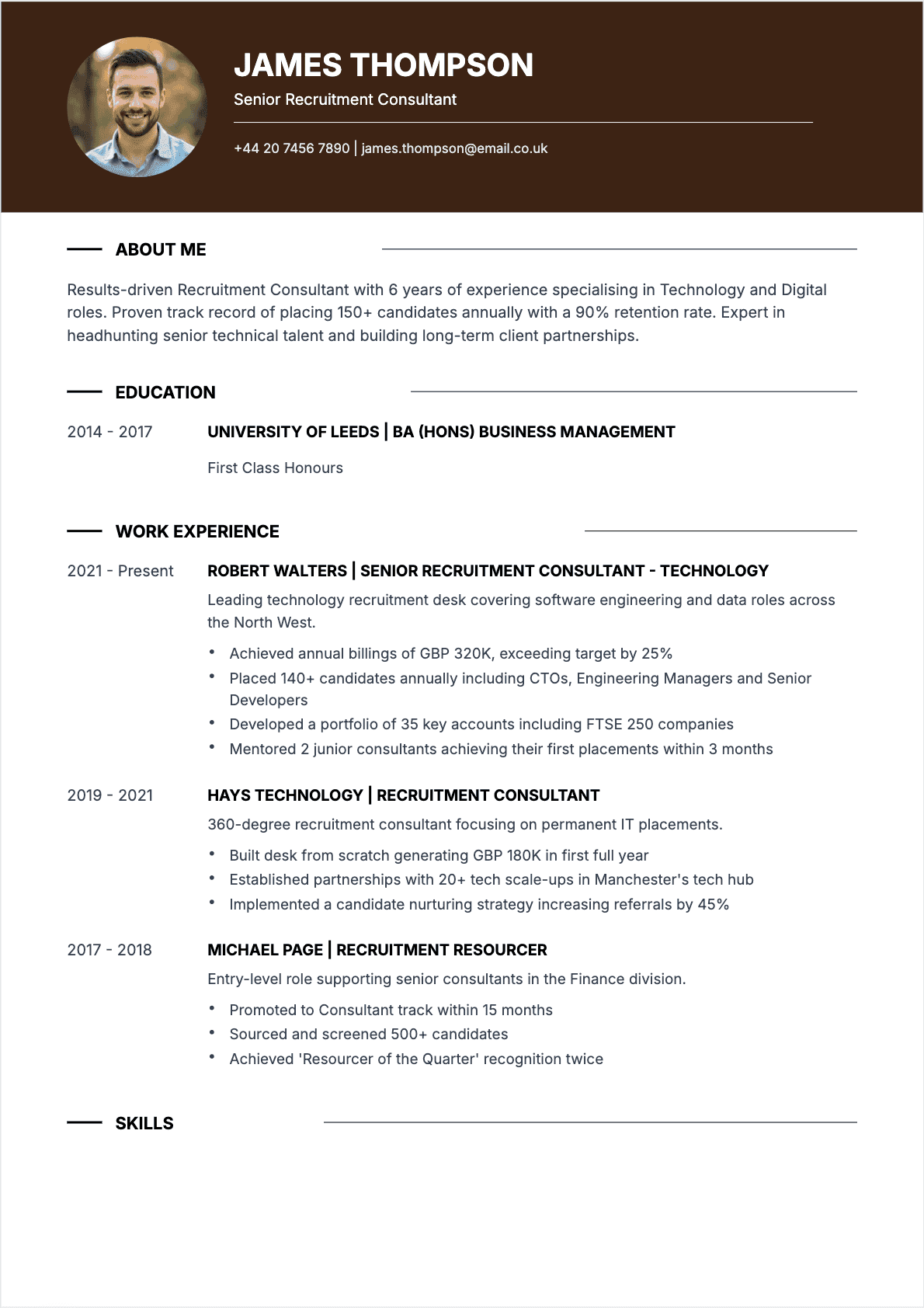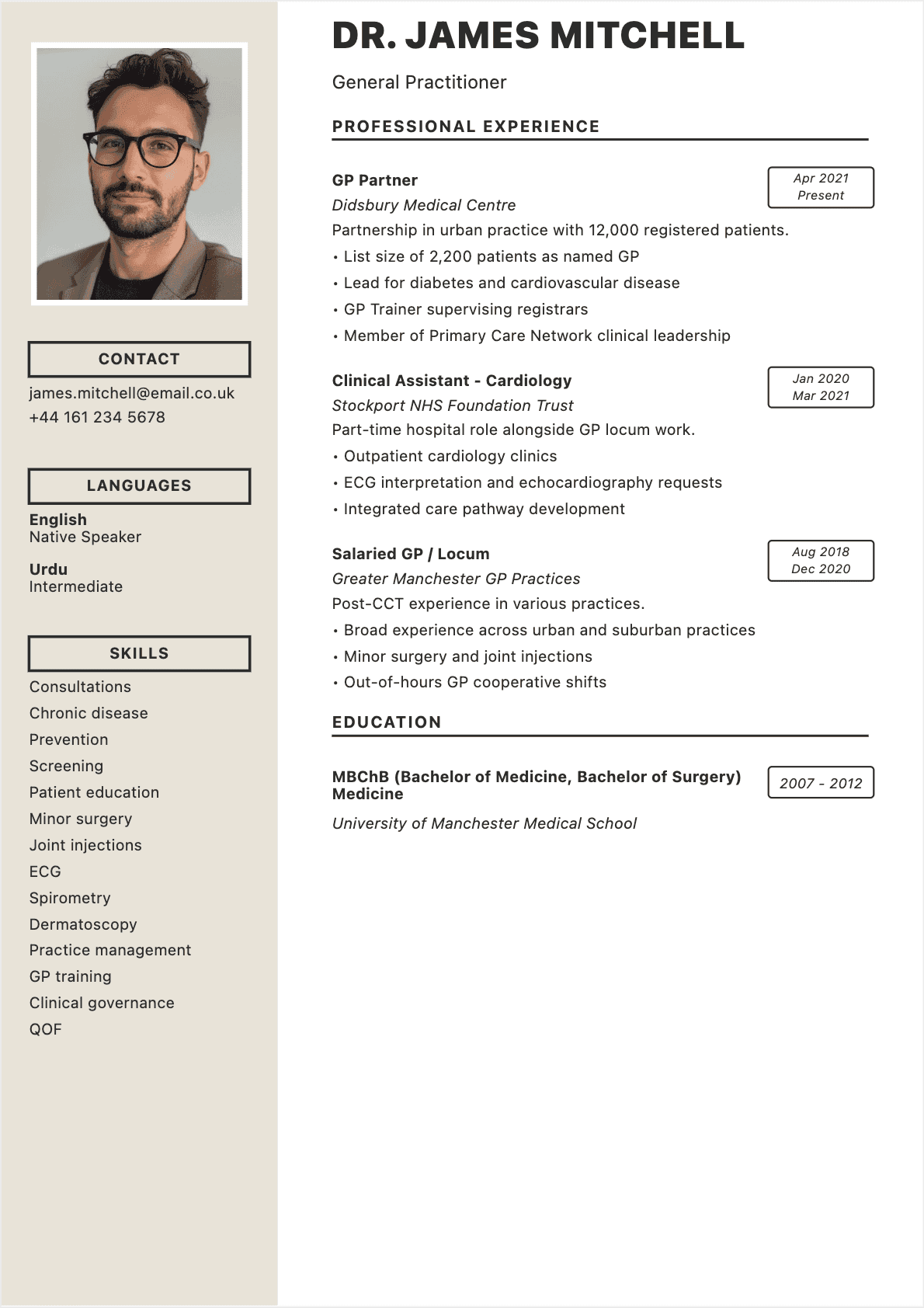

You spend hours agonizing over every line of your resume, second-guessing whether your bullet points are strong enough, wondering if you have the right keywords, and praying that a recruiter will actually read past the first paragraph. Sound familiar? In 2026, you no longer have to do this alone. ✨
An AI resume builder can take your work history, skills, and career goals and transform them into a polished, ATS-optimized resume in minutes. The technology has matured dramatically since the early days of clunky template generators. Today’s AI resume creators use large language models to craft targeted content, suggest quantified achievements, and match your resume to specific job descriptions with remarkable accuracy.
But here’s the thing: not all AI resume tools are created equal. When I first ran my own resume through an AI tool back in 2024, the result was generic, stuffed with buzzwords, and sounded like it was written by a corporate press release. I’ve since tested over two dozen platforms, and the difference between the best and worst is staggering.
In this guide, I’ll walk you through exactly how AI resume builders work, which ones deliver real results, and how to use them without falling into the common traps that make your resume sound robotic. Whether you’re a recent graduate or a senior executive, you’ll leave with a clear, actionable plan. If you need a refresher on resume fundamentals, start with our complete guide to writing a resume.
What Is an AI Resume Builder and How Does It Work?
At its core, an AI resume builder is a web-based tool that uses artificial intelligence—typically large language models similar to GPT-4 or Claude—to generate, rewrite, or optimize resume content. Unlike traditional resume templates that simply provide a blank layout, AI resume creators actively write and refine your content based on the information you provide.
The typical workflow looks like this:
- Input your data — You enter your job titles, companies, dates, key responsibilities, skills, and education. Some tools let you upload an existing resume or import your LinkedIn profile.
- Select your target — You paste the job description you’re applying for, or specify your target role and industry.
- AI generates content — The AI analyzes your input against the job requirements and produces tailored bullet points, a professional summary, and skills sections optimized for both human readers and ATS software.
- You refine and export — You review the output, make edits, choose a template, and download your finished resume as a PDF or DOCX. 💻
What makes modern AI resume builders genuinely useful is their ability to do keyword matching. The AI cross-references your experience with the job posting and ensures that critical terms—skills, certifications, industry jargon—appear naturally throughout your resume. This matters because over 75% of Fortune 500 companies use ATS software that filters resumes by keyword relevance before a human ever sees them.
Think of it less as a robot writing your resume and more as having a career coach who works at machine speed. The AI doesn’t invent experience you don’t have (at least, the good ones don’t). It takes what you give it and presents it in the strongest possible light. For a deeper dive into online resume creation tools, see our guide to creating your resume online with a CV generator.
The Real Benefits of Using AI to Write Your Resume
Let’s cut through the hype. AI resume builders are not magic wands, but when used correctly, they deliver concrete advantages that are hard to replicate on your own:
Speed and efficiency
A traditional resume rewrite takes most people 4–8 hours. An AI resume builder can produce a solid first draft in under 10 minutes. One of my clients, a marketing director transitioning to a VP role, showed me her AI-generated resume and was stunned that it captured nuances she’d struggled to articulate for weeks. The time savings alone make the technology worthwhile, especially when you’re applying to multiple positions. ⏱️
ATS optimization built in
The best AI resume creators automatically optimize for Applicant Tracking Systems. They analyze the job description, extract priority keywords, and weave them into your content naturally. This is something most job seekers struggle with because stuffing keywords manually often produces awkward, unreadable text. AI handles the balance between keyword density and readability far better than most humans. To understand what skills matter most, check out our list of skills to put on your resume in 2026.
Consistent professional tone
Most people write their resumes in a stilted, uncomfortable voice because they aren’t used to marketing themselves. AI resume builders produce text with a confident, professional tone that reads naturally. They eliminate filler phrases like "responsible for" and replace them with action verbs and quantified results.
Overcoming writer’s block
The blank page is every job seeker’s enemy. When you’ve done the same job for five years, it’s hard to find fresh language to describe your accomplishments. AI excels at reframing your experience from different angles and suggesting achievements you may have overlooked. 💡
Data-driven formatting
Advanced AI resume tools recommend the best resume format based on your experience level, target industry, and career trajectory. A career changer gets a functional format emphasizing transferable skills; a seasoned professional gets a reverse-chronological layout that highlights progression.

How an AI resume builder works in 5 steps
The Limitations Nobody Tells You About AI-Generated Resumes
I’d be doing you a disservice if I only talked about the positives. After reviewing hundreds of AI-generated resumes from clients who came to me for a second opinion, I’ve identified consistent weaknesses you need to know about:
Generic output is the default
Without strong input, AI produces generic output. If you type "managed a team" and nothing else, the AI will generate a perfectly grammatical but utterly forgettable bullet point. The garbage-in, garbage-out principle applies forcefully here. The more specific data, metrics, and context you provide, the better the result. ⚠️
Hallucinated achievements
Some AI tools will embellish or even fabricate metrics if you don’t provide real numbers. I’ve seen AI-generated resumes claim "increased revenue by 340%" for someone who worked in an administrative support role. Always fact-check every single claim before submitting. Lying on your resume—even unintentionally via AI—can end your candidacy and your career.
Cookie-cutter phrasing
If thousands of candidates are using the same AI tool with similar prompts, the output starts to converge. Recruiters are beginning to recognize AI-generated language: phrases like "leveraging cross-functional synergies" or "driving strategic alignment" are red flags. The best approach is to use AI as a starting point and then inject your authentic voice and specific stories.
Missing personal brand
AI doesn’t know your personality, your career narrative, or the subtle positioning that makes you memorable. It can write competent content, but it struggles with the kind of distinctive personal branding that makes a hiring manager think, "I need to meet this person." For mistakes to watch out for during this process, review our article on the top 10 most common resume mistakes.
Over-reliance risk
The biggest danger isn’t bad AI output—it’s candidates who submit the AI draft without reading it carefully. If you can’t explain or defend every line on your resume in an interview, you have a problem. Use AI to draft; use your brain to finalize.

Comparison between AI-generated resume and manual writing
How to Choose the Right AI Resume Builder
The market is flooded with AI resume tools in 2026, and the quality varies enormously. Here are the criteria I use when evaluating platforms for my clients:
1. Quality of AI-generated content
Run the same basic profile through each tool and compare the output. Does it produce specific, compelling bullet points, or generic filler? Does it adapt to the job description you provide, or does it generate the same content regardless? The best tools produce noticeably different resumes for different target roles. 🔍
2. ATS compatibility
Not all resume builders produce ATS-friendly output. Some use complex layouts, images, or JavaScript-rendered PDFs that ATS software can’t parse. Look for tools that explicitly mention ATS optimization and offer simple, clean templates alongside the fancy designs.
3. Customization depth
Can you edit every section freely? Can you reorder sections, add custom blocks, and tweak the AI’s suggestions? The best platforms treat AI as an assistant, not a dictator. You should always have full control over the final product.
4. Template variety and design quality
Templates should be modern, clean, and professional. Avoid platforms that offer only flashy designs with multiple columns, icons, and graphics—these look impressive on screen but fail miserably with ATS parsing. Look for a mix of creative and traditional options.
5. Pricing transparency
Watch out for tools that let you build your resume for free but charge to download it, or that lock essential features behind expensive subscriptions. Read the pricing page before investing your time. Some excellent free tools exist, while some paid tools are overpriced for what they deliver.
6. Data privacy
Your resume contains your full name, work history, email, phone number, and sometimes your address. Make sure the platform has clear data privacy policies and doesn’t sell your information to third-party recruiters or data brokers.
CVtoWork: An AI Resume Builder Designed for Real Results
Full disclosure: I’m going to talk about CVtoWork here because I genuinely believe it addresses the shortcomings I see in most AI resume tools. After testing it extensively with real clients, here’s what stands out:
CVtoWork’s AI engine doesn’t just generate generic bullet points. It asks targeted questions about your accomplishments, prompts you for metrics, and then produces content that reads like it was written by a career strategist, not a chatbot. When I tested it with a software engineer’s profile, it suggested framing a routine code review process as "reduced production bugs by 42% through implementation of automated code review pipelines"—a reframing the engineer hadn’t considered. 🎯
Key features that matter:
- Job-description matching — Paste any job posting and CVtoWork highlights gaps in your resume and suggests targeted additions
- ATS score preview — See how your resume would perform against ATS filters before you submit
- Multiple export formats — Download as PDF, DOCX, or share a live link
- Real-time AI suggestions — As you type, the AI offers improvements without overwriting your voice
- Clean, professional templates — Every template is tested for ATS compatibility across major platforms like Workday, Greenhouse, and Lever
The platform is particularly strong for career changers and mid-level professionals who have solid experience but struggle to present it compellingly. If you’re exploring different approaches to building your resume, you might also want to try creating a resume with Google Docs as a complementary exercise.
Step by Step: Creating Your Resume with AI in 10 Minutes
Here’s my exact process for using an AI resume builder efficiently. I’ve refined this workflow with hundreds of clients, and it consistently produces strong results in under 10 minutes:
Minute 1–2: Gather your raw materials
Before you open any AI tool, have these ready: your current resume or LinkedIn profile, 2–3 target job descriptions, and a list of your top 5–10 achievements with numbers attached (revenue generated, team size, percentage improvements, projects delivered). The more concrete data you feed the AI, the better the output.
Minute 2–4: Input your information
Enter your work history, education, and skills into the AI platform. If the tool allows you to upload an existing resume, use that—it saves time and ensures nothing is missed. Paste the target job description into the job-matching field. 📋
Minute 4–6: Review and enhance the AI draft
This is the critical step most people skip. Read every bullet point the AI generated. Ask yourself: Is this true? Is this specific enough? Would I be comfortable discussing this in an interview? Replace any generic statements with your actual metrics. Change "improved team performance" to "coached 8-person sales team to exceed quarterly targets by 23% for three consecutive quarters."
Minute 6–8: Optimize for the target role
Compare your resume against the job description. Are the key skills mentioned? Are the right industry terms present? Use the AI’s keyword suggestions but verify each one is genuinely relevant to your experience. Add any missing certifications or technical skills that you actually possess.
Minute 8–10: Choose format, proofread, and export
Select a clean, ATS-compatible template. Read the entire resume once more, checking for typos, inconsistent formatting, and any AI hallucinations. Export as PDF for applications and keep a DOCX version for further editing. For guidance on the ideal length, see our article on the one-page resume and when it’s the right choice.
Mistakes to Avoid with AI-Generated Resumes
I see the same mistakes repeatedly from candidates who rely too heavily on AI without applying critical thinking. Here are the most damaging ones:
Mistake 1: Submitting without reading
This should be obvious, but it happens constantly. Candidates generate a resume, glance at it for 30 seconds, and hit submit. Then they walk into an interview unable to explain their own bullet points. Always read your resume as if you were the interviewer: "Tell me more about how you increased customer retention by 67%." If you can’t answer that confidently, rewrite the bullet. 🚩
Mistake 2: Using the same AI resume for every application
The whole point of an AI resume builder is customization at scale. Yet many candidates generate one resume and blast it to 50 companies. Take the extra 5 minutes per application to adjust your resume for each job description. The AI makes this fast—use that advantage.
Mistake 3: Ignoring formatting for ATS
Fancy templates with multiple columns, headers, footers, and graphics may look beautiful but can completely break ATS parsing. Stick with single-column layouts, standard section headings (Experience, Education, Skills), and avoid tables, text boxes, and images.
Mistake 4: Letting AI choose your career story
AI will organize your experience logically, but it doesn’t understand your career narrative. If you’re positioning yourself for a leadership role after years in individual contributor positions, you need to deliberately shape that narrative. Don’t let the AI default to listing your most recent tasks—tell it what story you want to tell.
Mistake 5: Neglecting the professional summary
The summary at the top of your resume is the most read section after your job titles. Many AI tools generate weak, generic summaries. Invest extra time crafting 3–4 sentences that position you specifically for the role, mention your years of experience, 2–3 key strengths, and your career trajectory.

The 6 most common mistakes with AI-generated resumes
AI Resumes and ATS: Ensuring Compatibility
Applicant Tracking Systems are the gatekeepers of modern hiring. In the US alone, over 98% of Fortune 500 companies use ATS software, and the trend is identical in the UK and across Europe. Understanding how ATS interacts with AI-generated resumes is essential for every job seeker in 2026.
How ATS actually reads your resume
ATS software parses your resume into structured data fields: name, contact info, work history, education, skills. It then scores your resume against the job description based on keyword matches, job title relevance, and sometimes years of experience. The key insight is that ATS doesn’t "read" your resume—it extracts data from it. If your formatting prevents clean extraction, your resume might as well not exist. 🤖
Why AI-generated resumes have an ATS advantage
Well-built AI resume tools produce content that is inherently ATS-friendly because:
- They use standard section headings that ATS recognizes ("Work Experience" not "My Professional Journey")
- They incorporate relevant keywords from the job description naturally
- They generate clean, parseable text without hidden formatting issues
- They avoid problematic elements like tables, text boxes, and image-based content
ATS testing checklist
Before submitting any AI-generated resume, run through this checklist:
- Copy-paste test — Copy your entire PDF resume and paste it into a plain text editor. If the text appears in the correct order with no garbled sections, your ATS compatibility is good.
- File format — Submit as PDF unless the application specifically requests DOCX. Modern ATS handles both, but some older systems prefer DOCX.
- Standard headings — Use "Experience," "Education," "Skills," and "Summary" as your section titles.
- No headers/footers — Critical contact information should be in the body of the document, not in header or footer fields.
- Keyword alignment — Your resume should contain at least 60–70% of the key terms from the job description.
For a comprehensive pre-submission review, use our resume checklist to make sure nothing falls through the cracks.
Who Should Use an AI Resume Builder (and Who Shouldn’t)
AI resume builders are powerful tools, but they’re not equally useful for everyone. Here’s an honest breakdown:
Best for:
- Career changers — AI excels at identifying transferable skills and reframing experience for a new industry. If you’re moving from teaching to corporate training, the AI can translate your classroom achievements into business language.
- Mid-level professionals — You have solid experience but struggle to present it compellingly. AI helps you move beyond job descriptions and highlight quantified achievements.
- Recent graduates — When you don’t have much experience, AI can help you maximize the impact of internships, projects, and academic accomplishments.
- Non-native English speakers — AI produces polished, grammatically perfect American or British English, eliminating language barriers in your resume.
- High-volume applicants — If you’re applying to 20+ positions, AI lets you customize each resume efficiently without starting from scratch every time. 🚀
Less ideal for:
- C-suite executives — At the VP/C-level, your resume is a strategic positioning document. It needs to tell a specific leadership narrative that AI can’t craft without deep understanding of your career arc and target boards.
- Creative professionals — Designers, writers, and creative directors need resumes that showcase their aesthetic sensibility. Template-based AI builders may constrain your personal brand.
- Candidates with complex backgrounds — Military-to-civilian transitions, extensive career gaps, or highly specialized academic careers require nuanced storytelling that benefits from human expertise.
Even for the "less ideal" groups, AI can still be a useful starting point. The key is knowing when to supplement AI output with human judgment. For understanding which skills to emphasize regardless of your situation, explore our guide to the best resume skills that hiring managers look for.
Quick Recap: Your AI Resume Checklist
Before you finalize and send your AI-generated resume, run through this checklist. Print it out, tape it next to your monitor, save it on your phone—whatever keeps it visible:
- Accuracy check — Every metric, job title, date, and company name is 100% correct. No AI hallucinations. ✅
- Keyword alignment — Your resume contains the key terms from the target job description, used naturally in context.
- Personal voice — The resume sounds like a polished version of you, not a generic AI output. Read it aloud—does it sound like something you’d say?
- ATS compatibility — Clean formatting, standard headings, no tables or images. Passes the copy-paste test.
- Tailored for this role — The resume is customized for this specific position, not a generic version sent to every company.
- Professional summary — The top section clearly states who you are, what you bring, and what you’re looking for.
- Quantified achievements — At least 60% of your bullet points include numbers: percentages, dollar amounts, team sizes, timelines.
- Consistent formatting — Fonts, spacing, bullet styles, and date formats are uniform throughout.
- Proofread — No typos, no grammatical errors, no awkward phrasing. Have someone else read it too.
- Correct file format — Saved as PDF with your name in the filename (e.g., "Eleanor_Ashford_Resume.pdf").
This checklist alone will put your resume ahead of 80% of applications. Combine it with a well-chosen AI resume builder and you have a genuinely competitive advantage in the 2026 job market. For an even more detailed pre-submission review, see our full resume checklist guide.
FAQ: AI Resume Builders and Tools
Here are the questions I get most frequently from clients and workshop attendees about using AI to build their resumes:
Are AI resume builders free?
Some offer free tiers with basic features, while others charge $10–$30 per month for full access. Free versions typically limit you to one or two resume downloads or restrict template options. Paid plans generally include unlimited resumes, more templates, cover letter generation, and advanced AI features. CVtoWork offers a generous free tier that includes full AI content generation.
Can ATS detect if my resume was written by AI?
No. ATS software analyzes keywords, formatting, and data fields—it doesn’t evaluate whether the writing style is human or AI-generated. However, some hiring managers may notice overly polished, generic language. The solution is to personalize the AI output with your specific metrics and authentic voice.
Will recruiters reject my resume if they know AI wrote it?
Most recruiters care about results, not process. A well-crafted, accurate resume that clearly matches the job requirements will be evaluated on its merits. That said, if your resume reads like obvious AI output—full of buzzwords and lacking specificity—it may be flagged. The key is using AI as a tool, not a replacement for your own input.
How do I prevent AI from making up achievements on my resume?
Always provide specific numbers and accomplishments as input. After the AI generates content, review every bullet point and verify it against your actual experience. Delete or rewrite anything that isn’t factually accurate. Treat the AI output as a draft, not a final product. If a claim seems too impressive, it probably is.
Should I use AI for my cover letter too?
AI can be helpful for cover letter drafts, especially for structuring your narrative and ensuring you address the job requirements. However, cover letters benefit even more from personal voice and specific enthusiasm for the company. Use AI for the framework, then add genuine, researched details about why you want that specific role at that specific company.
What is the best AI resume builder in 2026?
It depends on your needs. For ATS optimization and professional content quality, CVtoWork is a strong choice. For creative roles, tools with more design flexibility may be better. The best approach is to test 2–3 platforms with your actual information and compare the output quality, template options, and ease of use before committing to one.
Can I use an AI resume builder if I have employment gaps?
Absolutely. In fact, AI tools are particularly useful for candidates with gaps because they can help you focus attention on your skills and achievements rather than chronological continuity. Some tools offer functional or hybrid resume formats that de-emphasize dates while highlighting capabilities—a strategy that works well for gap situations.
How often should I update my AI-generated resume?
Update your resume every time you apply for a new position—this is the whole advantage of using AI. Beyond that, do a major overhaul every 6–12 months to add new accomplishments, skills, and certifications. Keep a "master" document with all your achievements, then use AI to create tailored versions for each application.
— Eleanor Ashford, former tech recruiter and career strategist
Once your resume is polished and ready, pair it with a compelling message by reading our guide on how to write a cover letter that gets you hired.
While AI can streamline the process, understanding the fundamentals remains essential—learn what recruiters actually look for in our recruiter's guide to standing out.
Once your AI-generated resume is ready, the next step is getting it in front of recruiters by uploading it to LinkedIn.