CV Systems Administrator: 2025 guide for a high-impact resume
Learn how to write a Systems Administrator CV that passes ATS filters and convinces hiring managers. Use the right sections, keywords, and quantified outcomes across Windows, Linux, cloud, virtualization, and security.
Key Takeaways
Systems Administrators remain central to business continuity as organizations modernize infrastructure, adopt cloud services, and raise security standards. In many mid-size environments, a sysadmin team supports 500–5,000 users, manages hundreds of servers, and is measured on uptime, incident response speed, and compliance. Hiring managers typically screen CVs in under 45 seconds, so your impact must be visible fast through numbers and the right keywords.
A strong Systems Administrator CV must demonstrate:
- Ownership of core platforms (Windows/Linux, AD, virtualization, cloud) with clear scope
- Reliability outcomes (uptime, MTTR, backups, patching) backed by metrics
- Automation and security hardening that reduce risk and operational load
Use this guide to structure your CV, select ATS keywords, and turn daily sysadmin work into measurable business results.
CV Examples - CV Systems Administrator
Discover our CV templates adapted to all experience levels. Each example is ATS-optimized.

CV Systems Administrator Beginner
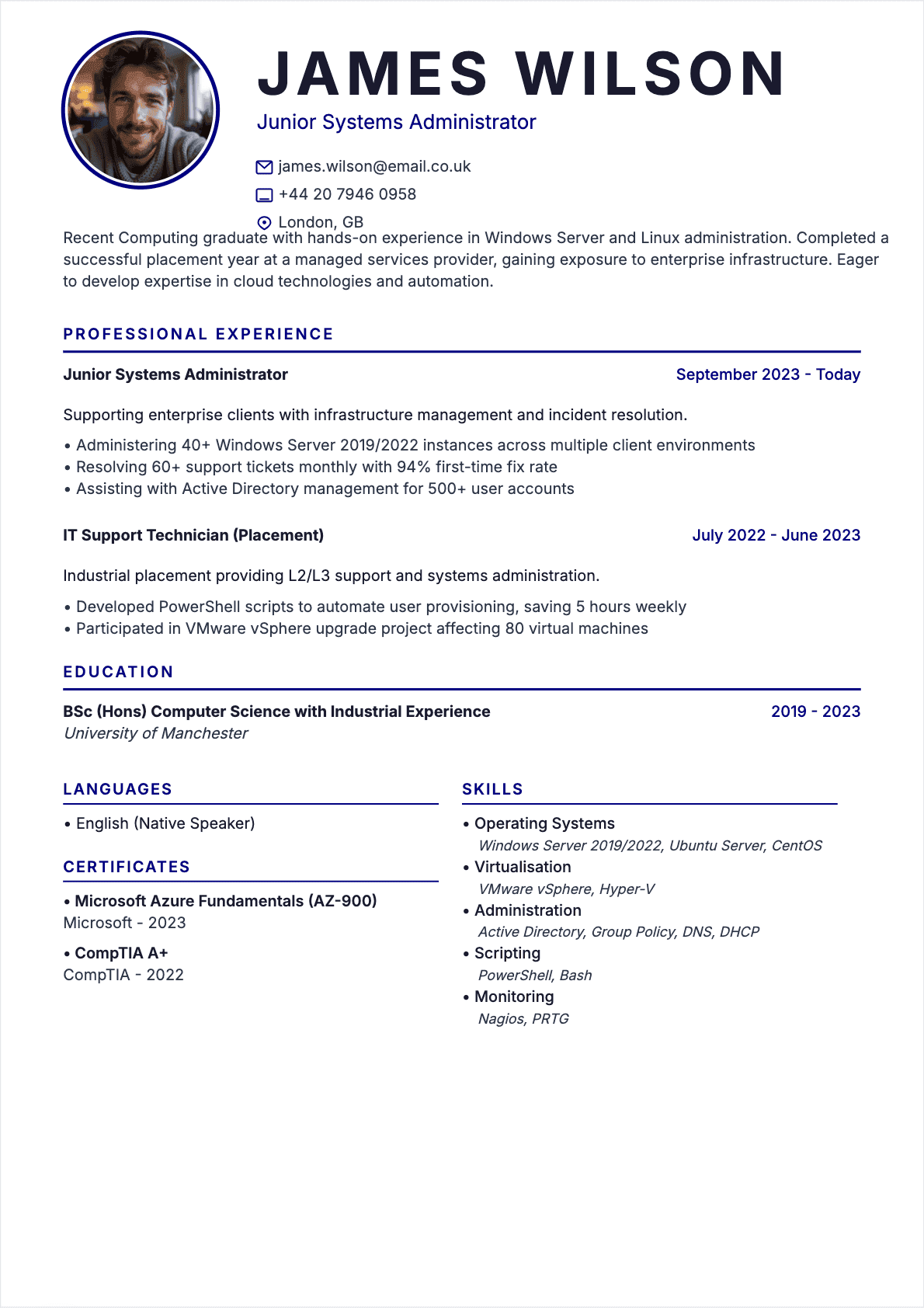
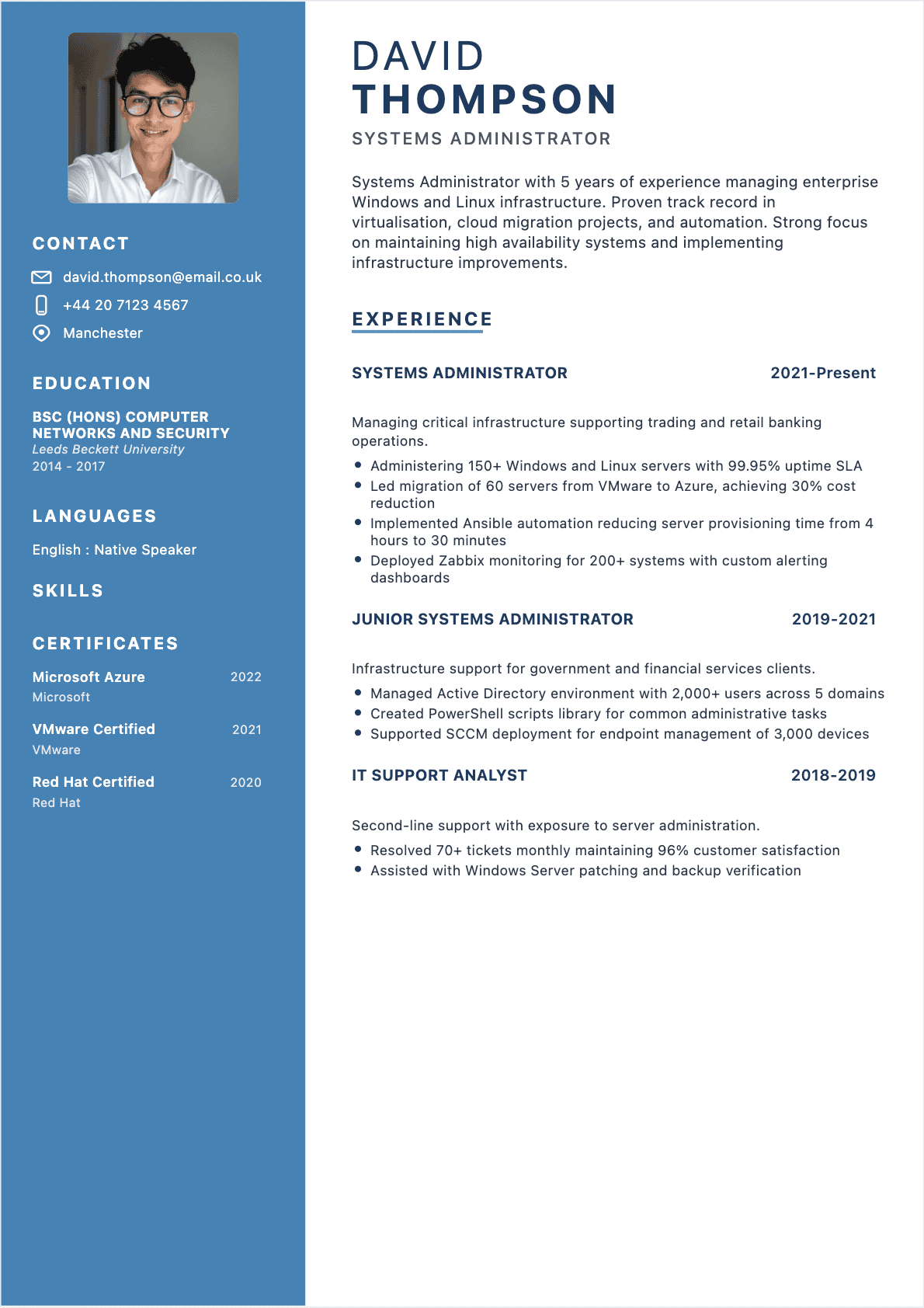
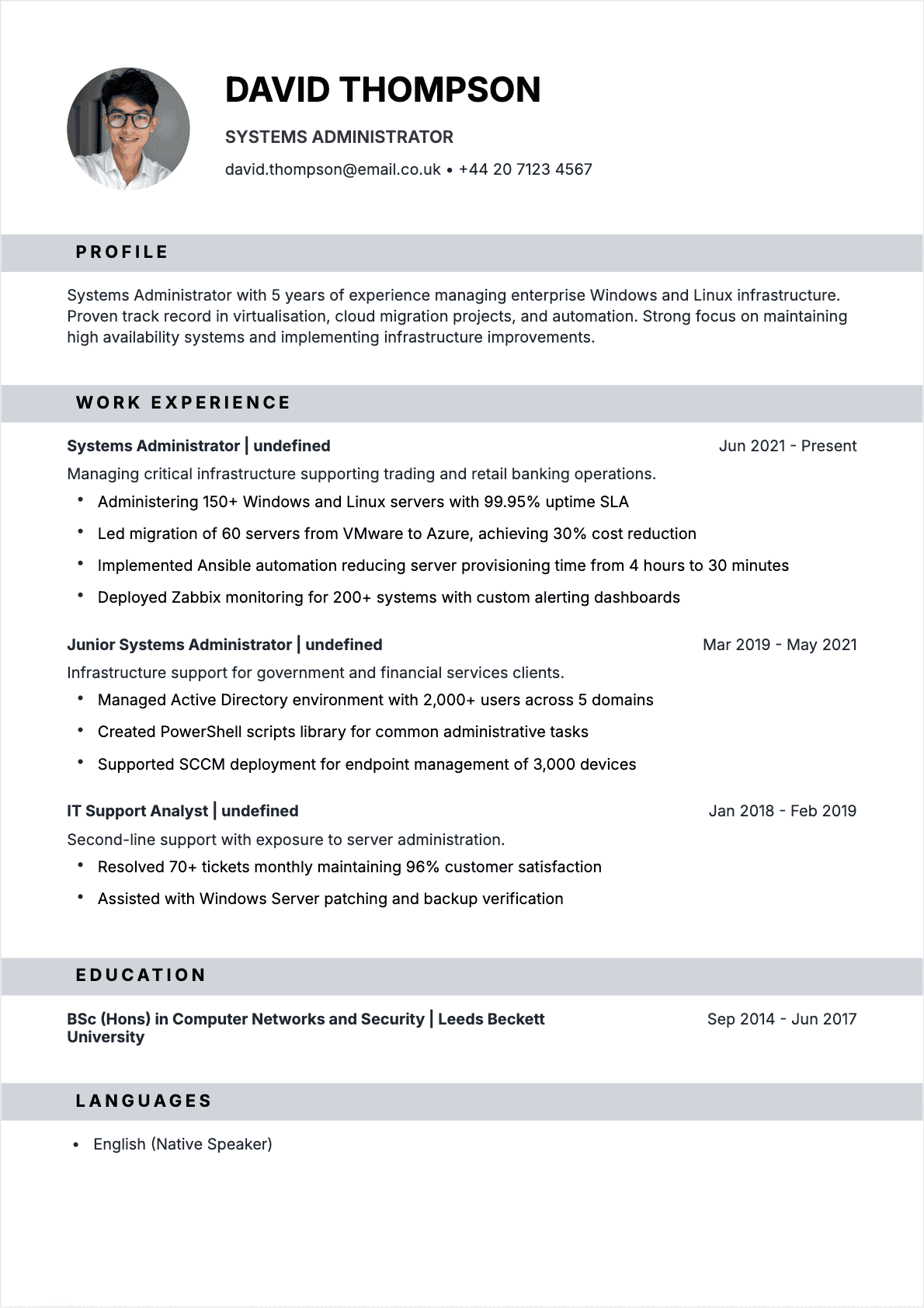
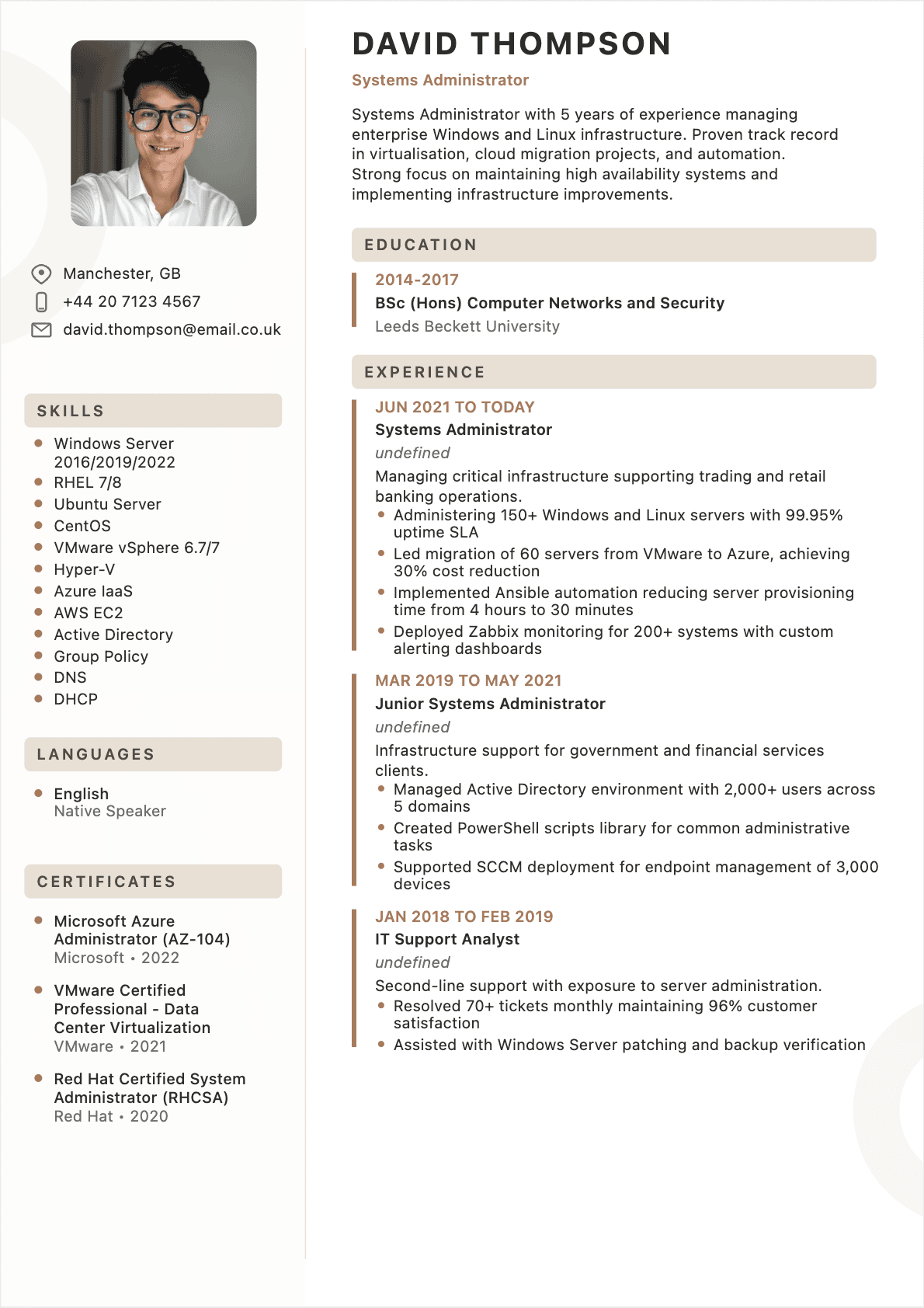
Ideal for junior sysadmins and recent grads: highlight labs, internships, ticketing exposure, basic scripting, and measurable reliability wins on small Windows/Linux environments.
Utiliser
CV Systems Administrator Intermediate
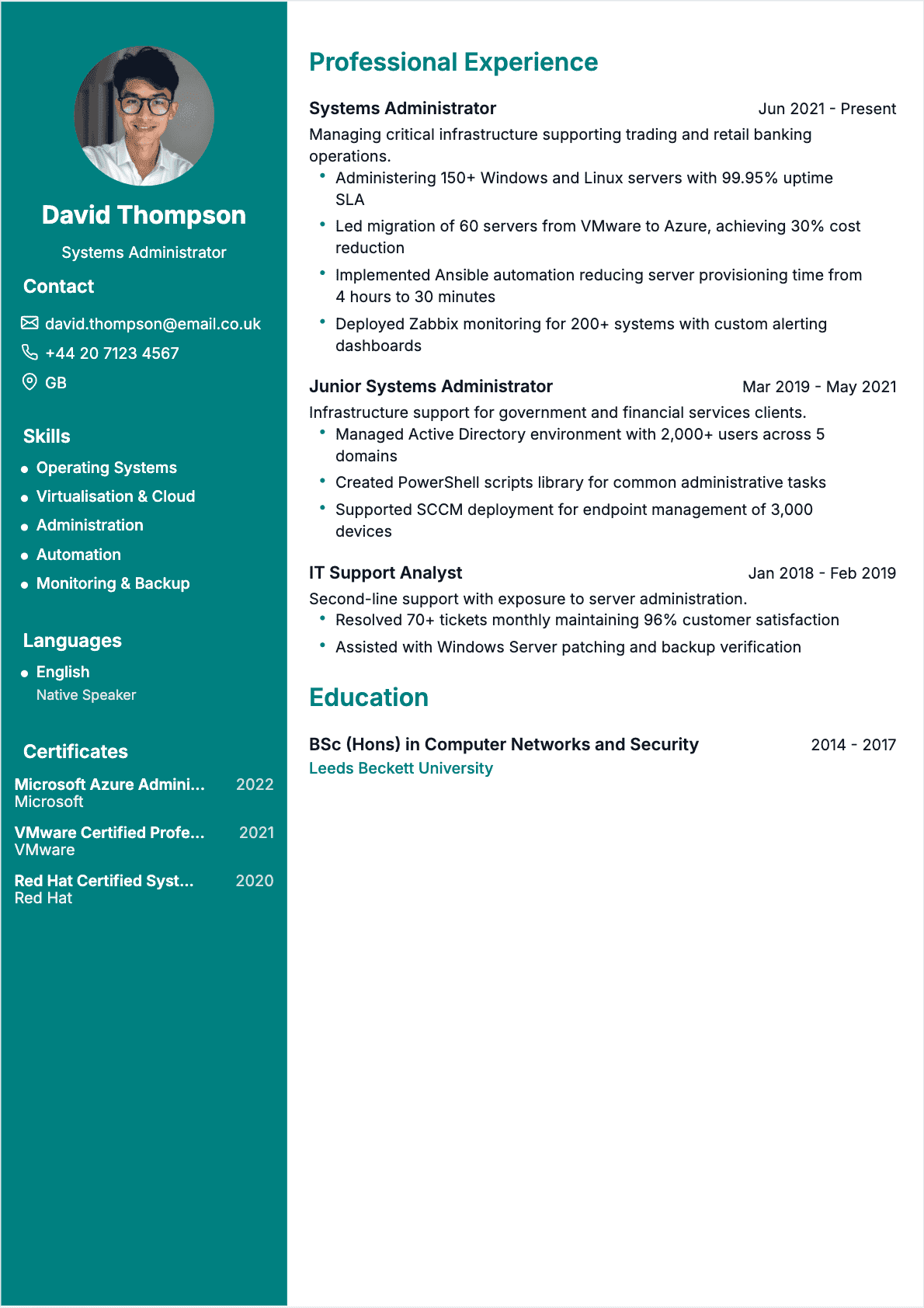
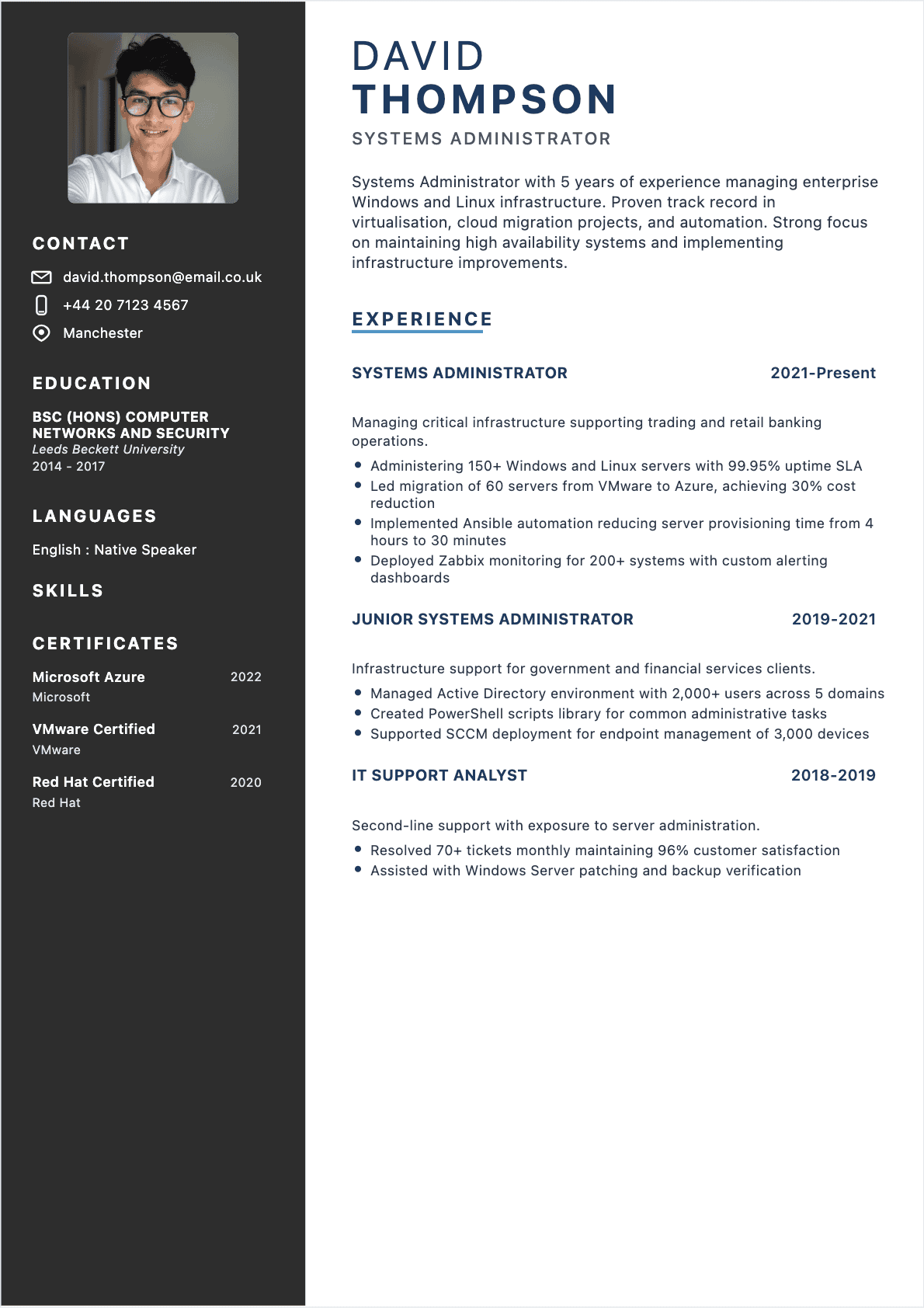
For 3–7 years’ experience: emphasize ownership of AD, VMware, backups, monitoring, incident response, and automation that reduces downtime, tickets, and deployment time.
Utiliser
CV Systems Administrator Senior
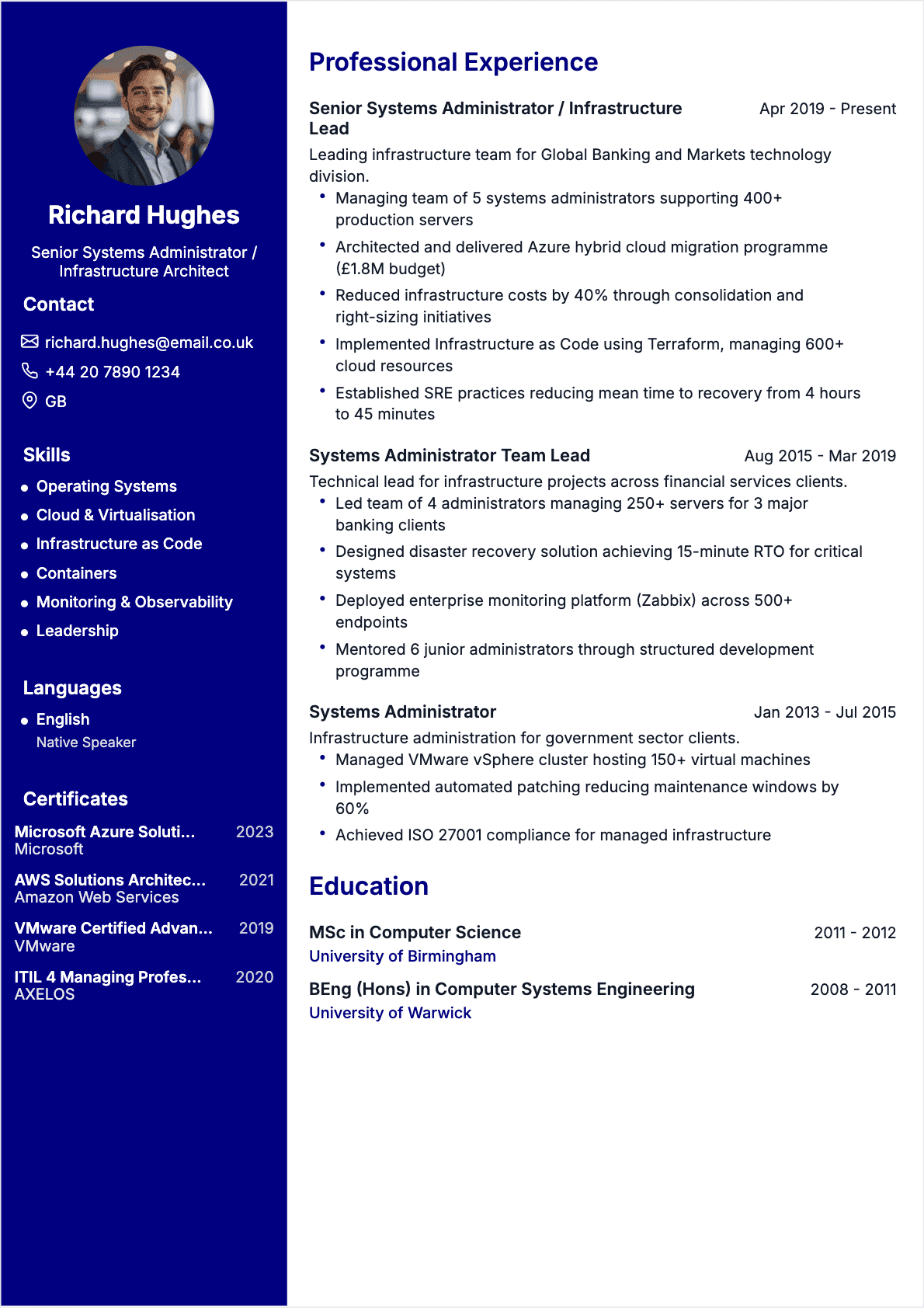
For senior profiles leading infrastructure: show architecture decisions, cloud migrations, security hardening, DR testing, vendor management, and KPIs like uptime, RTO/RPO, and cost savings.
UtiliserPerfect CV Checklist - CV Systems Administrator
Check each item to ensure your CV is complete and optimized.
Professional Summary - CV Systems Administrator
The professional summary is the first thing recruiters see. It should summarize your profile in a few impactful lines.
“Systems Administrator with 6+ years in SaaS environments supporting 1,200 users across 3 sites. Reduced P1 incident MTTR from 62 to 34 minutes by standardizing monitoring (Zabbix) and runbooks; improved patch compliance to 97% using WSUS/Intune and PowerShell automation on Windows Server and Ubuntu.”
“Motivated and dynamic Systems Administrator, passionate about IT, available immediately, eager to learn and take on new challenges in a great team.”
Why is it effective?
Le bon exemple est efficace car il :
- Quantifies scope and outcomes (1,200 users, 3 sites, MTTR 62→34 minutes) to prove operational impact
- Names real tools (Zabbix, WSUS, Intune, PowerShell) that match common ATS filters
- Shows business-relevant KPIs (patch compliance 97%) instead of listing tasks
- Signals environment context (SaaS, Windows Server, Ubuntu) so recruiters can map you to their stack
Le mauvais exemple échoue car il :
- Uses generic claims with no evidence (no numbers, no scope, no results)
- Relies on clichés (motivated, dynamic, passionate) instead of job-relevant achievements
- Omits tooling and platforms, making it weak for ATS searches
- Doesn’t show what you improved, secured, automated, or stabilized
Professional experience examples
Here are examples of professional experiences. Note how results are quantified.
Systems Administrator
Capgemini, London
Supported a 7-person infrastructure team for a 1,500-user client across 3 offices. Managed Windows Server and Ubuntu fleets, VMware clusters, backups, and monitoring. Focus on reliability, patching, IAM hygiene, and automating repetitive operations.
Key Achievements
Key skills for your resume
Here are the technical and soft skills most sought after by recruiters.
Technical skills (hard skills)
Technical Skills
- Windows Server administration (AD DS, DNS, DHCP)
- Linux administration (Ubuntu/RHEL), systemd, permissions
- Active Directory, Group Policy (GPO), OU design
- Virtualization: VMware vSphere/ESXi, Hyper-V
- Cloud fundamentals: Azure (VMs, VNets, Entra ID), AWS (EC2, IAM)
- Scripting and automation: PowerShell, Bash
- Monitoring and logging: Zabbix, Nagios, Grafana
- Backup/DR: Veeam Backup & Replication, restore testing
Professional skills (soft skills)
Soft Skills
- Incident prioritization under time pressure
- Clear ticket updates and stakeholder communication
- Root-cause analysis and documentation discipline
- Change management and risk assessment
- Vendor coordination and escalation management
- Cross-team collaboration with security and developers
- User education and expectation management
- Planning maintenance windows and on-call readiness
ATS Keywords to Include
ATS systems filter CVs based on specific keywords. Include these terms to maximize your chances.
ATS Tip
Click on a keyword to copy it. ATS systems filter CVs based on these exact terms.
Mots-clés importants
Hiring Sectors
Discover the most promising sectors for your career.
Managed Service Providers (MSP)
Financial services and fintech
Healthcare and life sciences
E-commerce and retail
SaaS and technology companies
Manufacturing and logistics
Education & Degrees
Systems Administrator roles hire across multiple education paths, but recruiters consistently look for strong foundations in networking, operating systems, and security. A Bachelor’s degree in Computer Science, Information Technology, or Cybersecurity is common, while a Master’s can help for architecture-heavy or regulated environments. Bootcamps and vocational programs can also work if you can prove hands-on labs, homelab projects, and internships.
If you’re early-career, prioritize practical experience: ticketing exposure, scripting samples, and clear documentation. For experienced candidates, your track record (uptime, MTTR, migrations, compliance) often weighs more than the exact degree title.
Recommended Degrees
- Bachelor's in Information Technology
- Bachelor's in Computer Science
- Master's in Cybersecurity
- Master's in Cloud Computing
- Higher National Diploma (HND) in Computing
- Postgraduate Certificate in IT Systems Administration
Languages
Languages matter for Systems Administrators because documentation, vendor support, and security advisories are often published in English first, and many teams are globally distributed. Being able to communicate clearly during incidents is also critical when coordinating with SOC, developers, and third-party providers.
- Working with global on-call rotations and incident bridges
- Writing runbooks, post-incident reviews, and change requests
- Handling vendor cases and cloud support tickets
Present your level with a clear proficiency label and, when possible, a recognized test score for credibility.
English
Fluent (IELTS 7.5)
French
Intermediate
Spanish
Intermediate
Recommended certifications
Certifications aren’t always mandatory, but they are strong proof of practical knowledge when your experience is limited or your background is non-traditional. For senior roles, certifications help validate architecture and operations standards across cloud, virtualization, and security. Prioritize certifications aligned with the employer’s stack (Microsoft, AWS, Linux, VMware).
Mistakes to avoid
Listing responsibilities instead of outcomes
Many Systems Administrator CVs read like a generic task list: “managed servers, handled tickets, did backups.” That doesn’t tell a recruiter whether your work improved reliability, reduced risk, or scaled operations. Hiring teams want evidence you can keep services stable, recover fast, and automate safely.
Toujours inclure :
- Scope (users, servers, sites, cloud accounts, critical apps)
- KPIs (uptime %, MTTR, patch compliance, backup success rate)
- Tools and platforms (AD, Azure, VMware, monitoring, backup solution)
A simple rule: every bullet should end with a measurable effect (time, cost, risk, availability).
Being vague about your stack and level of ownership
“Worked with Azure and Linux” can mean anything from reading dashboards to owning production changes. If your CV is ambiguous, recruiters assume the lowest level of responsibility. Be explicit about what you administered, what you designed, and what you changed.
À éviter : "Helped with cloud migration and servers"
À privilégier : "Migrated 35 Windows Server workloads to Azure (IaaS) using Azure Migrate; rebuilt monitoring and backup policies; achieved 99.85% availability over 6 months"
Clarity about ownership also protects you in interviews: you set expectations and reduce follow-up screening.
Skipping security and compliance signals
Even when the role isn’t labeled “security,” sysadmins are responsible for access control, patching, hardening, and audit readiness. If your CV doesn’t mention security outcomes, it can look outdated in 2025. Add concrete actions and timelines rather than broad statements.
À mentionner :
- MFA / SSO rollout details and adoption rate (e.g., 92% in 4 weeks)
- Vulnerability remediation cadence (e.g., critical CVEs patched within 7 days)
- Hardening standards used (e.g., CIS benchmarks) and evidence (audit pass rate)
Ignoring readability and ATS structure
Systems Administrator roles often use ATS screening before a technical review. If you use creative section names, tables, or dense paragraphs, keywords may not be parsed correctly and your CV can be rejected early. Your content should be easy for both ATS and humans.
Checklist :
- Use standard headings (Summary, Skills, Experience, Certifications, Education)
- Write bullets (2–6 per role) with numbers and tools in plain text
- Keep formatting consistent (dates, locations, job titles) and avoid graphics-only skill bars
Expert tips
- 1
Lead with reliability KPIs : Put uptime, MTTR, patch compliance, and backup success rate near the top. These metrics map directly to what infrastructure managers are evaluated on.
- 2
Show your infrastructure scope : Add counts for users, servers, endpoints, sites, and cloud accounts. Context helps recruiters judge whether your experience matches their environment size.
- 3
Turn automation into time saved : For each PowerShell/Bash automation, estimate hours saved per month and error reduction. Even 6–10 hours/month is meaningful at scale.
- 4
Name the exact tooling : Write the products you used (Veeam, Zabbix, VMware vSphere, Intune). ATS searches are often tool-specific rather than responsibility-based.
- 5
Prove incident maturity : Mention on-call rotation, post-incident reviews, runbooks, and change control. Add numbers like “120+ KB articles” or “quarterly DR tests.”
- 6
Balance cloud and on-prem : Many roles are hybrid. Show how you integrate identity, networking, and monitoring across environments rather than presenting cloud as a separate world.
- 7
Add a small ‘Projects’ section if needed : If you lack experience, include a homelab or GitHub project (AD lab, Ansible playbooks, monitoring dashboard) with concrete goals and results.
Frequently asked questions
Find answers to the most frequently asked questions.
Aim for one page if you have under 5 years of experience, and two pages if you manage complex environments or multiple domains (Windows, Linux, cloud, security). Prioritize quantified outcomes, scope, and tooling. Remove older roles that don’t add proof of relevance to the target stack.
Use keywords that match the job description and your real experience: Windows Server, Linux, Active Directory, GPO, Azure/AWS, VMware vSphere, PowerShell, monitoring (Zabbix/Nagios), backup/DR (Veeam), patch management (WSUS/Intune), and incident management. Place them naturally in Skills and Experience bullets.
Maintenance becomes impact when you quantify reliability and risk reduction. Track uptime, MTTR, patch compliance, backup success rate, restore time, and ticket reduction. For example: “Increased patch compliance to 96% across 240 servers” or “Reduced restore time by 35% after optimizing backup jobs and running quarterly tests.”
In English-speaking markets, norms vary by country. In the US, skip a photo. In the UK, it’s generally optional but uncommon for technical roles. If you’re applying internationally, prioritize a clean layout, strong keywords, and measurable achievements over a photo to avoid bias concerns.
Pair each certification with a practical application. Example: after AWS SysOps, add a bullet like “Implemented CloudWatch alarms and IAM least-privilege reviews for 20 accounts.” Certifications become credible when tied to real systems, incidents, migrations, or improvements you delivered.
Use equivalents and be explicit about scale. Hyper-V can replace VMware; BorgBackup, Restic, or cloud snapshots can support backup experience; Prometheus/Grafana can show monitoring skills. Add homelab projects or freelance work with metrics (uptime, restore tests, automation time saved) to prove operational competence.
Build your Systems Administrator CV for 2025 in minutes
Use our CV builder to generate an ATS-ready Systems Administrator CV with strong keywords, clean formatting, and quantified bullet points tailored to your target job.
Create my Resume