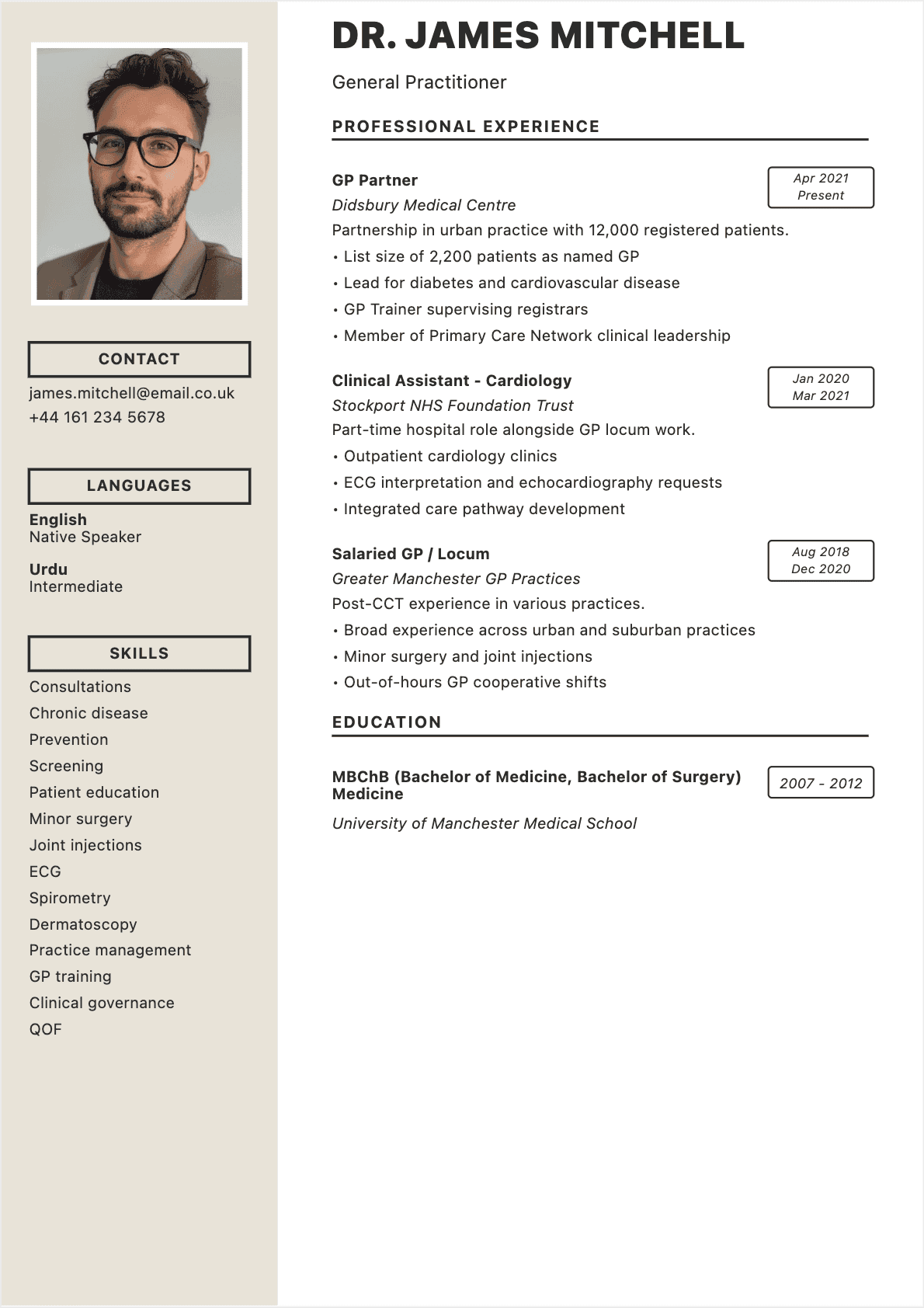

When I was leading talent acquisition at a Fortune 500 tech company, I reviewed over 18,000 resumes in five years. And here's what I learned: 73% of them contained at least one deal-breaking mistake.
A typo in the header. A format that crashed our applicant tracking system. Fabricated credentials caught within minutes. Experiences listed in reverse order. Walls of impenetrable text. Result: instant rejection, no second thoughts.
The harsh reality? Your resume gets 7 seconds of attention. And in 2026, mistakes cost more than ever. Recruiters are drowning in applications (400+ per job posting on average), ATS software filters out 75% of resumes automatically, and AI can instantly detect generic or inconsistent content.
But here's the good news: most mistakes are completely avoidable. And this guide will show you exactly how. You'll discover the 15 errors that kill applications, why they're fatal, and most importantly: how to fix them once and for all.
Why Your Resume Gets Rejected in Under 7 Seconds
The reality of hiring in 2026 is brutal. According to the landmark study "The Science of Resume Reading" by Ladders, recruiters spend an average of 7.4 seconds on a resume before deciding whether it deserves a thorough review.
Seven seconds. Enough time to read three sentences, scan the layout, spot your job title.
And in those seven seconds, your resume can die for three main reasons:
- It contains a disqualifying error: spelling mistake, unreadable format, fabricated information
- It doesn't meet expectations: generic skills, vague experiences, zero customization
- It doesn't pass ATS filters: incompatible format, missing keywords, unrecognized structure
The first filter often isn't even human. Applicant Tracking Systems (ATS) automatically sort resumes upfront. If your resume doesn't contain the right keywords or is poorly structured, a recruiter will never see it.
I've seen extremely qualified candidates eliminated because their resume was formatted as an image, or because they used complex tables that confused the ATS. Years of experience reduced to nothing by an avoidable technical error.
Understanding these mechanisms is already giving you an edge. To optimize your resume and maximize your chances, check out our complete guide on how to write a perfect resume.
The 3 Levels of Errors: Disqualifying, Damaging, and Minor
Not all mistakes are equal. Some eliminate you instantly, others weaken your candidacy, and a few go unnoticed.
Here's how I classified errors when I was recruiting:
1. Disqualifying Errors (Instant Rejection)
These errors trigger automatic rejection, no appeal:
- Spelling error in the header or summary
- Clearly false or inconsistent information
- Format incompatible with ATS (PDF with complex images, tables, multiple columns)
- Resume of 4+ pages for junior/mid-level profile
- Complete lack of customization (obviously copy-pasted resume)
2. Damaging Errors (Weaken Your Application)
They don't eliminate you directly, but you lose points:
- Generic skills without context ("dynamic," "team player")
- No numbers or measurable results
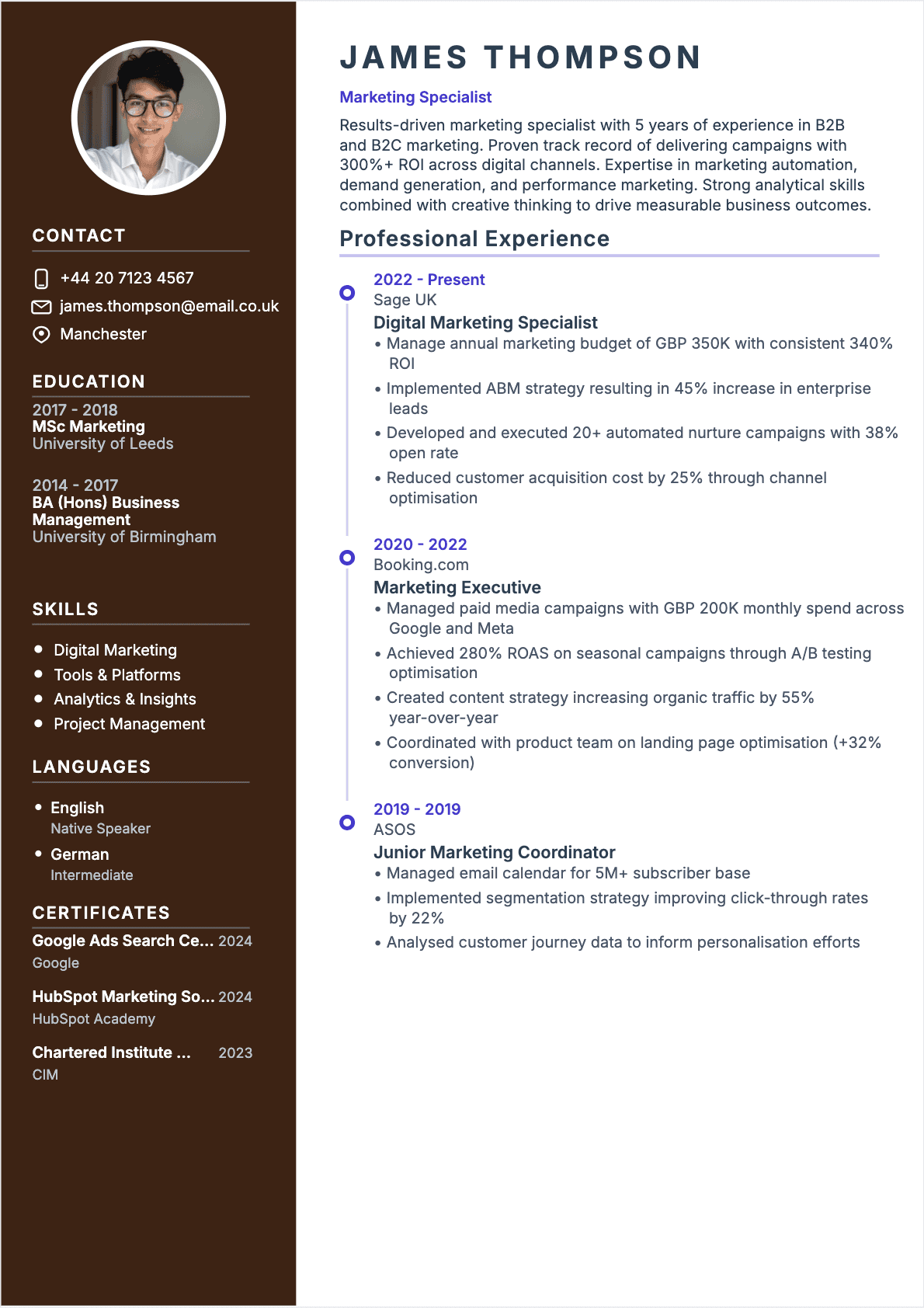
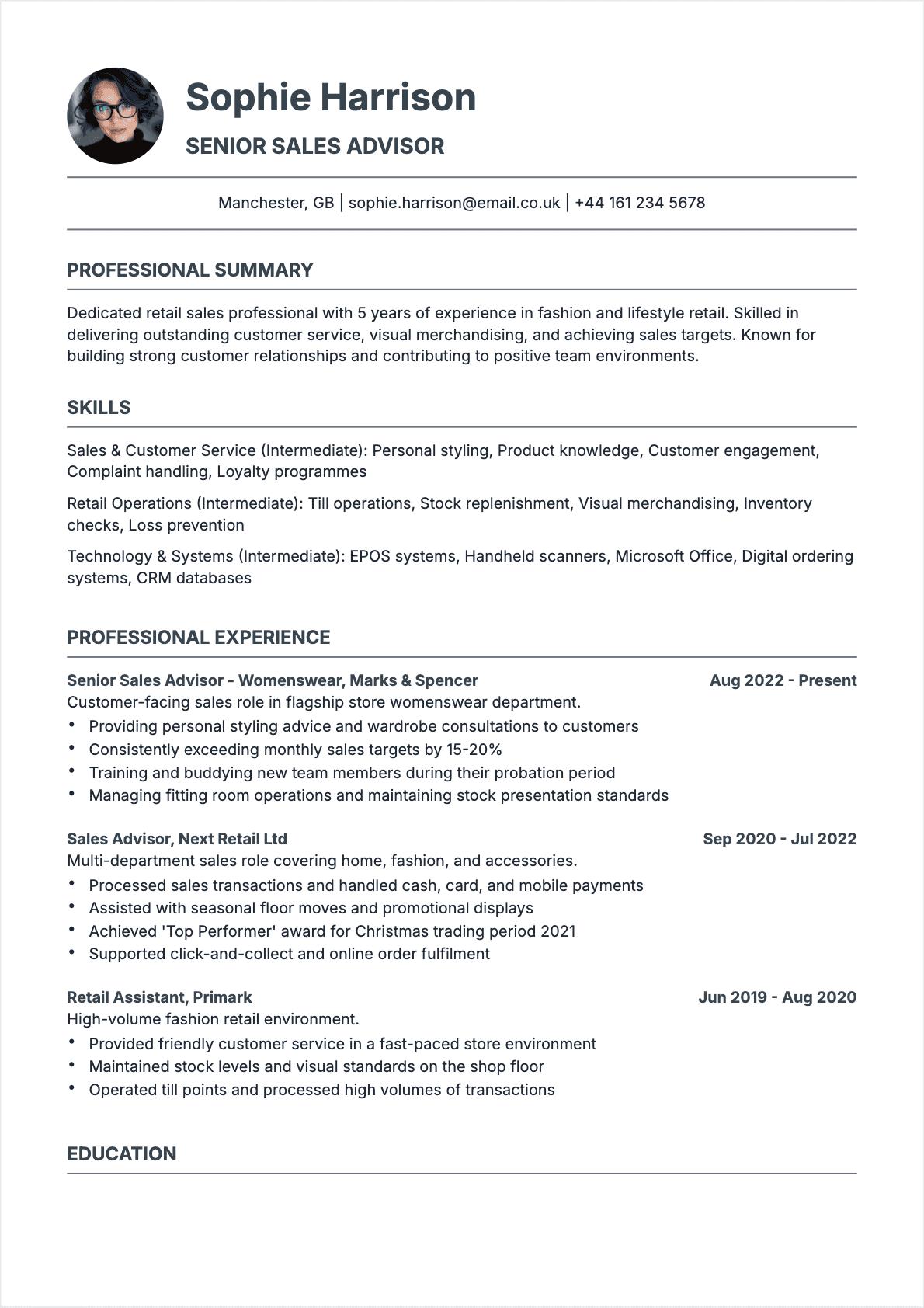
- Poor formatting (illegible font, garish colors, excessive density)
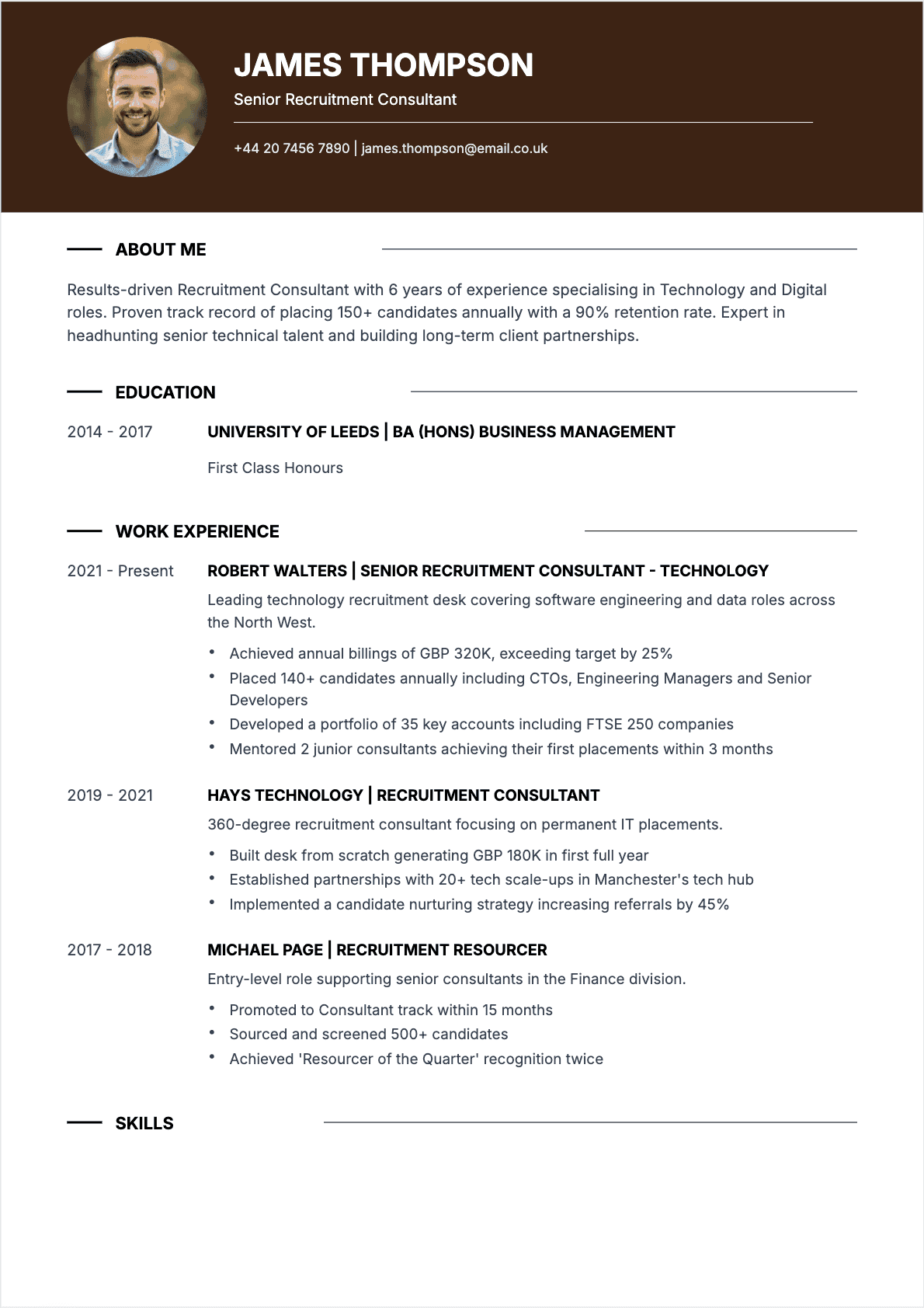
- Low-quality or inappropriate photo
- AI-generated content without customization (detectable in 2026)
3. Minor Errors (Little Impact)
These errors often go unnoticed, but why risk it:
- Small typo in a distant date or description
- Slightly inconsistent chronological order in education
- Missing hobbies or interests (rarely disqualifying, but can help)
The goal of this guide: help you eliminate all disqualifying errors, minimize damaging ones, and build a flawless resume that gives you every chance of landing an interview.

3 Levels of Resume Mistakes Pyramid
Disqualifying Errors: The Ones That Send Your Resume to the Trash
These errors instantly kill your application. No recruiter will overlook them. Here are the three most common, with concrete examples and solutions.
Error #1: Spelling and Grammar Mistakes
This is the most common — and most unforgivable. A CareerBuilder study reveals that 58% of recruiters reject a resume containing a single spelling error. For certain positions (communications, marketing, executive roles), this figure climbs to 90%.
Most frequent mistakes:
- "Managment" instead of "Management"
- "Responsible for inventory managment" (repeated error)
- "Sucessful campaign" instead of "Successful"
- "Detail-oriented, organized, motivate" (inconsistent verb forms)
Solution: proofread your resume 3 times. Have someone else review it. Use spelling checkers (Grammarly, ProWritingAid, Hemingway), but never trust them 100%.
Error #2: False or Inconsistent Information
Inventing an experience, inflating a role, adding a skill you don't master: all of this is verifiable — and verified. Recruiters cross-check LinkedIn, call former employers, ask technical questions in interviews.
Examples of inconsistencies caught in interviews:
- "Fluent in Spanish" on resume, unable to hold a basic conversation in interview
- "Scrum Master" for 2 years, but can't explain a sprint retrospective
- Overlapping dates (two full-time positions simultaneously)
- Degree from a school that doesn't exist or doesn't offer that credential
Solution: be honest. Highlight what you've genuinely accomplished. Use nuanced phrasing ("Conversational Spanish" rather than "Fluent," "Participated in Agile projects" rather than "Certified Scrum Master").
Error #3: Format Incompatible with ATS
In 2026, 75% of large companies use an ATS to filter resumes. If your format isn't compatible, your resume never reaches the recruiter.
Formats to absolutely avoid:
- PDF containing only images (scanned paper resume)
- Complex tables with merged cells
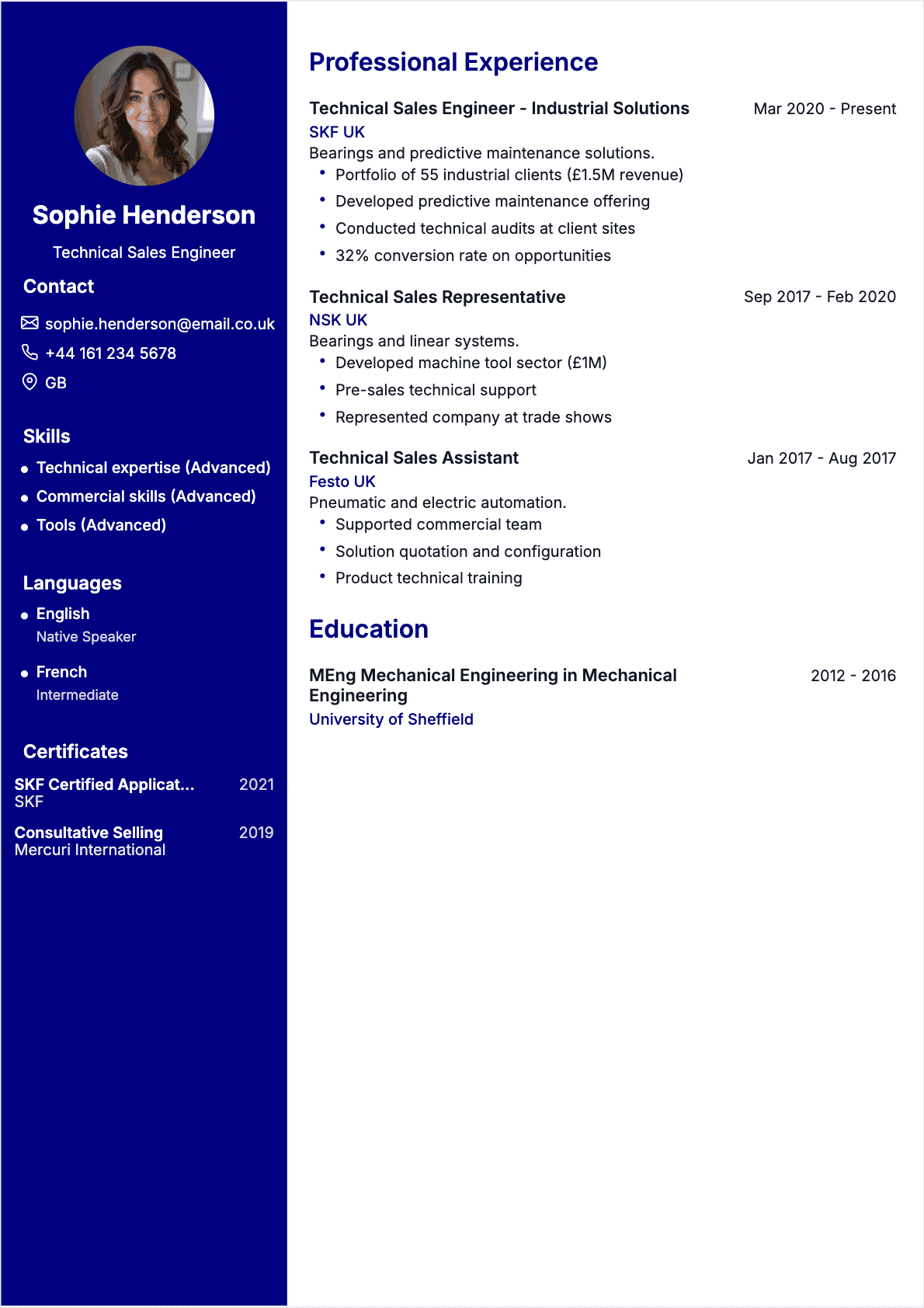
- Multiple columns (text is read out of order)
- Resume as image file (PNG, JPG) or Canva export without text layer
- Fancy fonts or non-standard symbols
**Solution: use a simple format (text PDF or Word .docx), a standard font (Arial, Calibri, Helvetica), and test readability by copy-pasting your resume into a text editor. For an ATS-optimized resume, check our **guide to the best resume formats.
Content Errors: When Substance Falls Short
Even a technically flawless resume can fail if the content is weak. Here are the three errors that most weaken applications.
Error #4: Generic Skills Without Proof
"Dynamic," "Self-motivated," "Team player," "Versatile." Recruiters see these words 50 times a day. Without context, they mean nothing.
Typical example:
"Skills: teamwork, communication, autonomy, attention to detail"
Why is this problematic? Because anyone can write that. No proof, no example, no added value.
Corrected version:
"Led a cross-functional team of 6 on a digital transformation project ($200K budget), delivered on time with 94% client satisfaction rating"
The difference? Numbers, context, results. To identify skills that truly make an impact, read our guide to skills to put on your resume in 2026.
Error #5: Absence of Quantified Results
A resume without numbers is a resume that proves nothing. Recruiters want facts, not vague claims.
Let's compare:
"Improved sales processes"
"Optimized sales funnel, increasing conversion rate by 22% in 8 months (from 3.2% to 3.9%), generating $85K in additional revenue"
Examples of metrics to include:
- Revenue generated or costs saved
- Number of clients, projects, or team members managed
- Percentage improvements (productivity, satisfaction, conversion)
- Deadlines met, budgets controlled
- Growth rates, market share gained
Solution: for each experience, ask yourself: "What measurable result did I achieve?" If you can't find one, dig deeper. There's always an indicator.
Error #6: Irrelevant Information
Your resume isn't an exhaustive biography. Every line should serve your goal: landing an interview for this specific position.
Information that unnecessarily weighs down a resume:
- Experiences older than 15 years (unless absolutely relevant)
- Summer jobs or student work for senior profiles
- Training unrelated to target position (welding certificate for a software engineer role)
- Generic hobbies ("reading, movies, travel") with no connection to the job
- Excessive personal information (marital status, number of children)
Solution: before adding information, ask yourself: "Does this strengthen my candidacy for this position?" If the answer is no, delete it.
Formatting Errors: Design That Undermines Your Application
Content matters, but so does form. A visually chaotic resume gets rejected before being read.
Error #7: Illegible Layout
Most common errors:
- Overly dense text blocks (10-line paragraphs)
- Too-narrow margins (cramped feeling)
- Lack of visual hierarchy (everything looks the same)
- Excessive use of bold, italics, underlining
- Inconsistent alignment
Solution: add white space. Use breathing room. Structure with clear headings. Limit yourself to 1-2 fonts maximum. Test black-and-white printing.
Error #8: Inappropriate Font Choice
Comic Sans, Papyrus, or fancy scripts: no. These fonts kill the credibility of a professional resume.
Recommended fonts:
- Arial, Helvetica (modern, readable)
- Calibri, Open Sans (professional, clean)
- Times New Roman, Garamond (classic, formal)
Fonts to avoid:
- Comic Sans, Papyrus, Brush Script
- Impact, Courier New (too heavy)
- Handwritten or decorative fonts
For more details, check our complete guide on choosing the best resume fonts.
Error #9: Resume Too Long (or Too Short)
Length rules:
- Entry-level (0-3 years): 1 page maximum
- Mid-level (3-10 years): 1-2 pages
- Senior (10+ years): 2 pages, rarely 3
A 4-page resume for a mid-level profile? Instant rejection. A half-page resume for 8 years of experience? Red flag.
Solution: synthesize. Remove the superfluous. Focus on the last 3-5 years. For older experiences, summarize in one line.
Errors Specific to the AI and ATS Era in 2026
Artificial intelligence has changed the rules. Here are the errors that didn't exist five years ago — and that now eliminate thousands of applications.
Error #10: Ignoring ATS Keywords
ATS systems scan your resume for specific keywords. If you don't include them, you're invisible.
Concrete example:
The job posting requires: "Project management, Agile, Scrum, Jira"
Your resume says: "Led projects using iterative methodologies"
Result: ATS rejection, even if you're a certified Scrum Master who uses Jira daily.
Solution: use EXACTLY the same terms as the job posting. If it says "Agile project management," don't write "Agile leadership." Copy-paste strategic keywords.
Error #11: Uncustomized AI-Generated Content
In 2026, recruiters — and ATS systems — detect ChatGPT-generated resumes without customization. The telltale signs:
- Sentences that are too perfect, too fluent, lacking personality
- Repetition of template phrases ("leveraging X years of experience")
- Absence of concrete details or personal storytelling
- Tone that's too formal or too generic
Solution: if you use AI to draft your resume (which is acceptable), review and customize every section. Add anecdotes, specific numbers, your voice. Make it a human document.
Error #12: Neglecting LinkedIn Optimization
Your resume and LinkedIn profile must be consistent. Recruiters systematically cross-check both. Common inconsistencies:
- Different employment dates
- Positions or titles that don't match
- Skills mentioned on resume but absent from LinkedIn (or vice versa)
Solution: synchronize your materials. Same title, same dates, same key skills. Optimize your LinkedIn profile with the same keywords as your resume.

ATS Resume Error Scanner 2026
Sector-Specific Errors: What Works in Tech Doesn't Work in Finance
Every sector has its codes. An acceptable error in one field can be disqualifying in another.
Critical Errors in Finance / Banking / Consulting
- Casual photo (requirement for formality)
- Creative or colorful layout (expected: classic, sober)
- Spelling errors (zero tolerance)
- Absence of numbers or KPIs (sector obsessed with quantifiable results)
Critical Errors in Tech / Startups
- Resume too formal, too long (favor conciseness and impact)
- No link to GitHub, portfolio, or personal projects
- Vague technical skills ("web development proficiency" instead of "React, Node.js, PostgreSQL")
- Not mentioning collaboration tools (Slack, Notion, Jira)
Critical Errors in Marketing / Communications
- Visually bland or poorly designed resume (creativity expected, but controlled)
- No portfolio or links to campaigns/work samples
- No performance metrics (conversion rates, ROI, engagement)
- Spelling errors (immediate disqualification in these professions)
Critical Errors in Healthcare / Medical
- Missing license numbers (for regulated professions)
- Photo in casual attire (professionalism requirement)
- Outdated or expired certifications not updated
- Absence of soft skills (empathy, stress management, teamwork)
Always adapt your resume to the target sector. To learn how to create a perfectly tailored resume, check our guide to customizing your resume for each job.
Before/After: 5 Resumes Corrected with Our Recommendations
Nothing beats concrete examples. Here are five real transformations (names changed) to illustrate effective corrections.
Case #1: Sarah, Digital Project Manager (7 years experience)
Before:
"Digital project management. Teamwork. Project management tools proficiency. Independent and organized."
After:
"Led 9 web projects simultaneously ($480K total budget) using Scrum methodology. Reduced delivery timelines by 28% over 18 months. Cross-functional management of 5 teams (14 collaborators). Tools: Jira, Asana, Monday.com."
Corrections: numbers, context, results, specific tools.
Case #2: Marcus, Full-Stack Developer (4 years)
Before:
"Developer. JavaScript experience. Worked on various projects."
After:
"Full-Stack Developer React / Node.js. Designed and deployed 7 SaaS applications (18K+ active users). Stack: TypeScript, PostgreSQL, Docker, AWS. Performance: reduced page load time by 45% through front-end code optimization."
Corrections: detailed tech stack, impact numbers, concrete examples.
Case #3: Jessica, Junior HR Assistant (1 year)
Before:
"Recruitment support. Administrative management. New employee orientation."
After:
"Recruitment process support: screened 250+ applications/month, scheduled 35 interviews/week, drafted interview summaries. Participated in onboarding 18 employees (91% satisfaction rate). Tools: Workday, LinkedIn Recruiter."
Corrections: volume metrics, concrete actions, measured results.
Case #4: David, Senior Sales Manager (12 years)
Before:
"Sales team management. Revenue development."
After:
"Led sales team of 22 professionals. Revenue growth from $1.8M to $4.2M in 3 years (+133%). Acquired 52 major enterprise accounts. Implemented Salesforce CRM improving client tracking by 68%."
Corrections: management scale, quantified progression, strategic tools.
Case #5: Emma, Graphic Designer (5 years)
Before:
"Visual creation for various media. Adobe Suite proficiency."
After:
"Graphic design for print and digital: 90+ creations/year (posters, web banners, newsletters). Complete visual identity redesign for 6 brands (37% increase in brand awareness via surveys). Tools: Figma, Illustrator, Photoshop, After Effects."
Corrections: volume metrics, business impact, complete stack.
Want to transform your resume? Use our online resume maker to create your resume in minutes, with personalized suggestions.
The 10-Point Anti-Error Checklist
Before sending your resume, review these 10 checks. It's your safety net.
- Spelling and grammar: read aloud + automatic checker + third-party review
- ATS-compatible format: text PDF, standard font, no complex columns/tables
- Customization: is your resume tailored to the job? Keywords present?
- Quantified results: does each experience contain at least 1-2 metrics?
- Proven skills: have you eliminated vague terms ("dynamic," "self-motivated")?
- Length: 1 page (entry-level), 2 pages max (mid-level/senior)
- Readability: white space, clear hierarchy, legible font
- LinkedIn consistency: dates, positions, skills aligned
- Photo: professional (if sector requires) or absent
- Contact info: professional email, phone, LinkedIn (no full postal address)
To go further, download our complete resume checklist in PDF and check each point before sending.
Mistakes Even Experienced Candidates Make
You'd think that with 10 or 15 years of experience, you'd master resume writing. But I've seen senior executives make beginner mistakes.
Error #13: The Exhaustive Chronological Resume
Listing ALL your experiences from the past 20 years, with the same level of detail? Mistake. Recruiters want to know what you've done recently and what's relevant to the position.
Solution: detail the last 5-7 years. For older experiences, one line is enough. Focus on impact, not exhaustiveness.
Error #14: Neglecting the Professional Summary
Senior profiles often skip the summary, thinking their experiences speak for themselves. Big mistake: it's the first thing read after the title.
A good summary (3-4 lines max) should include:
- Your positioning (e.g., "Digital Marketing Director, 13 years experience")
- Your areas of expertise (e.g., "Specialist in SEO, growth hacking, data analytics")
- A notable result (e.g., "Grew organic traffic by 280% in 2 years")
Error #15: Lack of Regular Updates
Is your resume from 2022? Are your listed skills obsolete? You don't mention your recent certifications? Recruiters see this immediately.
Solution: update your resume every 6 months, even if you're not actively job hunting. Add new skills, projects, certifications. A living resume is an effective resume.
Summary: Your Action Plan for an Error-Free Resume
You're now equipped to avoid the 15 errors that kill applications. Here's your 5-step action plan:
- Audit your current resume: review the anti-error checklist. Identify your weak points.
- Fix disqualifying errors: spelling mistakes, ATS format, false information.
- Strengthen content: add numbers, remove vague terms, customize for each job.
- Optimize form: readable font, airy layout, appropriate length.
- Test and iterate: have someone review it, test PDF export, verify LinkedIn consistency.
An error-free resume is a resume that gives you every chance of landing an interview. And good news: you don't have to do it alone.
With CVtoWork, our intelligent resume builder, you create an ATS-optimized resume, error-free, with personalized suggestions based on your profile and target position. In minutes, you have a ready-to-send resume.
And if you want to go even further, explore our professional resume templates tailored to all sectors and experience levels.
FAQ: Your Questions About Resume Errors
How many errors will a recruiter tolerate on a resume?
Tolerance depends on the type of error. A disqualifying error (typo in header, incompatible format) = instant rejection. A minor error (small typo in an old date) may pass if the rest is flawless. General rule: zero tolerance for spelling errors, especially for communications, marketing, or executive positions.
Is a spelling error really disqualifying?
Yes, in 58% of cases according to CareerBuilder. And this figure rises to 90% for certain sectors (publishing, communications, legal). A spelling error signals lack of rigor, proofreading, attention to detail. It's especially unforgivable in the age of automatic spell-checkers.
My resume is 3 pages, is that too long?
Yes, except in very specific cases (academic profile with many publications, executive with 25+ years experience). For mid-level profile (3-10 years), 2 pages maximum. For entry-level, 1 page. Synthesize: recruiters don't have time to read 3 pages. Better 2 impactful pages than 3 diluted ones.
Should I include a photo on my resume?
It's optional in the US/UK (and often discouraged to avoid bias), but common in other countries. If you include a photo:
- Neutral background, professional attire
- Well-framed face, friendly and open expression
- Recent photo (not from 10 years ago)
- Appropriate format (portrait, not cropped vacation photo)
When in doubt, skip the photo. Better no photo than a bad photo.
How do I know if my resume passes ATS filters?
Test these 3 points:
- Copy-paste your resume into plain text editor (Notepad, TextEdit). Is it readable? If yes, ATS will read it.
- Verify your keywords exactly match the job posting terms.
- Use simple format: text PDF, standard font, no complex columns/tables.
You can also use online tools (Jobscan, Resumeworded) to test ATS compatibility.
Are creative resumes risky?
It depends on the sector. For creative positions (design, communications, architecture), an original resume can be an asset — provided it remains readable and ATS-compatible. For finance, legal, or healthcare, a sober and classic resume is preferable. Golden rule: creativity should never compromise readability.
What are the most common errors among recent graduates?
Three recurring mistakes:
- Lack of quantified results: they describe duties, not achievements.
- Resume too generic: they send the same resume for 50 different jobs.
- Underestimating transferable skills: internships, student projects, volunteering are undervalued.
For entry-level candidates, our resume guide for beginners details how to transform a short background into a convincing resume.
How can I quickly fix a resume full of errors?
Express action plan (2 hours max):
- Spelling review: Grammarly, ProWritingAid + human proofreading (30 min)
- Add numbers: for each experience, add 1-2 metrics (30 min)
- Simplify format: remove tables/columns, adopt standard font (20 min)
- Customization: integrate 5-10 keywords from job posting (20 min)
- ATS test: copy-paste into .txt, verify readability (10 min)
Or use our resume builder which integrates these corrections automatically.

10-Point Error-Free Resume Checklist