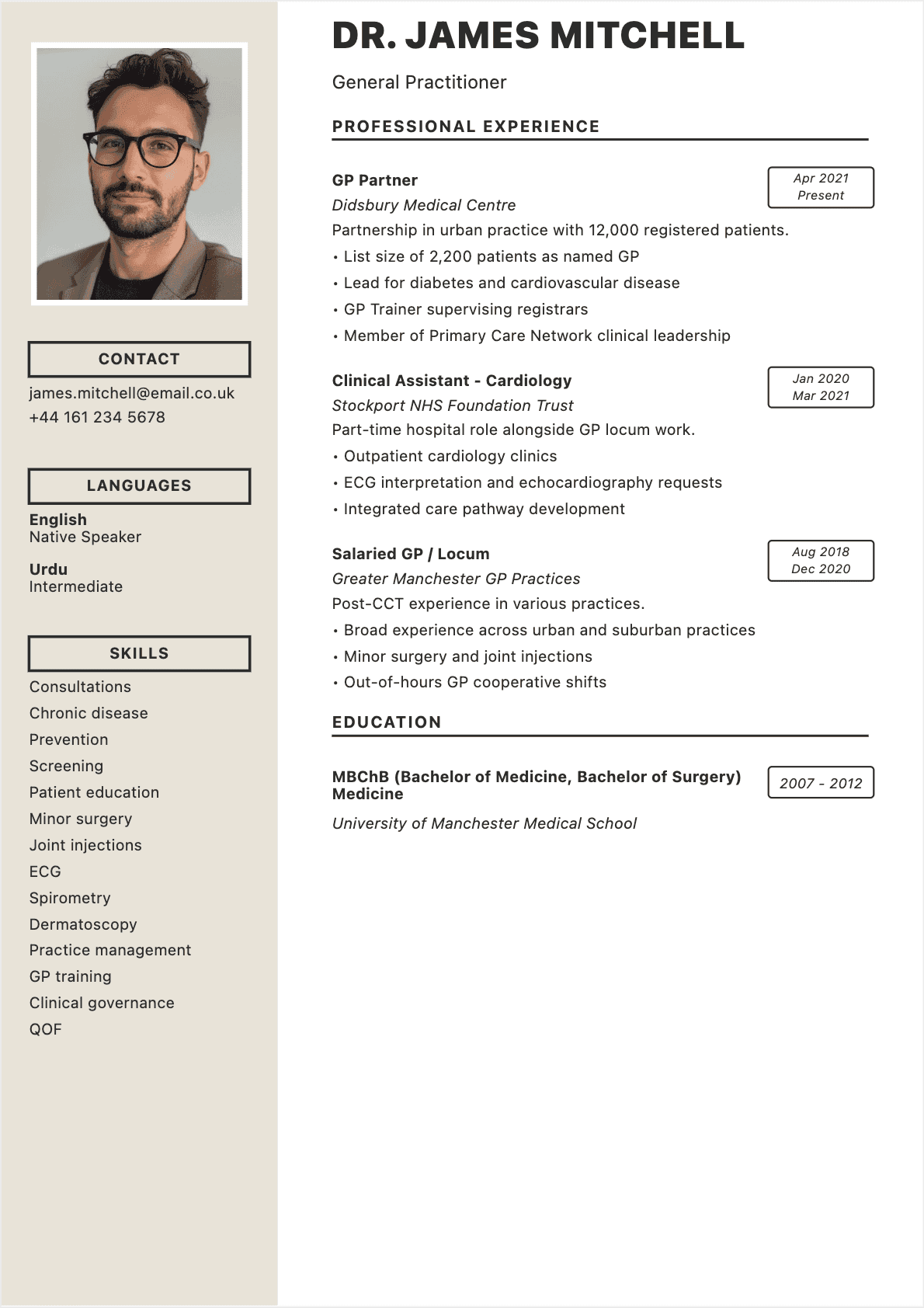

Here's something that changed how I hire people. Early in my recruiting career, I received two resumes for the same marketing manager position. Both candidates had similar backgrounds — 5 years of experience, good companies, relevant degrees.
The first resume listed: "Managed email marketing campaigns."
The second resume listed: "Rebuilt email marketing program, improving open rates from 12% to 31% and generating $2.4M in pipeline over 18 months."
Same job. Completely different impact. Guess who got the interview? 😏
The difference between a resume that gets ignored and one that gets callbacks isn't about fancy design or clever formatting tricks. It's about how you frame your experience. After reviewing over 50,000 resumes in my career, I've identified exactly what makes a resume great.
According to LinkedIn's hiring data, recruiters are increasingly focused on evidence of impact, not just job titles. Your resume needs to prove you deliver results.
In this guide, I'll show you how to build a resume that does exactly that.
The Mindset Shift That Changes Everything
Before we talk about sections and formatting, let's address the real problem. Most people write their resume like a job description in reverse — listing what they were supposed to do at each position.
But recruiters don't care what you were supposed to do. They care what you actually accomplished.
Stop Writing Job Descriptions
When I scan a resume, I'm looking for evidence. Evidence that you can do the job I'm trying to fill. Every bullet point is either proof or filler.
Filler: "Responsible for client relationships" Proof: "Retained 94% of accounts during company restructure, representing $3.2M in annual revenue"
The second version tells me exactly what you're capable of. The first tells me nothing 💡
Think Like a Hiring Manager
Hiring managers have a problem: an open position that's costing them productivity, revenue, or both. Your resume is your pitch for why you're the solution.
Ask yourself for each bullet point: "If I were hiring for this role, would this make me want to call this person?" If the answer is no, rewrite it or cut it.
The Anatomy of a Great Resume
A great resume has six core components. Each one serves a specific purpose in the 6-8 seconds you have to make an impression.
Component 1: Contact Header
Keep it simple and scannable. Name, phone, email, LinkedIn, city/state. That's it.
Common mistakes I see:
- Full street address (unnecessary and a privacy risk)
- Multiple phone numbers (confusing)
- Unprofessional email addresses
- Missing LinkedIn URL
Your email should be a variation of your name. If john.smith@gmail.com is taken, try jsmith.professional@gmail.com. Never use an email from your current employer 😬
Component 2: Professional Summary
This is your 30-second pitch. Three to four lines maximum that answer: Who are you professionally? What's your specialty? What value do you bring?
Weak summary: "Dedicated professional seeking challenging opportunity to leverage skills and grow career."
Strong summary: "Operations Manager with 8 years in logistics and supply chain. Reduced costs by $1.2M annually through vendor consolidation and process automation. Seeking to bring operational excellence expertise to a growing e-commerce company."
The second version gives me specifics I can evaluate. The first tells me nothing useful.
Component 3: Work Experience
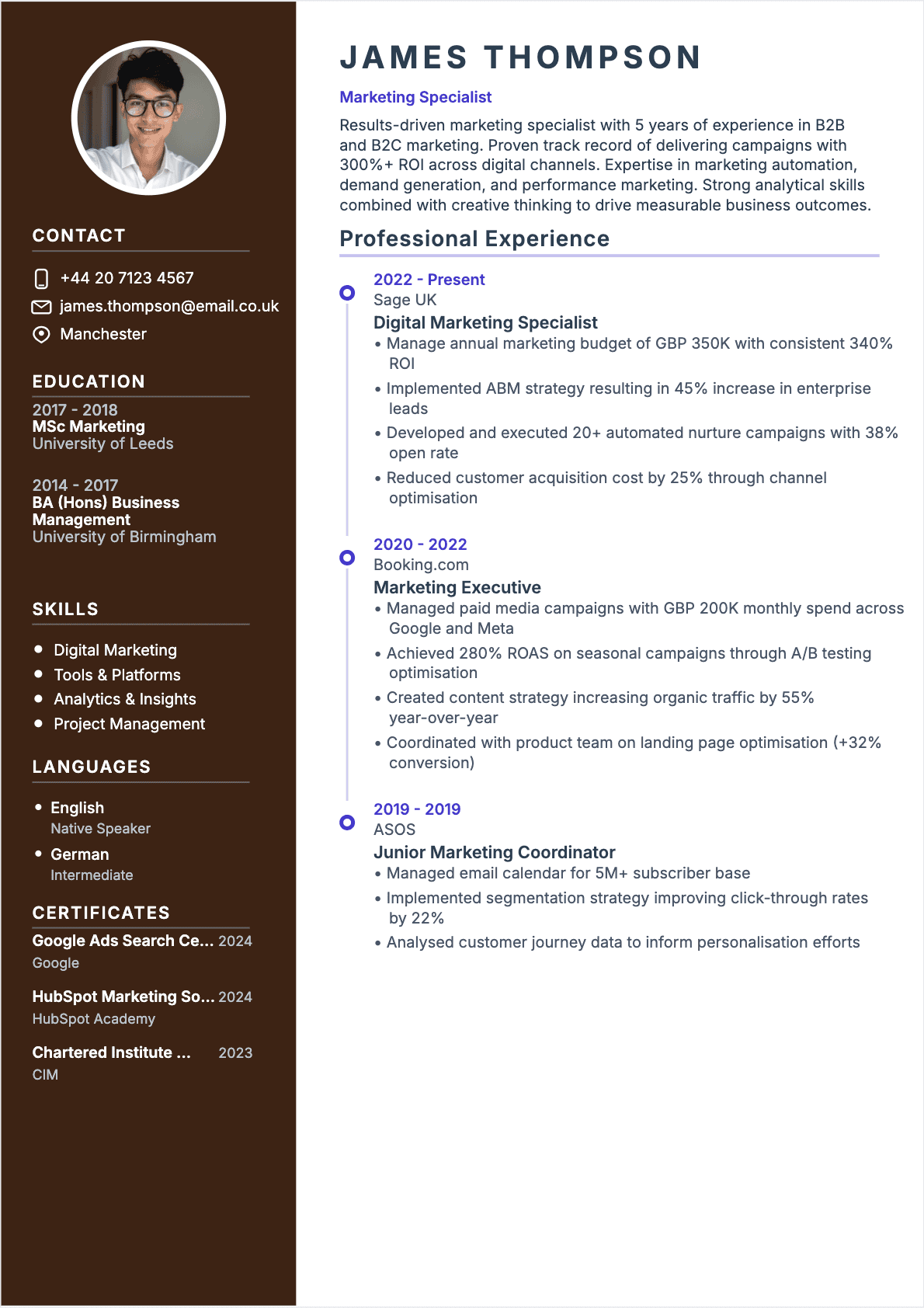
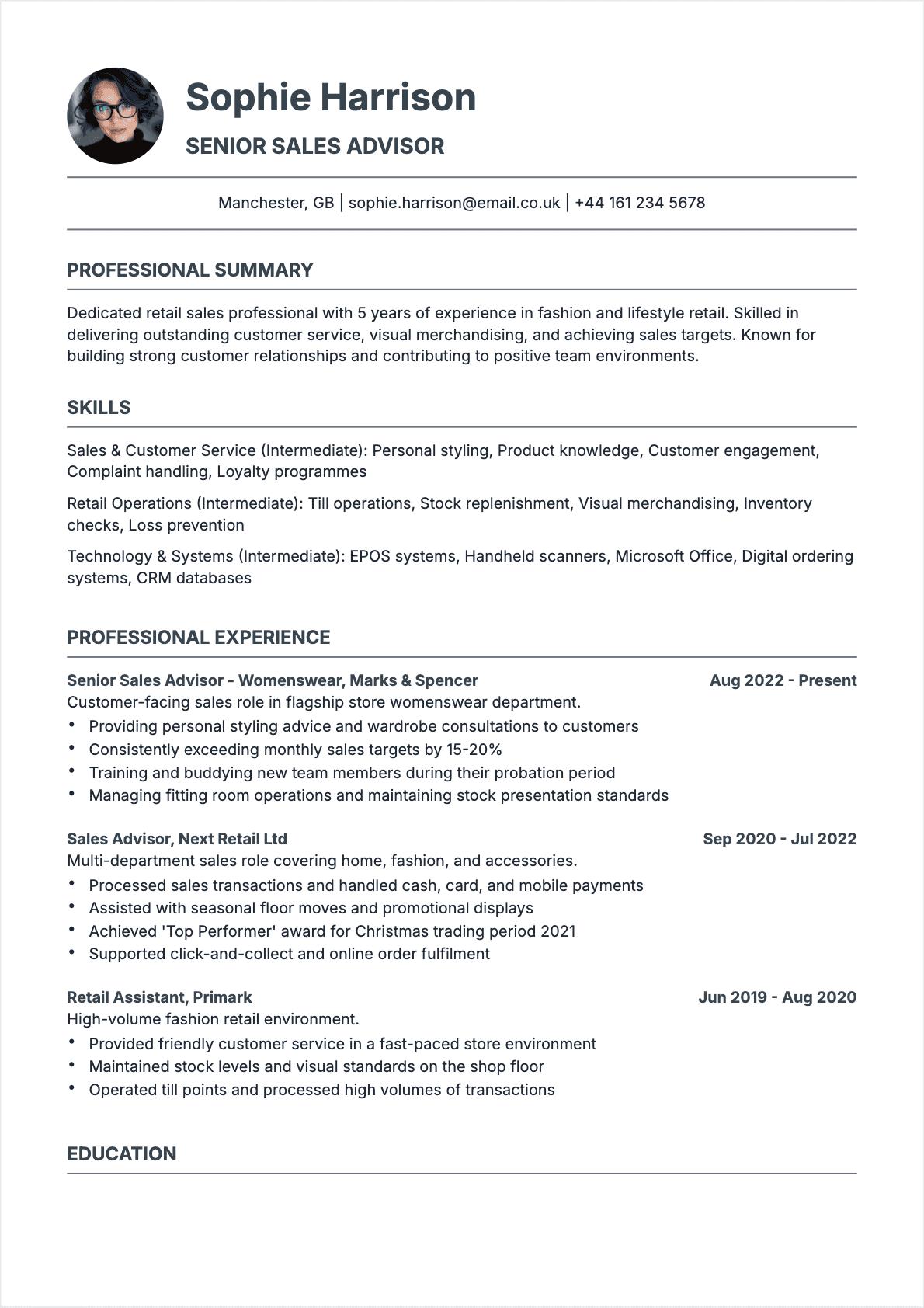
This is where resumes are won or lost. Structure each role like this:
Job Title | Company Name | Location Month Year - Month Year
- Achievement bullet with quantified impact
- Achievement bullet with quantified impact
- Achievement bullet with quantified impact
For your current and most recent roles, include 4-6 bullets. For older roles, 2-3 bullets is sufficient. Nobody needs to know every detail of what you did 7 years ago 😅
Component 4: Skills Section
This section serves two purposes: helping ATS match you to jobs and giving recruiters a quick capability snapshot.
Split your skills into categories that make sense for your field:
- Technical Skills: Software, tools, programming languages
- Industry Skills: Methodologies, certifications, specialized knowledge
- Languages: If relevant and you have working proficiency
For guidance on picking the right skills, see our best resume skills guide.
Component 5: Education
Unless you're a recent graduate, education goes after experience. Include:
- Degree and major
- Institution name
- Graduation year (optional if more than 15 years ago)
GPA only if it's impressive (3.5+) and you graduated within the last 5 years. Nobody cares about your GPA when you have a decade of work experience.
Component 6: Additional Sections
Optional sections that can strengthen your application:
- Certifications: Relevant professional credentials
- Publications: Articles, research, thought leadership
- Volunteer Work: Leadership or skills-building activities
- Projects: Personal or side projects demonstrating skills
Include these only if they add value for the specific role you're targeting.
Writing Bullet Points That Get Results
The difference between a forgettable resume and a memorable one comes down to how you write your experience bullets.
The Formula That Works
Every bullet should follow this structure: Action Verb + What You Did + Measurable Result
Start with a strong action verb — not "responsible for" or "helped with." Lead with verbs like spearheaded, transformed, launched, reduced, increased, built, negotiated, or designed.
Then describe what you did with specific context: team size, budget, scope, timeline.
Finally, show the result: revenue generated, costs saved, efficiency gained, problems solved.
Examples Across Different Roles
Sales: "Exceeded quota by 127% in FY2024, closing $4.2M in new business through strategic account development and C-suite relationship building"
Marketing: "Led rebrand initiative across 12 markets, increasing brand awareness 34% and reducing customer acquisition cost by $47 per lead"
Engineering: "Architected microservices migration serving 2M daily users, reducing deployment time from 4 hours to 15 minutes"
HR: "Redesigned interview process, reducing time-to-hire from 45 to 28 days while improving 90-day retention rate to 94%"
Notice how each example includes specifics? That's what makes them compelling 💡
What If You Don't Have Numbers?
You have more numbers than you think. Consider:
- Team sizes you worked with or led
- Budget amounts you managed
- Number of clients, projects, or accounts
- Percentage improvements (even estimates)
- Timeframes for completed projects
- Scale of systems or processes you touched
If truly no numbers apply, use scope indicators: "company-wide," "cross-functional," "enterprise-level."
Formatting That Passes the ATS Test
Your resume has to survive two evaluations: the automated ATS scan and the human recruiter review. Here's how to pass both.
ATS-Friendly Design Principles
Approximately 90% of large companies use Applicant Tracking Systems to filter resumes. These systems parse your document and extract information into database fields.
What works:
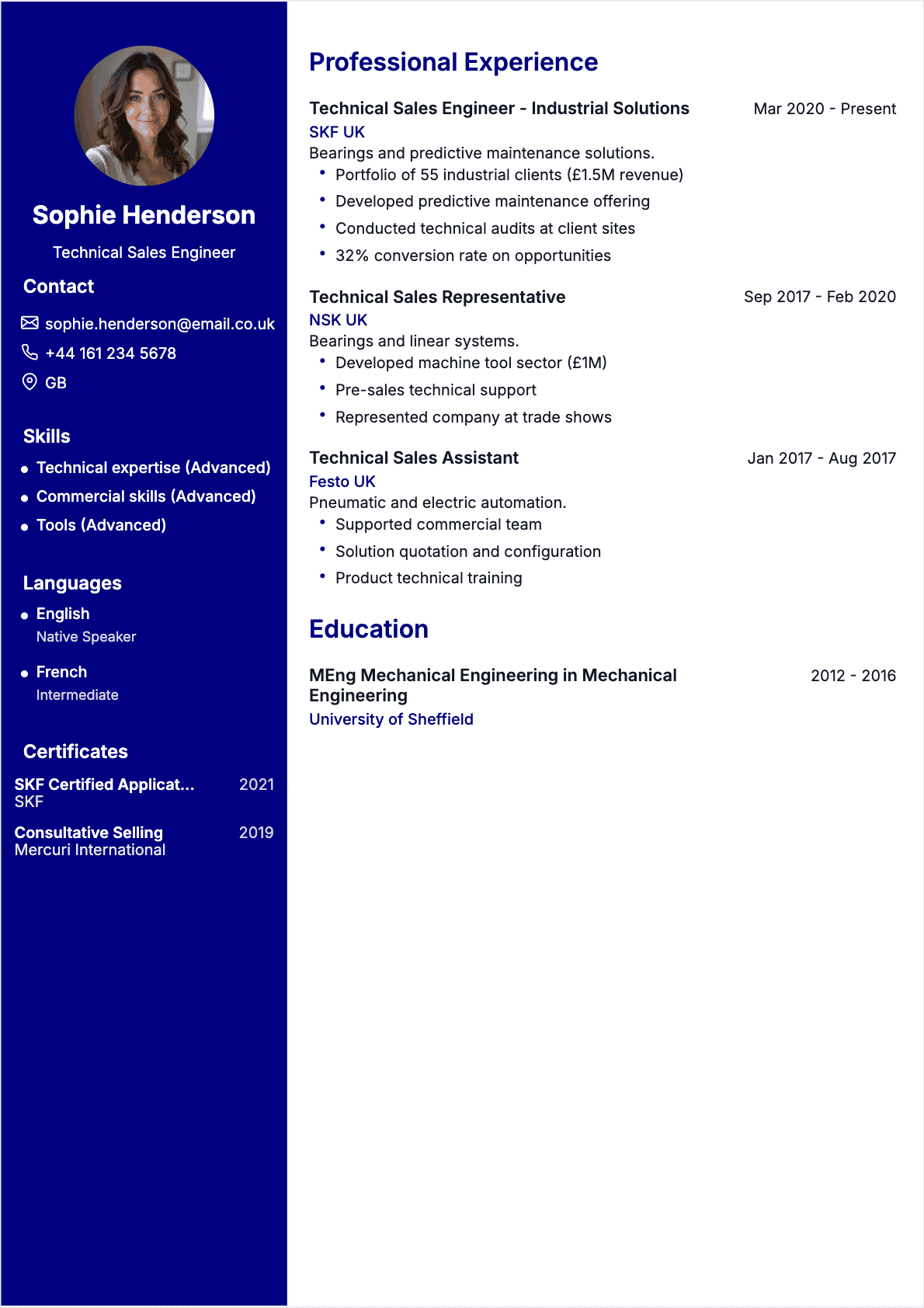
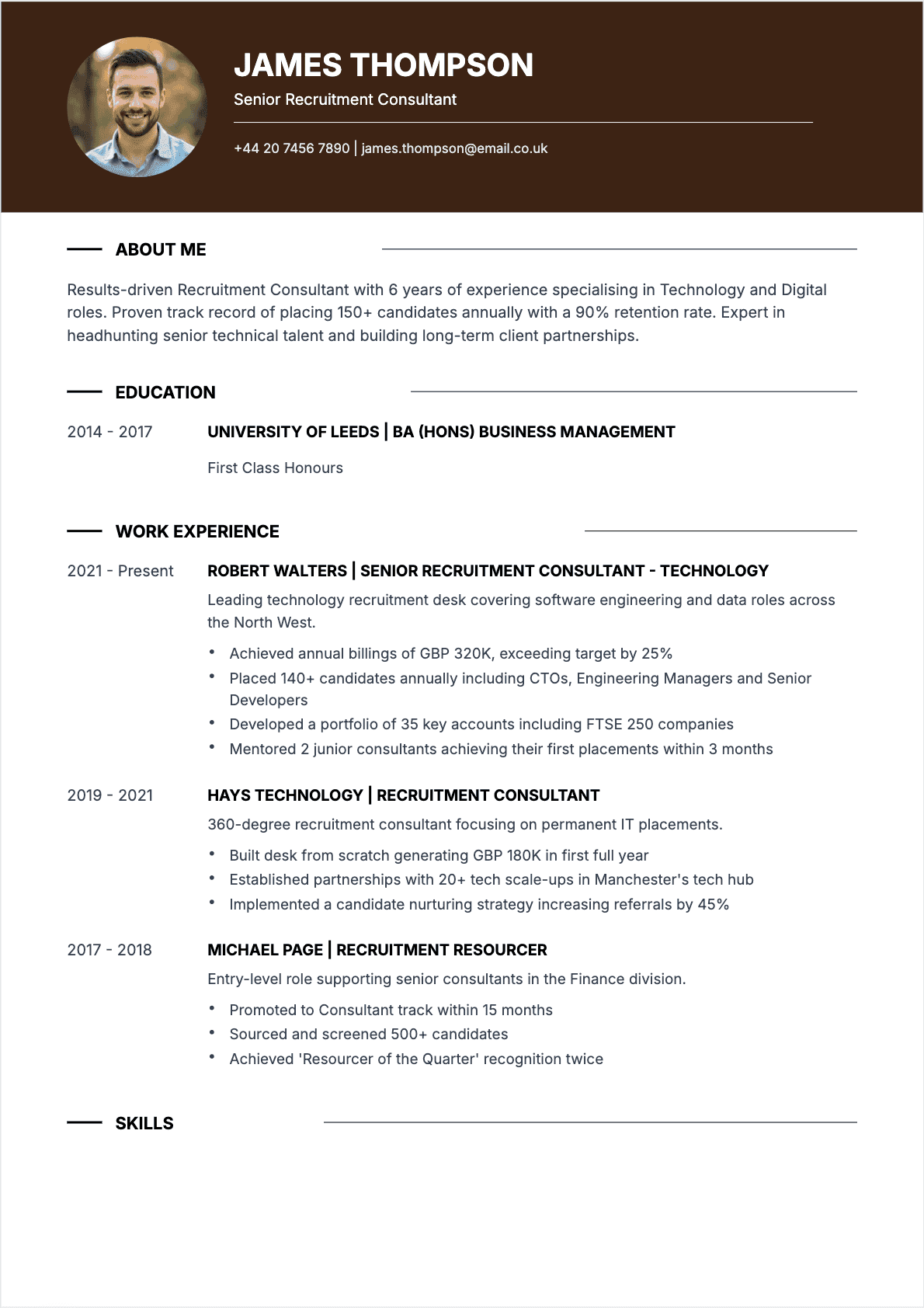
- Simple, single-column layouts
- Standard section headings (Experience, Education, Skills)
- Traditional fonts (Calibri, Arial, Garamond)
- PDF format with selectable text
What breaks:
- Tables and complex columns
- Headers and footers (often ignored by ATS)
- Graphics, icons, and images
- Creative section titles ("My Journey" instead of "Experience")
For more on font selection, check our resume font guide.
The Visual Hierarchy Test
Print your resume and hold it at arm's length. Can you identify each section in under 2 seconds? Can you spot the most important information (job titles, company names) immediately?
If everything blends together, you need better visual hierarchy through:
- Bold text for job titles and section headers
- Consistent spacing between sections
- White space to let content breathe
- Font size variation (name larger than body text) 😉
Length Guidelines
- 0-5 years experience: Strictly one page
- 5-15 years experience: One to two pages
- Executive level: Two pages maximum
If you're struggling to fit everything on two pages, you're probably including too much detail about older roles. Focus recent experience, summarize distant past.
For one-page strategies, see our guide on creating a single-page resume.
Tailoring for Every Application
A generic resume sent to 50 jobs will generate fewer interviews than a tailored resume sent to 15 jobs. I've seen this play out thousands of times.
The 15-Minute Customization Process
For each application, spend 15 minutes on these adjustments:
Step 1: Read the job posting and highlight the 5 most important requirements.
Step 2: Check that your resume contains those exact terms (or very close synonyms). ATS systems match keywords literally.
Step 3: Reorder your bullet points so the most relevant achievements appear first under each role.
Step 4: Adjust your summary to directly address the role's key requirements.
Step 5: Rename your file: FirstName_LastName_CompanyName_Resume.pdf
The Keyword Reality
If a job posting says "stakeholder management" and your resume says "working with stakeholders," you might not match. Use the employer's exact language 🚀
This isn't about gaming the system — it's about speaking the same professional vocabulary as your target employer.
Common Mistakes That Kill Applications
After 15 years of recruiting, I've seen every mistake imaginable. Here are the ones that end applications instantly.
The Fatal Errors
Typos and grammar mistakes: One typo might be overlooked. Two or more signals carelessness. Use spell-check, then have someone else review. Then review again.
Wrong company name: You'd be surprised how often people send resumes with the previous company's name in the summary. Always double-check your tailored content.
Outdated contact info: I've tried to call strong candidates and reached wrong numbers or disconnected lines. Test your contact information.
Lies or exaggerations: Background checks catch fabricated degrees and inflated titles. The recruiter community is smaller than you think. Getting caught lying ends not just this opportunity, but future ones too 😬
The Silent Killers
These don't eliminate you immediately but make your resume weaker:
Passive language: "Was responsible for" is weak. "Led," "Built," "Transformed" is strong.
Job-hopping without explanation: Multiple short stints raise questions. If you have context (company acquired, layoffs, contract roles), make it clear.
Missing accomplishments: A resume full of job duties with zero achievements signals someone who shows up but doesn't excel.
For a comprehensive review before sending, use our resume checklist.
The Final Review Process
Before submitting any application, run through this quality check:
The 30-Second Test
Hand your resume to someone unfamiliar with your career. After 30 seconds of review, ask them:
- What job do you think I'm applying for?
- What are my top three strengths?
- What would make you want to interview me?
If they struggle to answer, your resume isn't communicating clearly.
The ATS Test
Copy your entire resume and paste it into a plain text editor. If the content appears in order and makes sense, you'll pass ATS parsing. If it's jumbled or missing sections, fix your formatting.
The Honesty Test
Can you confidently discuss every claim on your resume? If you inflated numbers or responsibilities, you'll struggle in interviews. Everything you write should be defensible.
What to Remember
A great resume isn't about being the most qualified candidate. It's about communicating your qualifications in a way that makes hiring managers want to learn more.
The essentials:
- Lead with impact — achievements over responsibilities, always
- Quantify everything — numbers make claims credible
- Tailor for each role — 15 minutes of customization changes results
- Keep it scannable — clear hierarchy, consistent formatting, appropriate length
- Test before sending — ATS check, spell check, fresh-eyes check
- Tell a coherent story — career progression should make sense
The candidates who write great resumes aren't necessarily the best at their jobs. They're the ones who understand how to communicate value clearly and concisely.
CVTOWORK provides templates designed for both ATS compatibility and human readability. The structure is built in — you just need to add your achievements.
Now open your current resume. Does every bullet point prove something about your capabilities? If not, you know what to do 🚀