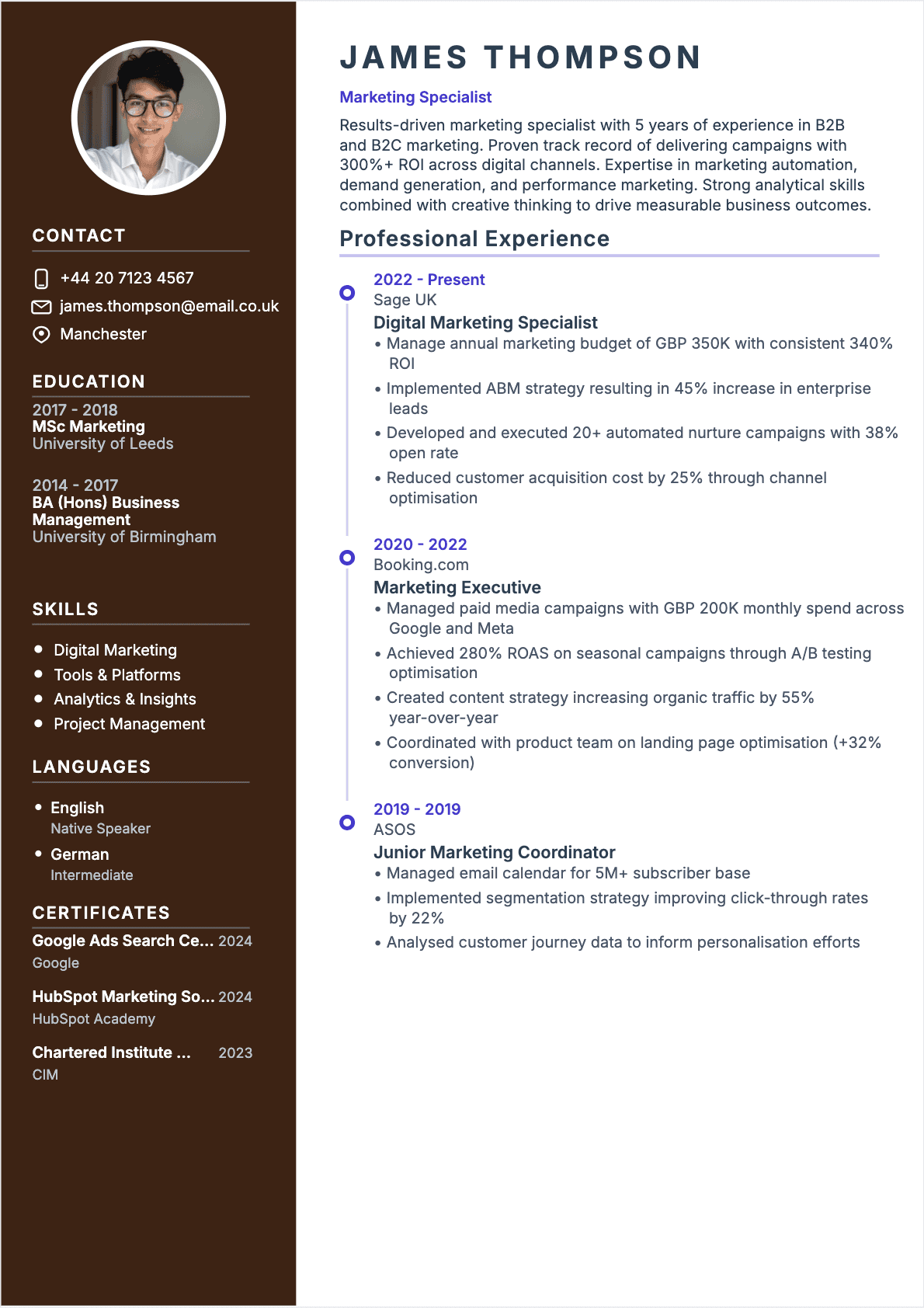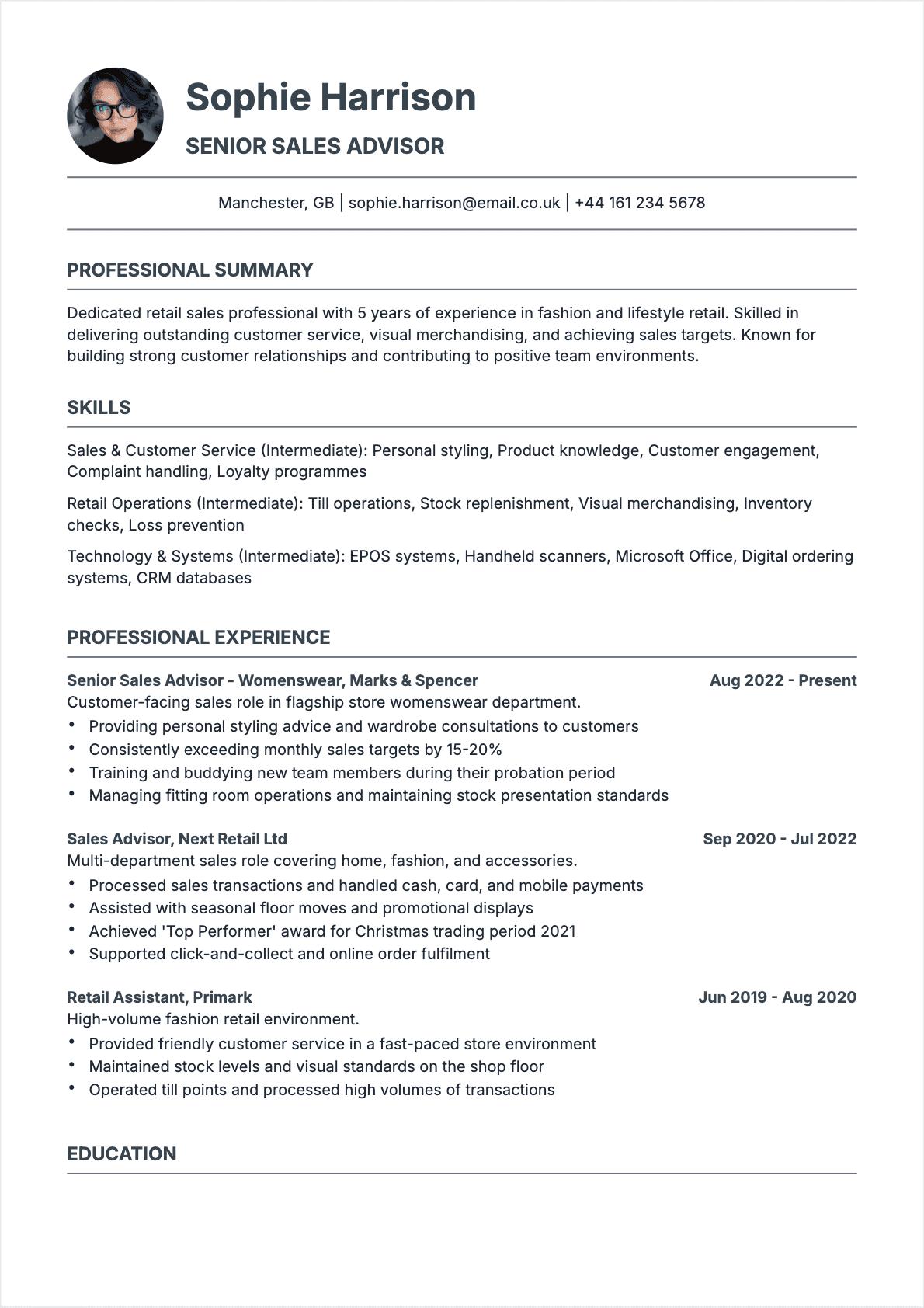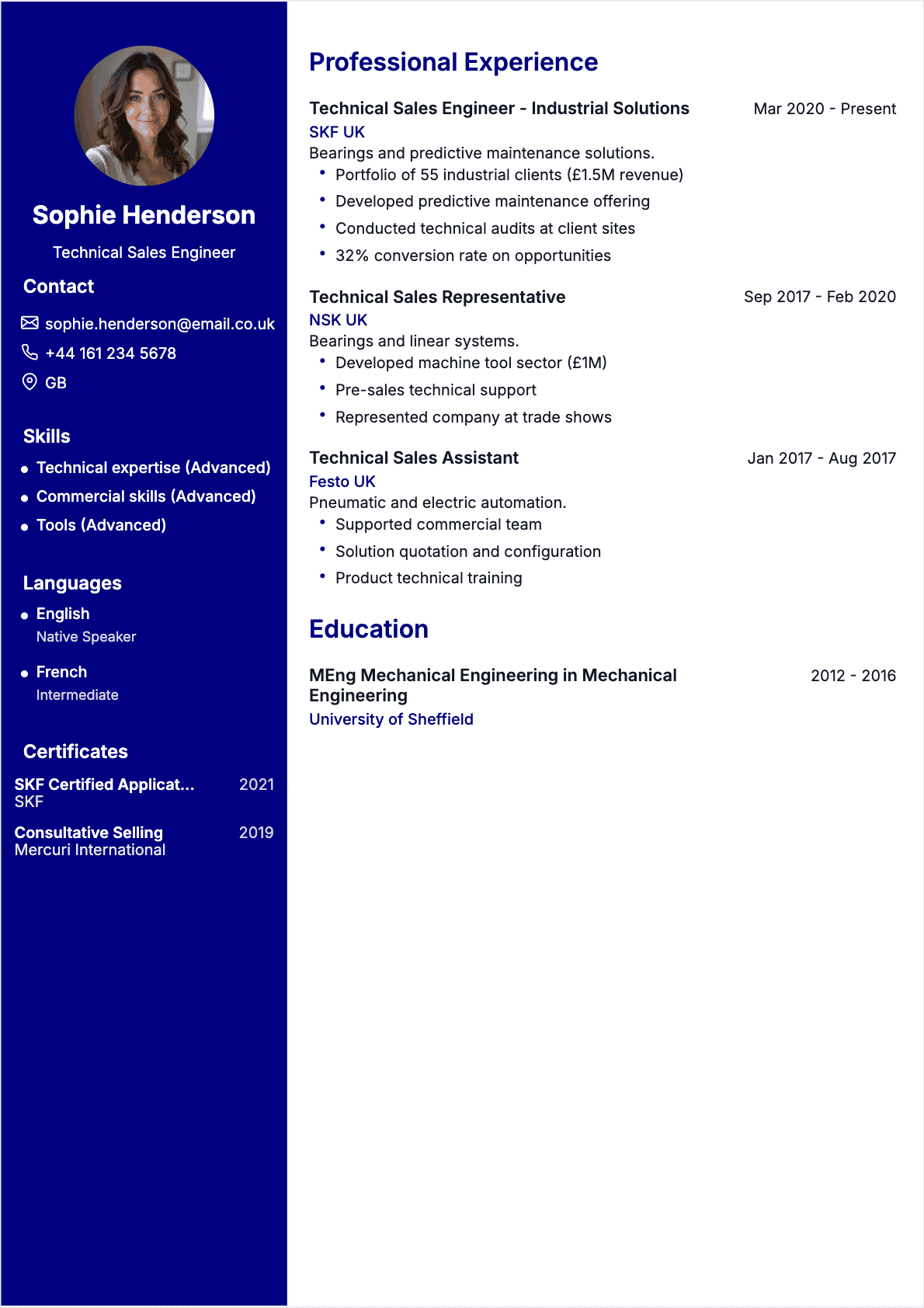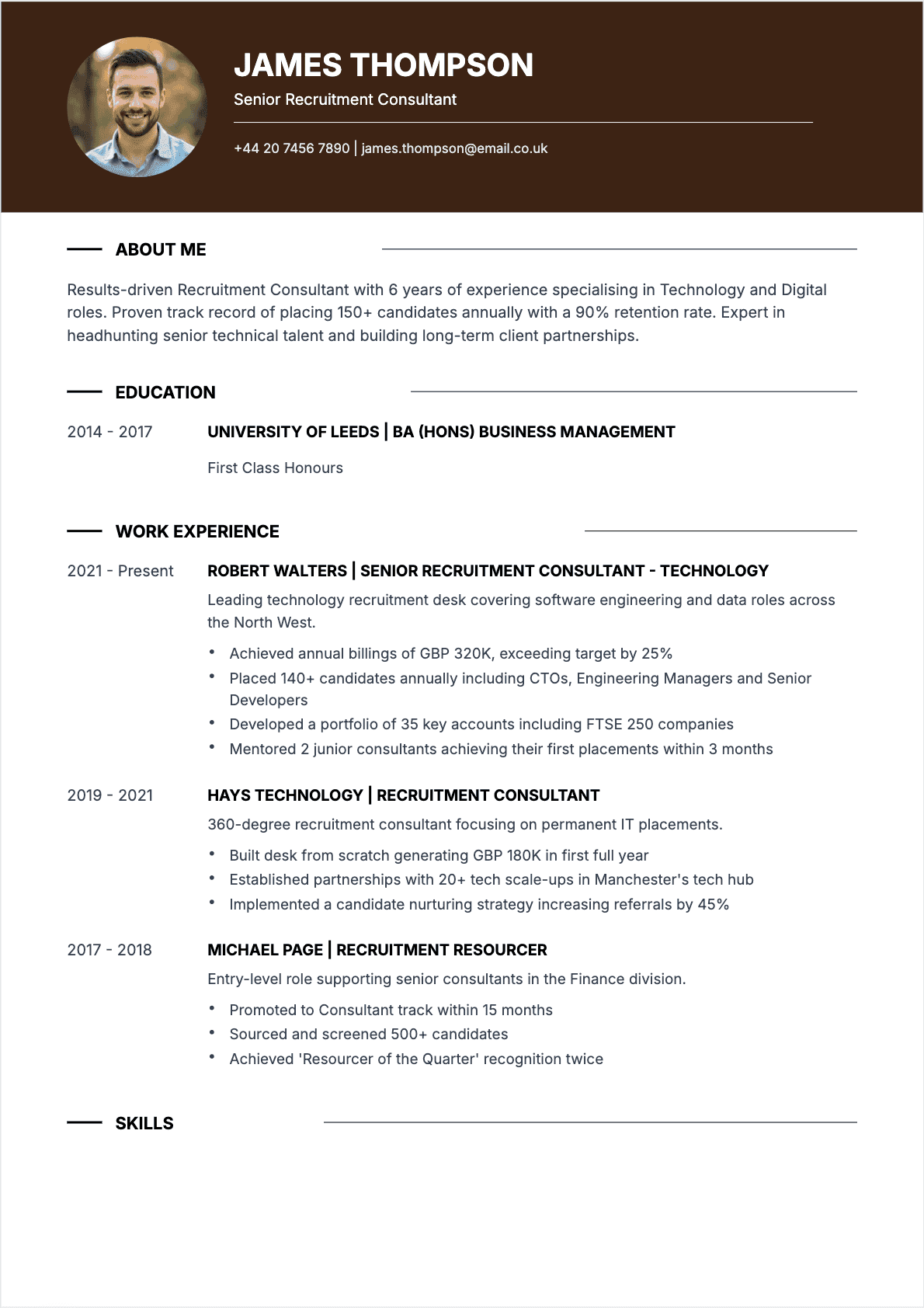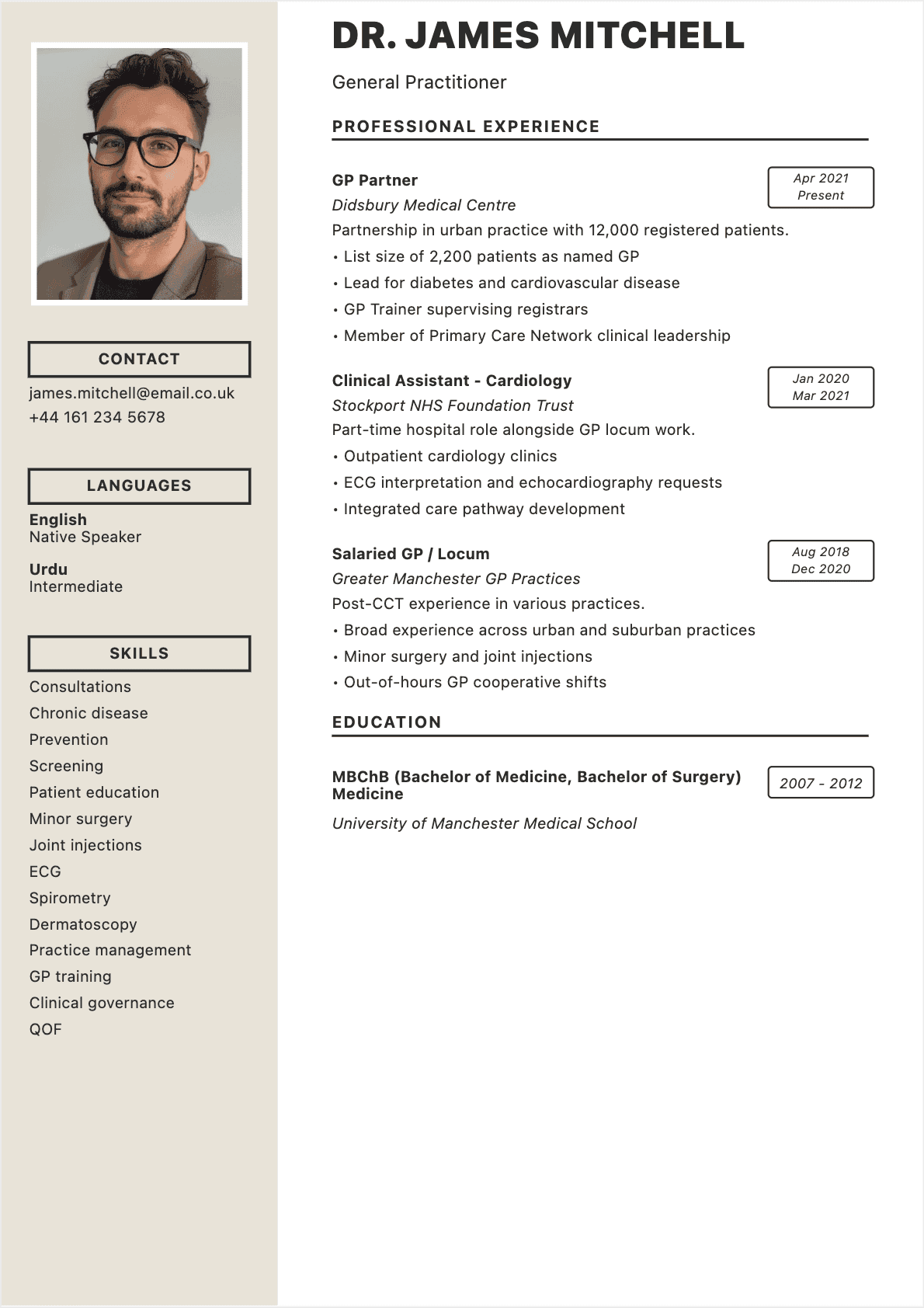

I will never forget the moment it clicked for me. I was reviewing a stack of 200+ applications for a senior data analyst role at a Fortune 500 financial services company, and one resume stopped me cold. It was not because the candidate had the most impressive credentials in the pile. It was because every single line on that resume spoke directly to our job posting, as if the candidate had been in the room when we wrote it.
That candidate got the interview. And the job. Meanwhile, applicants with stronger degrees and more years of experience were filtered out before I ever saw their names. The difference was not talent. It was targeting.
During my eight years as a tech recruiter, first at a mid-stage startup in Boston and later leading a hiring team at a Big Four consulting firm, I reviewed over 15,000 resumes. The pattern was unmistakable: targeted resumes that were tailored to specific job postings outperformed generic, one-size-fits-all resumes by an enormous margin. And in 2026, with 98% of Fortune 500 companies using Applicant Tracking Systems and the average corporate posting attracting 250+ applicants, the case for customization has never been stronger.
This guide will show you exactly how to build a tailored resume for every application, step by step. You will learn how to decode job postings, restructure your experience to match what recruiters are scanning for, beat ATS filters, and transform a generic document into a precision instrument that lands interviews. Whether you are pivoting industries, climbing the ladder, or re-entering the workforce, the principles here will give you a measurable edge over the competition.
Why a Targeted Resume Outperforms a Generic One Every Time
Let me start with a number that should reshape how you think about job applications: according to a 2025 Jobvite Recruiter Nation survey, 54% of recruiters will reject a resume that is clearly not tailored to the role, regardless of the candidate's qualifications. That is more than half your chances gone before anyone reads past your name.
When I was hiring software engineers at a 400-person SaaS company, I could spot a generic resume in under three seconds. The professional summary mentioned "a challenging role in a dynamic organization" instead of the actual position. The skills section was a laundry list that did not match our tech stack. The experience bullets read like a job description rather than a record of impact. It broadcast a clear message: this candidate did not invest ten minutes to learn what we actually need.
A targeted resume flips that dynamic entirely. It tells the recruiter: "I understand your problem, and I am the solution." Here is why that matters:
- **ATS relevance scores jump dramatically. **When your resume mirrors the exact keywords and phrases from a job posting, applicant tracking software assigns it a higher match score. Generic resumes routinely score in the 30-50% range; targeted resumes typically land between 70-90%.
- **Recruiter attention shifts from scanning to reading. **Eye-tracking studies from Ladders Inc. show recruiters spend 7.4 seconds on an initial scan. A tailored summary and title that echo the job listing are enough to trigger a full read-through instead of a quick dismissal.
- **Interview conversion rates increase. **Career coaching data consistently shows that candidates who customize their resume for each application receive 2-3x more interview invitations than those who submit the same document everywhere.
Think of it this way: a generic resume is a flyer you hand to everyone on the street. A targeted resume is a personal letter addressed to one person, about one opportunity, written with their priorities in mind. Which one would you read?
Generic vs Targeted Resume: What Recruiters Really See
To understand the difference from a recruiter's perspective, let me walk you through what we actually see when a generic resume lands on the desk versus a targeted one.
The generic resume experience
The summary says something like: "Results-driven professional with extensive experience in project management and team leadership seeking a new opportunity to leverage skills in a growth-oriented company." This tells me absolutely nothing. Which industry? What kind of projects? What scale? What results? Every word is filler, and my brain skips right over it.
The skills section lists 20+ items in no particular order: Excel, PowerPoint, "team player," communication, Agile, Waterfall, budgeting, stakeholder management. It is a keyword dump with no hierarchy or relevance signal.
The experience bullets describe duties: "Responsible for managing cross-functional teams" and "Oversaw project timelines and budgets." Duties are not achievements. I already know what a project manager does. I need to know what you accomplished.
The targeted resume experience
The summary opens with the exact job title from our posting: "Senior Technical Project Manager with 6 years of experience delivering enterprise SaaS implementations." It names the domain, the scale, and a signature metric: "Led a 14-person cross-functional team that shipped a $4.2M platform migration three weeks ahead of schedule."
The skills section leads with the five tools and methodologies listed as "Required" in our posting: Jira, Confluence, Agile/Scrum, AWS, and stakeholder communication. Nice-to-haves follow. Generic soft skills are absent entirely.
The experience bullets are achievement-oriented and quantified: "Reduced deployment cycle time by 34% by implementing CI/CD pipelines and automated testing protocols." Every bullet answers the question: "How did this person create measurable value?"
The difference is not subtle. It is the difference between getting a phone screen and getting auto-rejected. For a deeper look at formatting approaches, check out our guide on the best resume formats.
How to Decode a Job Posting for Your Resume
Every job posting is a blueprint. It tells you exactly what to write on your resume, if you know how to read it. Here is the systematic approach I teach my coaching clients.
Step 1: Identify the non-negotiable requirements
Open the job posting and highlight every skill, tool, certification, or qualification listed under "Requirements," "Must-Have," or "Qualifications." These are your primary keywords. If you possess them, they must appear prominently on your resume, ideally in both your skills section and your experience bullets.
Step 2: Flag the preferred qualifications
Now look at the "Preferred," "Nice-to-Have," or "Bonus" items. These are secondary keywords. Including them boosts your ATS score and signals to the recruiter that you bring extra value beyond the baseline.
Step 3: Note the language and tone
Pay attention to how the company describes the role. Do they say "project management" or "program management"? "Data analysis" or "business intelligence"? "Team lead" or "people manager"? Mirror their exact phrasing. ATS platforms match on precise terms, not synonyms.
Step 4: Identify the hidden priorities
Read between the lines. If the posting mentions "fast-paced environment" three times, they want someone who thrives under pressure. If "cross-functional collaboration" appears repeatedly, teamwork stories should dominate your experience section. The frequency of a term signals its importance to the hiring manager.
I once coached a marketing manager who had applied to 40 jobs without a single callback. When we sat down and dissected three target postings together, she realized she had been describing herself as a "content strategist" while every listing used "digital marketing manager." That terminology mismatch alone was tanking her ATS scores. We changed the title, updated five keywords, and she had three interviews within two weeks.
For more on the specific words that make or break your resume, read our guide on the most impactful resume keywords.
How to Tailor Your Resume Section by Section

CV sections to adapt - en
Now that you know how to extract the blueprint from a job posting, let us walk through exactly how to customize each section of your resume. This is the practical core of building a targeted resume, and it takes far less time than most people assume.
Professional title and summary
Your professional title should mirror the job posting's title almost exactly. If the listing says "Senior Product Marketing Manager," your title line should read "Senior Product Marketing Manager," not "Marketing Professional" or "Experienced Marketer." This is the first thing both the ATS and the recruiter see, and alignment here sets the tone for everything below.
Your 3-to-5-line summary should weave in 2-3 of the posting's primary keywords naturally. It should answer: Who are you? What is your signature accomplishment? Why are you the right fit for this specific role?
Work experience
You do not need to rewrite every bullet point for every application. Instead, use this efficient approach:
- **Reorder your bullets. **For each role, move the 2-3 accomplishments most relevant to the target job to the top of the list. Recruiters read top-down; the first bullet under each role gets the most attention.
- **Tweak language to match. **If the posting says "stakeholder management" and your bullet says "client relationship management," adjust the phrasing. Same skill, different keyword, very different ATS outcome.
- **Add context where needed. **If the role requires experience with a specific tool or methodology you have used but not mentioned, add it to the most relevant bullet. "Led sprint planning for a 9-person engineering team using Jira and Confluence" is more targeted than "Led sprint planning for engineering team."
Skills section
Restructure your skills list for every application. Place the "Required" skills from the posting at the top, followed by "Preferred" skills, then any additional relevant competencies. This is not gaming the system; it is presenting your qualifications in the order that matters most to this employer.
Education and certifications
If the posting specifically mentions a certification (PMP, AWS Solutions Architect, Google Analytics, CPA), ensure it appears prominently. If you have multiple certifications, lead with the one the employer explicitly requested.
For a complete walkthrough of what belongs in each section, see our comprehensive guide on how to write a resume.
Before and After: Real Targeted Resume Examples

Generic vs targeted CV comparison - en
Nothing illustrates the power of a tailored resume better than seeing the transformation side by side. Here are three real-world examples from candidates I have coached (details anonymized), showing how strategic customization changed their outcomes.
Example 1: Software engineer applying for a DevOps role
**Job posting highlights: **CI/CD, Kubernetes, AWS, Terraform, monitoring and observability, "automate everything" culture.
Before (generic):
"Software Engineer with 5 years of experience in backend development. Proficient in Java, Python, and cloud technologies. Looking for a challenging new role."
After (targeted):
"DevOps Engineer with 5 years of experience building and automating CI/CD pipelines on AWS. Designed Kubernetes-based deployment infrastructure serving 2M+ daily requests. Reduced deployment frequency from bi-weekly to daily while cutting incident response time by 62% through Terraform-managed infrastructure and Datadog observability tooling."
The before version could apply to any engineering job. The after version is a direct response to what this employer needs. The candidate received an interview within four days.
Example 2: Marketing coordinator targeting a content strategy role
**Job posting highlights: **Content calendar management, SEO, editorial strategy, cross-functional collaboration, analytics-driven.
Before (generic):
"Enthusiastic marketing professional with experience in social media, email campaigns, and brand management. Strong communicator and creative thinker."
After (targeted):
"Content Strategist with 3 years of experience managing editorial calendars and SEO-driven content programs. Built a content pipeline that increased organic traffic by 128% in 12 months, collaborating cross-functionally with product, design, and sales teams. Analytics-first approach using Google Analytics 4, Ahrefs, and Looker Studio to inform content decisions."
Every keyword from the posting, content calendar, SEO, editorial strategy, cross-functional, analytics, is present in the rewritten summary. No filler. No buzzwords without substance.
Example 3: Finance analyst moving to a fintech startup
**Job posting highlights: **Financial modeling, Python/SQL, startup pace, investor reporting, Series B stage.
Before (generic):
"Finance professional with 7 years of experience in corporate finance and accounting. Detail-oriented with strong analytical skills."
After (targeted):
"Finance Analyst specializing in financial modeling and investor reporting for high-growth tech companies. Built automated reporting dashboards in Python and SQL that reduced monthly close time by 40%. Experience supporting Series A through Series C fundraising processes, including preparation of board decks and due diligence materials for rounds totaling $85M."
The after version speaks the fintech startup language: growth stage, automation, speed, investor relationships. This candidate went from zero callbacks at startups to three interviews in a single week.
ATS Keywords: The Secret Weapon of Targeted Resumes
If you take only one thing from this entire guide, let it be this: ATS keyword alignment is the single highest-leverage activity in your job search. Over 98% of Fortune 500 companies and roughly 75% of all mid-to-large employers filter resumes through an Applicant Tracking System before a human ever sees them. Your resume is not competing against other candidates first. It is competing against an algorithm.
How ATS keyword matching works
When a recruiter creates a job posting in systems like Greenhouse, Lever, iCIMS, or Workday, the ATS automatically generates a keyword profile based on the required and preferred qualifications. When your resume is submitted, the system:
- Parses the text from your document
- Extracts skills, job titles, certifications, tools, and education
- Compares those extracted terms against the keyword profile
- Assigns a match percentage or relevance score
- Ranks all applicants from highest to lowest
The recruiter typically reviews only the top 10-20% of ranked resumes. Everyone else sits in the database, unseen and unconsidered. This is why keyword targeting is not optional; it is the price of admission.
The keyword placement strategy
It is not enough to dump keywords into a single section. Sophisticated ATS platforms evaluate keyword context, checking whether a skill appears in your actual experience descriptions or only in an isolated list. Here is the approach I recommend:
- **Skills section: **List every matching keyword clearly and specifically. "Python" not "programming languages." "Salesforce Lightning" not "CRM tools."
- **Experience bullets: **Weave the same keywords into your achievement statements. "Built automated data pipelines in Python that reduced report generation time by 65%" reinforces the skill with proof of application.
- **Summary: **Include 2-3 of the highest-priority keywords naturally in your professional summary.
- **Certifications: **If the posting mentions a specific credential, ensure the exact name appears in your education or certifications section.
For a deeper dive into which words carry the most weight, check our article on the best skills to put on a resume in 2026.
Crafting a Custom Summary and Title for Each Role
Your professional title and summary are the first things both the ATS and the human recruiter evaluate. They occupy the top third of your resume, the zone where eye-tracking research shows the most reading attention is concentrated. If these two elements are not customized for every application, your targeted resume strategy falls apart at the starting line.
The title rule
Your title line should match the job posting's title as closely as your actual experience allows. If the posting says "Senior Data Engineer" and you have been working as a "Data Platform Developer," change your title to "Senior Data Engineer." You are not lying; you are translating your role into the employer's vocabulary. ATS systems weight the title field heavily in relevance scoring.
One caveat: do not claim a title that represents a level you have not reached. If you are applying for a Director role and your current title is Manager, use "Senior Manager" or keep your actual title and let your accomplishments make the case for promotion readiness.
The summary formula
I use a five-part formula for every custom summary:
- **Job title **(matching the posting)
- **Years of experience **+ domain or industry
- **Signature achievement **with a quantified result
- **1-2 primary keywords **from the posting's requirements
- **Career goal **tied to this specific opportunity
Example for a product management role:
"Senior Product Manager with 7 years of experience in B2B SaaS platforms. Led the launch of an enterprise analytics suite that generated $11M ARR within 18 months. Expert in Agile product development, cross-functional team leadership, and data-driven roadmap prioritization. Seeking to drive product strategy at a Series C company scaling for IPO."
Every element is customized: the title, the domain, the achievement metric, the keywords (Agile, cross-functional, data-driven), and the goal. Writing this takes about five minutes once you have decoded the job posting.
Selecting the Right Skills for Each Application
Your skills section is one of the most ATS-sensitive areas of your resume, and also one of the easiest to customize. Yet most applicants treat it as a static list they wrote once and never update. That is a costly mistake.
The three-tier approach
Before writing your skills section for any application, open the job posting side by side with your resume and categorize every skill the employer mentions:
- **Tier 1 - Required: **Skills listed under "Requirements" or "Must-Have." These go at the very top of your skills section. If you possess them, they are non-negotiable inclusions.
- **Tier 2 - Preferred: **Skills listed under "Nice-to-Have" or "Bonus." Include these directly after Tier 1 to boost your match score and signal additional value.
- **Tier 3 - Supporting: **Relevant skills you possess that are not mentioned in the posting but strengthen your candidacy (industry knowledge, complementary tools, transferable competencies). These fill out the section without displacing the keywords that matter most.
Hard skills vs soft skills
Lead with hard skills. They are specific, verifiable, and carry far more weight in ATS scoring. "Python, SQL, Tableau, dbt, Snowflake" is infinitely more useful than "analytical thinker, problem solver, strong communicator."
Soft skills still belong on your resume, but they should be limited to 3-5 that are directly supported by evidence in your experience section. "Cross-functional leadership" is meaningful when your bullets describe leading teams across engineering, design, and marketing. On its own, it is an empty claim.
For an exhaustive breakdown of which skills matter most in 2026, see our complete guide on skills to put on your resume.
When to Also Customize Your Cover Letter
A targeted resume is the foundation, but there are situations where pairing it with a customized cover letter significantly increases your odds. Here is when the extra effort pays off:
- **The posting explicitly requests a cover letter. **Ignoring this is an instant disqualification at many companies. If they ask, you write one. Period.
- **You are making a career change. **Your resume shows what you have done; a cover letter explains why you are pivoting and how your experience translates to the new field.
- **You have a gap, an unconventional path, or a relocation story. **The cover letter is where you proactively address the question the recruiter is already forming in their mind.
- **You are applying to a smaller company or a role where culture fit matters. **At startups and mission-driven organizations, a well-written cover letter that demonstrates genuine enthusiasm and alignment with company values can be the tiebreaker.
- **You have a referral or a connection. **Mentioning who referred you in the opening line of a cover letter immediately elevates your application.
When you write a cover letter, customize it with the same rigor as your resume. Mirror the job posting's language, reference specific company initiatives or products, and connect your experience directly to their stated needs. A generic cover letter is worse than no cover letter at all.
Checklist: Is Your Resume Truly Targeted?

Targeted CV checklist - en
Before you hit "Submit" on any application, run your resume through this checklist. Print it out. Tape it to your monitor. Make it a non-negotiable step in your process. This is the difference between applicants who get interviews and applicants who wonder why the phone never rings.
- **Title match: **Does your professional title mirror or closely align with the job posting's title?
- **Summary customization: **Does your summary include at least 2-3 primary keywords from the posting and reference the specific type of role?
- **Required skills coverage: **Are all "Required" skills from the posting present in your skills section?
- **Skills in context: **Do the same keywords from your skills section also appear naturally in your experience bullets?
- **Bullet relevance: **For each role, are your most relevant accomplishments listed first?
- **Quantified impact: **Does every experience bullet include a number, percentage, dollar amount, or timeframe?
- **Language alignment: **Are you using the exact terminology from the posting (not synonyms or abbreviations)?
- **ATS-safe formatting: **Single-column layout, standard headings, no text boxes or graphics, submitted as PDF?
- **Certifications highlighted: **If the posting requests specific certifications, are they prominently placed?
- **No filler: **Have you removed generic buzzwords, vague soft skills, and any content that does not serve this specific application?
- **Proofread: **Has at least one other person reviewed your resume for typos, grammar issues, and clarity?
- **File name: **Is the file named "FirstName-LastName-Resume.pdf" (not "resume-final-v3.docx")?
If you can check all twelve boxes, your resume is genuinely targeted and ready to submit. If not, go back and close the gaps. Twenty minutes of customization is worth more than twenty additional applications sent with a generic document.
For even more pre-submission checks, see our detailed article on the most common resume mistakes to avoid.
Quick Reference: Steps to a Winning Targeted Resume
Here is the complete process distilled into a repeatable system you can use for every application. Once you have your base resume built, each customization cycle takes 15-25 minutes.
- **Build a strong base resume (one-time, ~2 hours). **Create a comprehensive "master" resume that includes all your experience, skills, certifications, and achievements. This document is your raw material, not what you submit.
- **Decode the job posting (5 minutes). **Highlight required skills, preferred qualifications, recurring themes, and the exact job title. Identify the 5-8 highest-priority keywords.
- **Customize your title and summary (5 minutes). **Align your title with the posting. Rewrite your summary to include 2-3 primary keywords and reference the specific opportunity.
- **Reorder and tweak experience bullets (5-10 minutes). **For each role, surface the most relevant achievements. Adjust phrasing to match the posting's terminology. Add tool or methodology names where appropriate.
- **Restructure your skills section (3 minutes). **Lead with required skills, follow with preferred skills, then supporting competencies.
- **Run the 12-point checklist (5 minutes). **Verify title match, keyword coverage, quantified impact, ATS formatting, and proofreading.
- **Save as PDF with a professional file name. **Submit and track which version you sent to which company.
If you want an AI-powered tool to accelerate this process, our AI resume builder can help you match keywords and restructure sections in minutes.
Frequently Asked Questions About Targeted Resumes
Below are the questions I hear most often from job seekers who are learning to target their resumes. If your question is not here, the principles above should point you in the right direction.
Building a targeted resume is not about reinventing yourself for every job. It is about presenting the right parts of your experience, in the right language, in the right order, so that both the algorithm and the human on the other side immediately see the fit. The candidates who master this approach do not just get more interviews. They get better interviews, at companies and roles that genuinely match their strengths.
Here are the core principles to carry with you:
- **Every resume you submit should be customized **for the specific job posting. A generic resume is a wasted application.
- **Decode the posting first. **Highlight required skills, preferred qualifications, and recurring themes before you touch your resume.
- **Mirror the employer's exact language. **ATS platforms match on precise terms, not synonyms.
- **Lead with relevance. **Your title, summary, top skills, and first experience bullets should directly echo the posting's priorities.
- **Quantify everything. **Numbers transform vague claims into compelling evidence.
- **Run the checklist every time. **Twelve verification points stand between you and a preventable rejection.
The investment is small: 15-25 minutes per application once you have your base resume ready. The return is enormous: more interviews, stronger matches, and a job search that actually moves forward.
**Ready to start building? **Create your professional, ATS-optimized resume with our complete resume writing guide, or browse real resume examples for inspiration tailored to your industry and career level.